From Construction to Code: How Project Management Is Transforming Every Industry

Every industry today is running on project logic, even if it wasn’t designed to. Whether you’re building bridges or mobile apps, modern work now revolves around deadlines, deliverables, and collaboration. That’s exactly why project management isn’t just for construction or IT anymore. It’s become the backbone of everything — from retail campaigns to hospital expansions.

Project management software like Orangescrum helps businesses transform their fragmented and reactive workflows into unified and project-driven systems. As a team, we have seen firsthand how adopting project management principles boosts efficiency, improves outcomes, and creates long-term value, no matter the industry.

Businesses must embrace project-based thinking and deploy structured project management frameworks to remain competitive. This isn’t optional—it’s essential for sustainable growth.

What Is a Project Business—And Why Is Everyone Becoming One?

A project business delivers its value through structured projects, not just ongoing operations. These businesses break down work into finite, measurable, and repeatable processes, ensuring clarity, accountability, and results.

Why this matters:

  • Most work today is cross-functional and collaborative
  • Clients expect speed, transparency, and outcomes
  • Teams are remote, hybrid, and highly specialized
  • Markets demand rapid adaptation and innovation
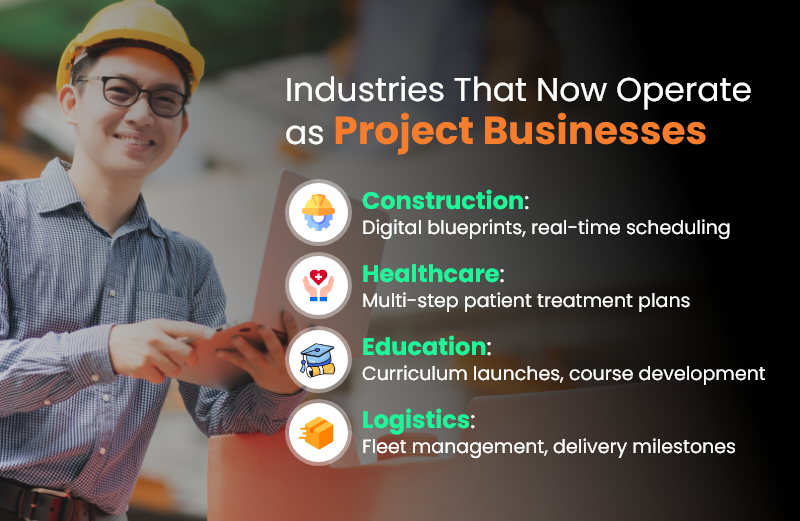
Industries That Now Operate as Project Businesses

Project Management Is Now Industry-Agnostic

Let’s dive into how different industries are evolving under the influence of project management.

Construction: The Origin of Modern Project Thinking

Construction was the first to treat work as a project. But today, the game has changed:

  • Digital Gantt charts replace paper schedules
  • Site updates happen in real time via cloud platforms
  • Resource tracking and budget controls are automated
  • Collaboration tools connect architects, contractors, and clients instantly

Manufacturing: Shifting from Linear to Agile

Manufacturing used to be all about repetition. Now?

  • Product customization requires task-level planning
  • R&D and prototyping function like mini-projects
  • Agile practices ensure flexibility in assembly lines
  • ERP + CRM integrations enable real-time feedback

Healthcare: Delivering Patient Care as Projects

From patient admission to discharge, care is delivered in project phases:

  • Surgical procedures follow step-by-step protocols
  • Clinical trials are complex, deadline-bound projects
  • Equipment upgrades require stakeholder coordination
  • Compliance and reporting involve milestone tracking

Education: Learning as Iterative Projects

Modern education is built on modular, project-based learning:

  • Curriculum design is now iterative and feedback-driven
  • Launching online platforms requires tech project planning
  • Accreditation and audit workflows are project-managed
  • Internal ops—events, hiring, onboarding—run like mini-projects

Software & Tech: Agile by Nature

Of course, tech leads the pack:

  • Agile, Scrum, and Kanban are now universal standards
  • Releases, sprints, and backlogs are part of the daily lingo
  • DevOps integrates operations into project timelines
  • Cross-functional squads handle features like mini startups

Key Characteristics of a Project Business

Let’s break it down. If your business has these traits, you’re already a project business:

  • Defined start and end dates
  • Specific goals and deliverables
  • Resource allocation and budget
  • Cross-team collaboration
  • Iteration and review cycles
  • Measurable outcomes

Each of these elements is at the core of effective project management. The sooner you embrace them, the faster your business can scale with clarity.

Real-World Parallels: Construction vs. Software Projects

Construction Industry

  • Blueprint creation
  • Permit & compliance checklist
  • Site scheduling & workforce setup
  • On-site execution and inspections
  • Final handover

Software Development

  • Product roadmap & user stories
  • Security & legal reviews
  • Sprint planning with team stand-ups
  • QA testing and performance tracking
  • Code deployment & product release

Both industries rely heavily on project planning, stakeholder communication, risk tracking, and defined timelines. Different tools — same mindset.

Conclusion

In this age of complexity, speed, and innovation, one thing is crystal clear: every business is becoming a project business. Whether you’re managing software releases, patient care, retail launches, or public infrastructure, structured execution is now a universal requirement.

Project management isn’t just a tool—it’s a mindset. It’s how modern work gets done, across every sector, every department, and every team. So, if your business isn’t already operating like a project business, now is the time to start.

Frequently Asked Questions (FAQs)

Q1. What does “project business” really mean?

A project business organizes its work into discrete, goal-oriented projects with deadlines and measurable outcomes, rather than ongoing, undefined workflows.

Q2. Why is project management now critical across industries?

Because work is more complex, remote, and outcome-driven than ever. Project management brings structure, accountability, and agility, regardless of the industry.

Q3. Is project management only for big companies?

Not at all. Small businesses benefit immensely from project management software, gaining visibility, efficiency, and speed without adding headcount.

Q4. How do I know if I’m already a project business?

If your teams work in sprints, track deadlines, assign tasks, and deliver results to clients, you’re already operating as one.
5 Signs You Need Construction Project Management Software

Ten years ago, managing construction projects with spreadsheets, phone calls, and sticky notes might have been enough. But today’s job sites are faster, more dynamic, and more demanding. If you’re still juggling WhatsApp messages, handwritten notes, and scattered documents, your project workflow is likely disjointed and inefficient. This is where construction project management software like OConstruction steps in. It brings planning, scheduling, communication, cost tracking, and document control into one digital platform—accessible from both the field and the office. If you’ve been wondering whether your team needs a more modern solution, these five warning signs are your answer.

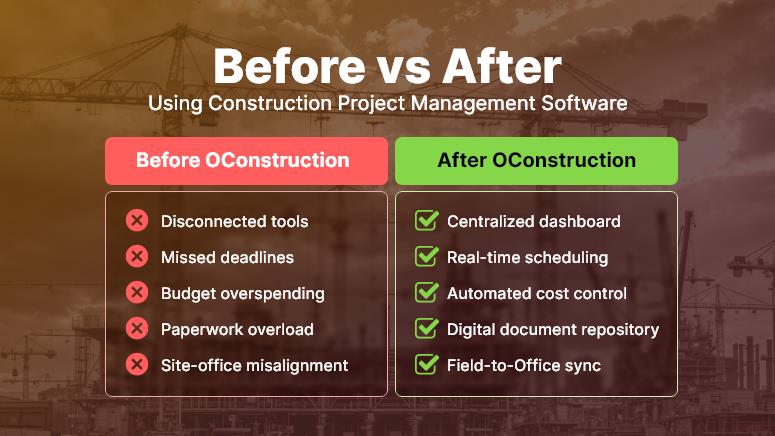
Before vs After Using Construction Project Management Software

Sign #1: You’re Constantly Behind Schedule

Why construction scheduling tools are non-negotiable

If deadlines feel more like flexible suggestions than fixed targets, it’s a red flag. Construction delays not only damage your client relationships — they also eat into profits, extend crew hours, and jeopardize future bids.

With construction scheduling software, you can:

  • Visualize project timelines using Gantt charts and task boards, helping you spot task dependencies and scheduling conflicts in real time.
  • Assign clear responsibilities with deadlines, supported by automated alerts so your team always knows what’s due and when.
  • Identify bottlenecks early and reallocate crews or resources to high-priority tasks before delays snowball.

A tool like OConstruction shifts your workflow from reactive fire-fighting to proactive project control—keeping builds on time and stress levels low.

Sign #2: Your Field and Office Teams Are Always Out of Sync

Your Field and Office Teams Are Always Out of Sync

Why site management software improves communication

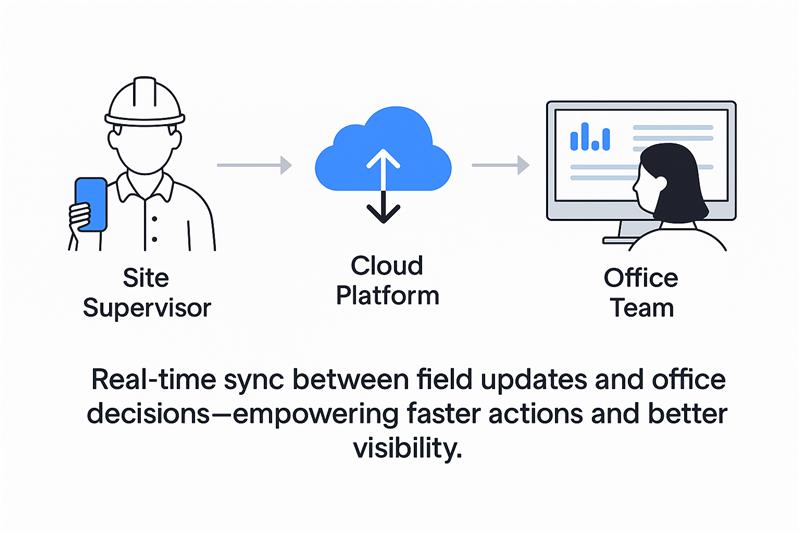
Site supervisors often rely on delayed emails or phone calls for updates, while head office waits for manual reports from the field. This disconnect leads to miscommunication, duplication of work, and costly rework.

Using site management software like OConstruction, you can:

  • Bridge the gap between the field and the office with real-time updates accessible from mobile and desktop.
  • Share annotated site photos, blueprints, and task notes, ensuring everyone has the latest information.
  • Use mobile checklists and real-time approvals, so site managers can log progress instantly, not days later.

When both your field crew and office team are aligned, project momentum builds naturally — and client satisfaction soars.

Sign #3: You Can’t Track Where the Budget Is Going

Why construction cost tracking software is a must

It’s common for managers to lose visibility into where money is spent — especially when juggling multiple sites, teams, and vendors. If your answer to “What’s the burn rate?” is vague, it’s time to upgrade.

With smart construction cost management tools, you can:

  • Track materials, labor hours, and equipment used across projects in a centralized platform.
  • Compare estimates to actuals to spot budget deviations quickly and prevent cost overruns.
  • Generate instant financial reports to keep clients and stakeholders in the loop.

OConstruction’s budgeting tools deliver real-time insights so you can take control of costs before they spiral.

Sign #4: You’re Drowning in Paperwork and Losing Documents

Why document management matters in construction software

Permits, contracts, change orders, site plans — these are the lifeblood of any build. But storing them across local drives, inboxes, and printed folders is a recipe for disaster.

With an integrated document management system like OConstruction, you can:

  • Digitally store and tag project documents so they’re easy to find, search, and share.
  • Set permission-based access, ensuring the right teams see the right files — no more email attachments or USB drives.
  • Track version history and approvals to prevent confusion over outdated plans or unauthorized changes.

Modern document control software isn’t a have—it’s essential for audit trails, collaboration, and avoiding costly mistakes.

Sign #5: You’re Wasting Time on Repetitive Tasks

Why automation in construction software saves your sanity

Construction teams often lose hours each week chasing updates, sending reminders, or recreating project templates. It’s time-consuming and drains valuable energy from critical site work.

With construction project management software like OConstruction, you can:

  • Automate recurring tasks, reminders, and alerts, keeping workflows moving without constant oversight.
  • Leverage pre-built templates for daily reports, safety inspections, and task lists, speeding up planning and execution.
  • Design workflows that trigger the next step as soon as the current one is completed, so your project never stalls.

By automating the busy work, your crew gets more time to focus on quality, safety, and delivery — the things that move your business forward.

Conclusion: Don’t Just Build — Build Smarter

If even one of these signs feels familiar, your construction operations are likely being held back by outdated tools and fragmented systems. From missed deadlines to unclear budgets and unorganized files, the cost of inaction is high.

With construction project management software like construction, you can:

  • Improve team coordination across job sites and offices
  • Gain real-time visibility into schedules, costs, and workloads
  • Ensure all documents and tasks are tracked and accessible
  • Deliver projects on time and budget

Whether you’re managing a residential project, commercial development, or industrial site, switching to the right construction software puts you in control.

Key Takeaways

  • Project delays, team silos, and cost uncertainty are clear signs you need construction software.
  • Tools like OConstruction offer powerful capabilities in scheduling, site collaboration, document management, and budget control.
  • Embracing digital tools helps small and mid-sized construction companies scale efficiently and stay competitive.

FAQs

Q1. What is construction project management software?
It’s a digital platform that helps construction teams manage scheduling, budgets, documents, communication, and compliance in one place.

Q2. How do I know if my business really needs it?
If you face frequent delays, miscommunication, budget overruns, or missing documents, it’s a strong sign you’ve outgrown spreadsheets and need a dedicated solution.

Q3. Is construction project management software only for large companies?
No. In fact, small and mid-sized businesses benefit the most since they need efficient processes to scale without adding more overhead.

Q4. Can OConstruction help my field and office teams work together?
Yes. OConstruction bridges the gap with mobile updates, real-time dashboards, annotated photos, and shared checklists. Everyone stays aligned, no matter where they are.

Q5. How does construction software save time and money?
By automating repetitive tasks, providing budget alerts, and streamlining communication, companies typically save 5–10% of project costs and reduce admin work by 30–40%.

Top 15 Construction Project Management Software

In 2025, the demand for advanced construction project management software is higher than ever. With tighter deadlines, budget pressures, and increased stakeholder expectations, contractors can no longer rely solely on spreadsheets and disconnected tools.

Before diving into the top 15, let’s explore one platform leading this shift: OConstruction.

What Is OConstruction?

OConstruction is a modern, cloud-based construction project management platform built specifically for contractors, project managers, and field teams. It centralizes core functions like scheduling, budgeting, team collaboration, safety tracking, and document control into a single dashboard—accessible anytime, anywhere.

Key Features:

  • Real-time project updates and Gantt chart scheduling
  • RFIs, submittals, and drawing version control
  • Mobile app for on-site reporting and progress tracking
  • Seamless vendor and team collaboration
  • Automated report generation and deadline notifications

Whether you’re managing commercial high-rises or residential remodels, OConstruction ensures transparency, control, and efficiency across all phases of the project.

Why Use OConstruction?

Growing construction businesses seeking a scalable, all-in-one solution

Key Features:

  • Centralized dashboard for project planning, team coordination, and progress tracking
  • Integrated budgeting, task management, and document sharing
  • Real-time communication tools for on-site and office teams
  • User-friendly interface with mobile accessibility

Top 15 Construction Project Management Software in 2025

Below is a curated list of 15 high-impact tools that were selected based on industry relevance, features, user feedback, and market adaptability.

1. OConstruction

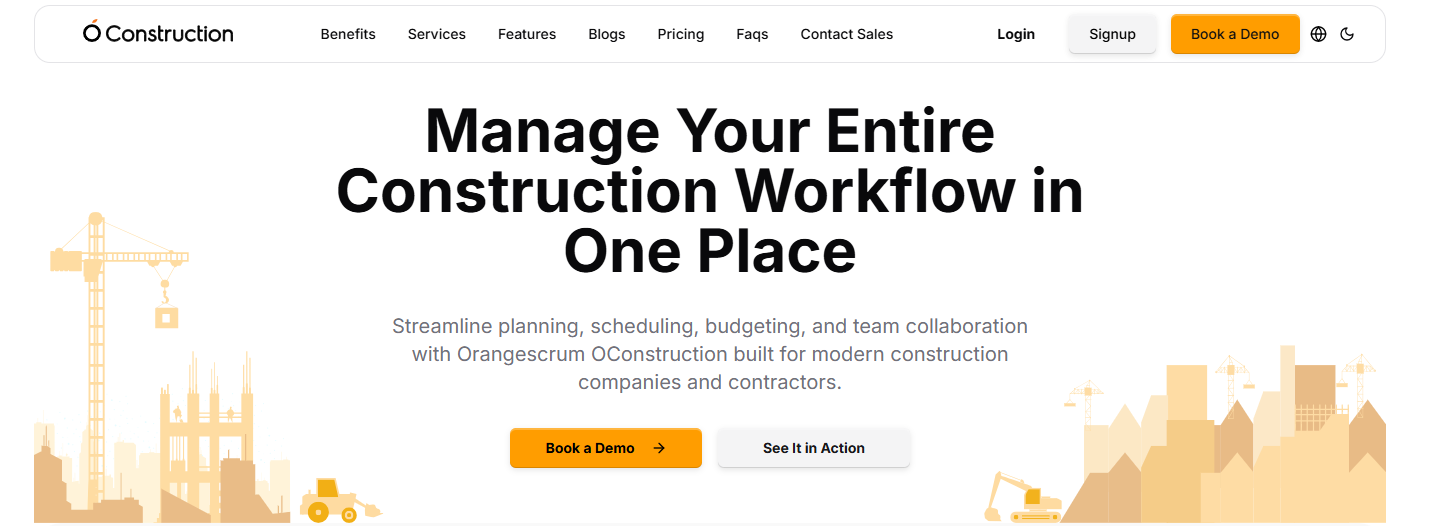
OConstruction

(Source: oconstruction.io)

OConstruction is a modern, cloud-based construction management solution developed to simplify the daily work of contractors, site engineers, and construction project managers. Designed with industry complexities in mind, it helps teams manage contracts, vendors, safety protocols, and deadlines from a unified dashboard.

Key Features of OConstruction

  • Vendor and Subcontractor Management: Enables seamless contract tracking, performance evaluation, and deadline management. Real-time data ensures vendors stay aligned and compliant.
  • Site Inspections and Safety Audits: Mobile checklists and photo uploads streamline safety checks, while the system alerts teams of any non-compliance or inspection issues.
  • Contract Lifecycle Management: Centralizes contract terms, due dates, and change orders to prevent scope creep or delays
  • Real-time Reporting and Dashboards: Offers clear, up-to-date visualizations of project status, costs, and team progress.

Pros of OConstruction

  • Intuitive UI for both field and office teams
  • Comprehensive tracking for cost, safety, and vendors
  • Cloud-based accessibility across job sites
  • Excellent customer support and documentation
  • Flexible pricing for SMBs and enterprises

Cons:

  • Limited third-party integration ecosystem
  • Requires onboarding time for full feature adoption

Pricing:

Available in scalable tiers; includes a free trial. View pricing

2. Jonas Construction Software

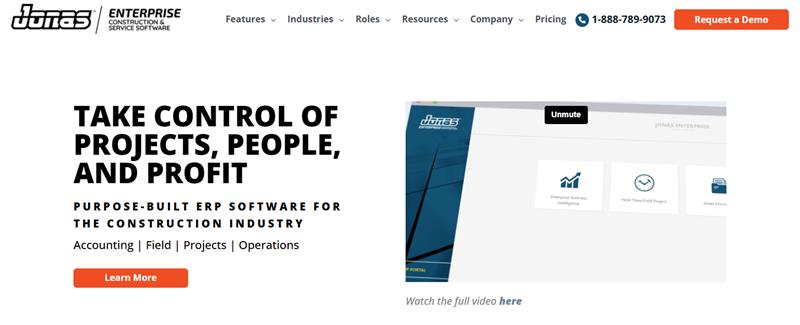
Jonas Construction Software

( Source: jonasconstruction.com)

Jonas Construction is a comprehensive ERP for construction professionals that combines project management, accounting, and service management into one platform.

Key Features:

  • Advanced job costing and GL accounting
  • Work order and subcontractor tracking
  • Document management

Pros:

  • Designed for mechanical and service contractors
  • High-end financial integrations

Cons:

  • Dated user interface
  • Learning curve for new users

Pricing: Visit their pricing page to get a custom quote.

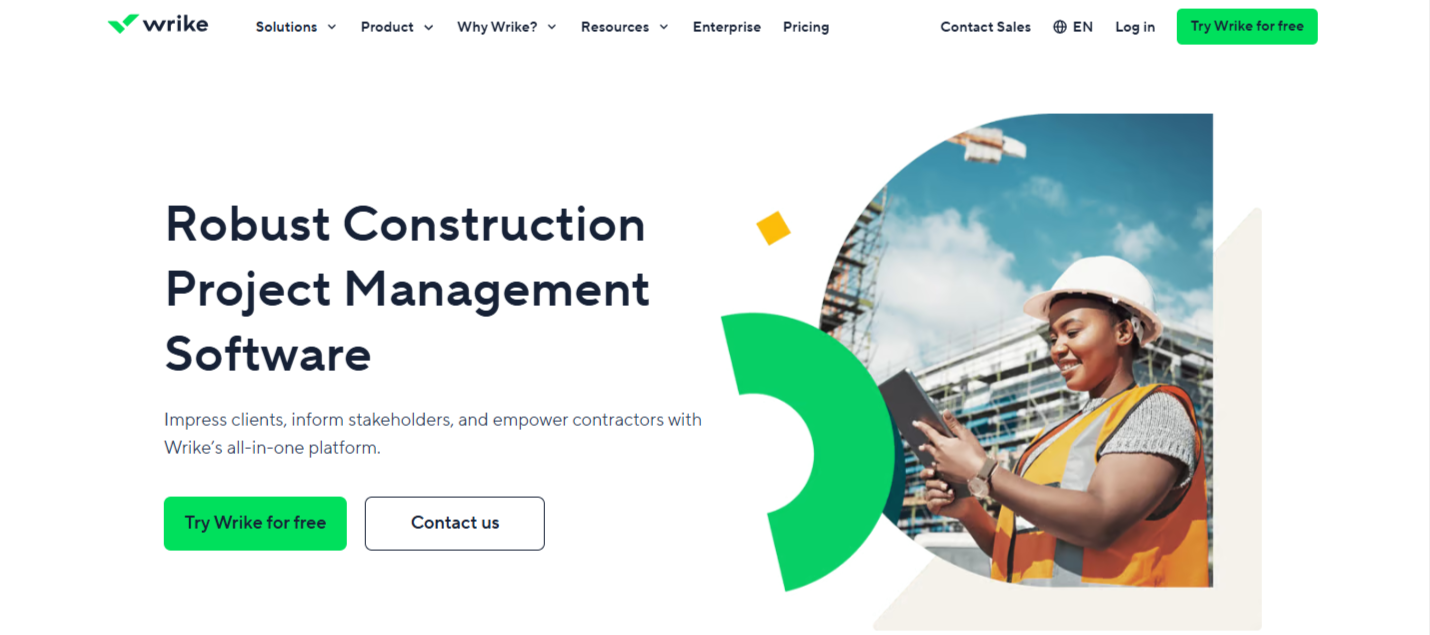
3. Wrike

Wrike

(Source: wrike.com)

A versatile work management platform is increasingly used in construction for resource planning and project coordination.

Key Features:

  • Custom workflows and forms
  • Gantt and Kanban views
  • Budget forecasting and analytics

Pros:

  • Highly customizable
  • Great for cross-functional teams

Cons:

  • Requires manual construction setup
  • It can be overwhelming for first-time users

Pricing: Starts at $9.80/user/month

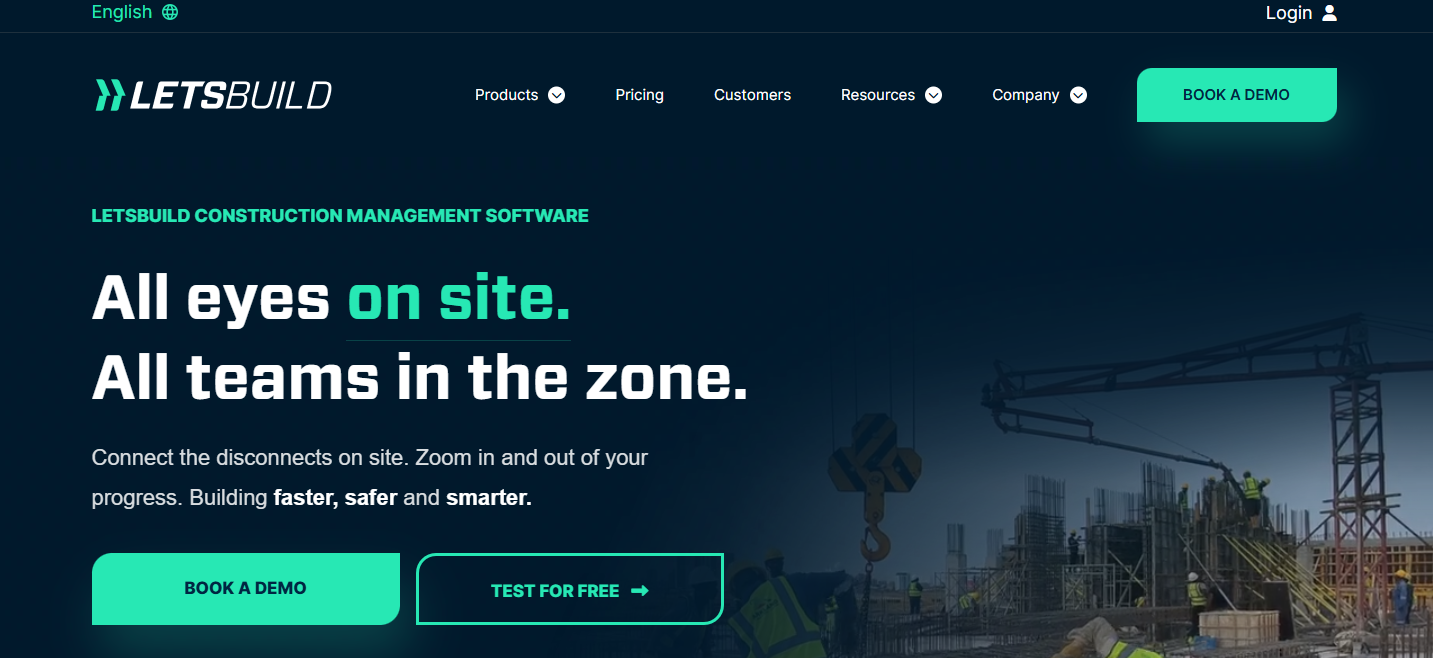
4. LetsBuild

LetsBuild

(Source: letsbuild.com)

Focused on execution phase management, LetsBuild improves site visibility and real-time communication.

Key Features:

  • Progress tracking and daily logs
  • Health and safety workflows
  • Checklists and quality control

Pros:

  • Great for on-site transparency
  • Simplifies compliance tracking

Cons:

  • Limited financial tools
  • Not ideal for the planning phase

Pricing: Visit their pricing page to get a custom quote.

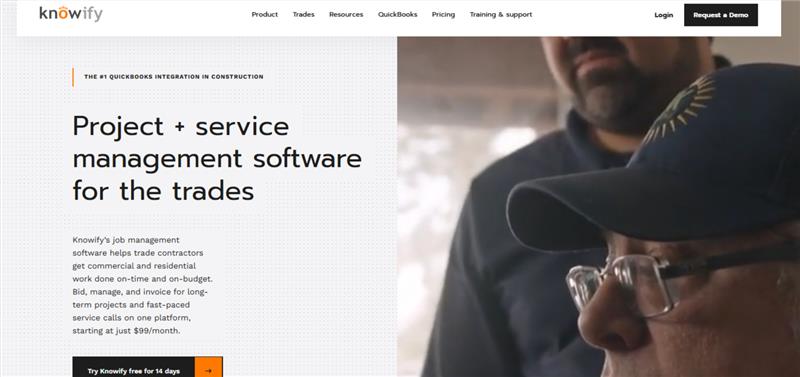
5. Knowify

Knowify

( Source: knowify.com )

Knowify is a lightweight yet powerful tool for managing estimates, bids, time tracking, and invoicing. Perfect for small to mid-sized contractors.

Key Features:

  • Integrated with QuickBooks
  • Contract, invoice, and payment tracking
  • Job costing and project timelines

Pros:

  • Budget-friendly
  • Easy to implement for small teams

Cons:

  • Limited scalability for large firms
  • Basic reporting features

Pricing: Starts at $99/month

6. RedTeam

RedTeam

( Source: redteam.com)

RedTeam supports full project lifecycle management, including preconstruction, budgeting, scheduling, and document control.

Key Features:

  • Daily logs and job site photos
  • Digital contracts and RFIs
  • Budget dashboards

Pros:

  • Enterprise features at a mid-market price
  • Excellent field-to-office collaboration tools

Cons:

  • Lacks flexibility in user customization
  • Limited mobile offline functionality

Pricing: Visit their pricing page to get a custom quote.

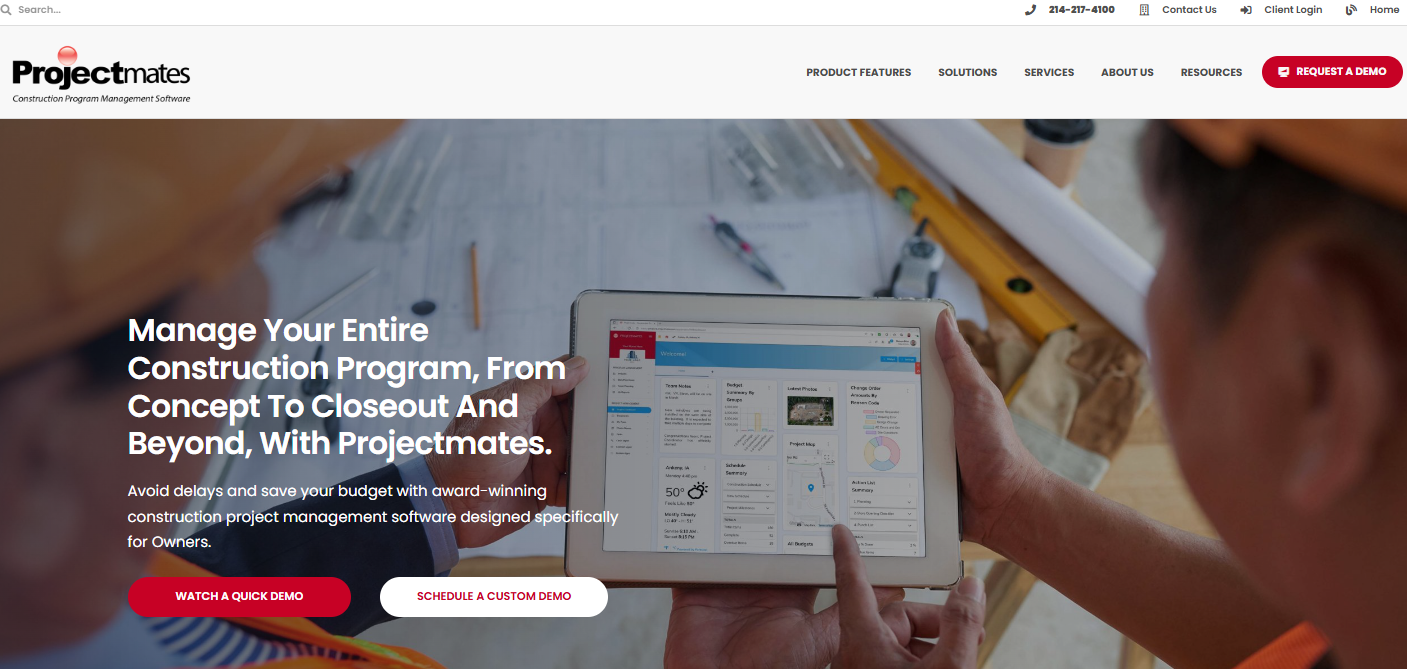
7. Projectmates

Projectmates

 (Source: projectmates.com)

A secure, owner-focused project management software used by capital program managers, educational institutions, and public works departments.

Key Features:

  • Capital planning and facility management
  • Procurement and bid tracking
  • Mobile field updates

Pros:

  • Scalable for multi-project environments
  • Government-grade security

Cons:

  • More suited for owners, not contractors
  • Pricing based on project size

Pricing: Based on project scale

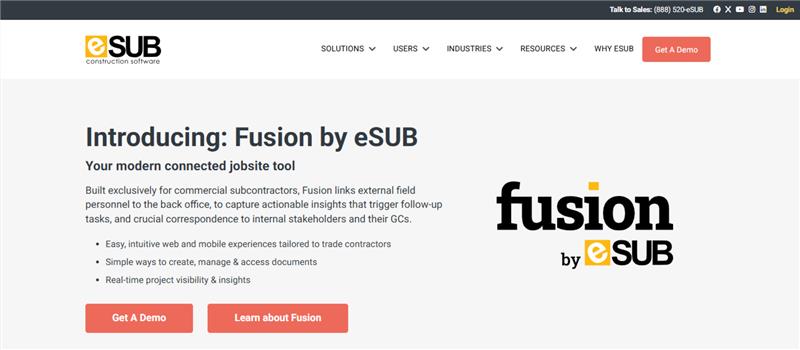
8. eSUB

eSUB

( Source: esub.com)

eSUB was built specifically for subcontractors, focusing on labor tracking, project logs, and daily documentation.

Key Features:

  • RFI, submittal, and daily report management
  • Timecards and issue logs
  • Photo and document storage

Pros:

  • Built for field users
  • Improves job documentation accuracy

Cons:

  • Not optimized for general contractors
  • Limited integrations

Pricing: Starts at $49/user/month

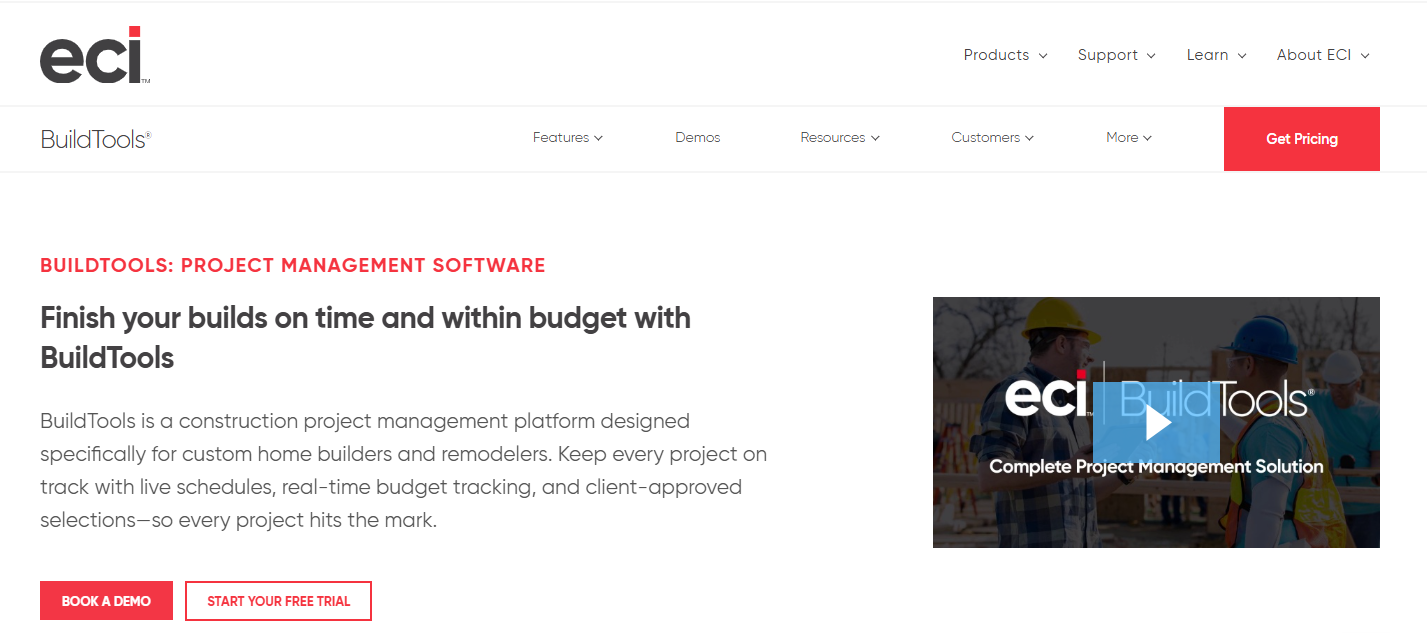
9. BuildTools

BuildTools

( Source: buildtools.com)


BuildTools streamlines residential construction workflows, allowing contractors to communicate with clients and subs, manage budgets, and track progress.

Key Features:

  • Selection schedules
  • Budget change tracking
  • Messaging tools for client updates

Pros:

  • Designed for high-end custom builds
  • Reduces communication gaps with homeowners

Cons:

  • Not ideal for commercial projects
  • Custom pricing can be opaque

Pricing: Visit their pricing page to get a custom quote.

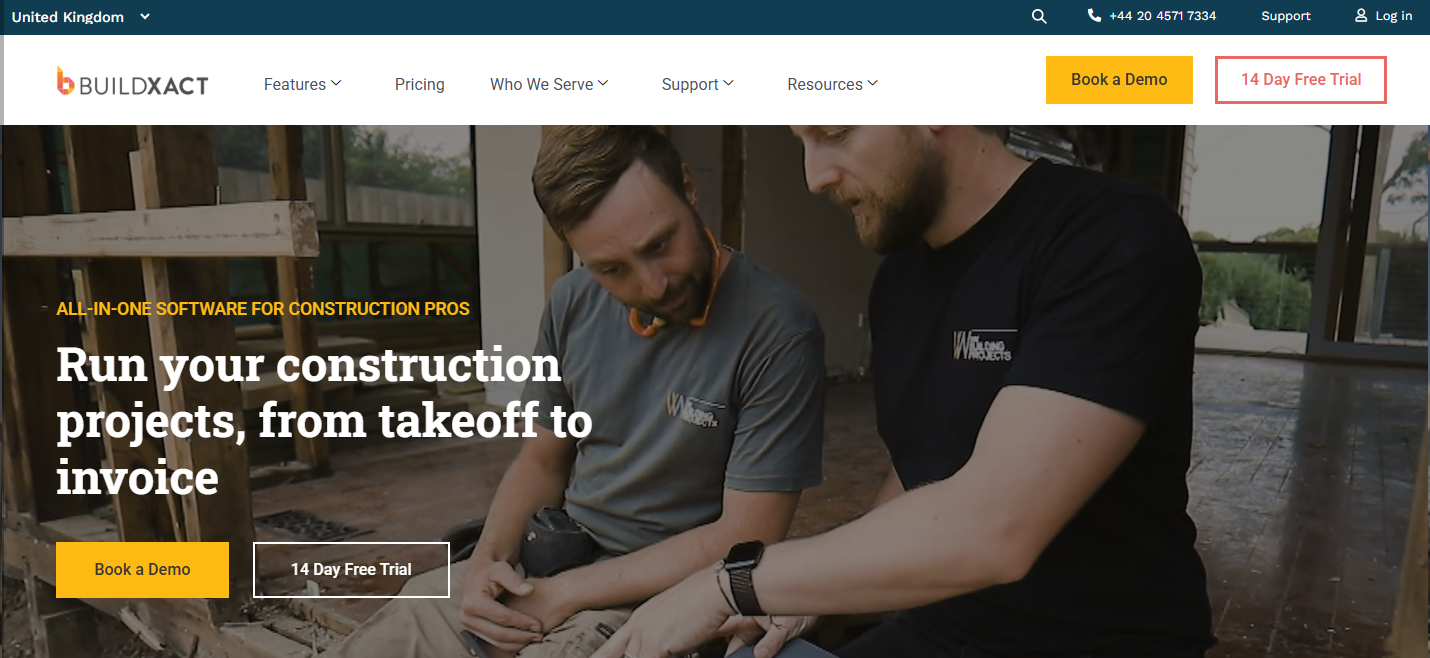
10. Buildxact

Buildxact

( Source: buildxact.com)

Buildxact is an estimating and project management tool for builders and remodelers. Its strength lies in fast quoting and cost control.

Key Features:

  • Quote generator
  • Job costing
  • Client portal

Pros:

  • Simple for new users
  • Includes CRM and communication tool

Cons:

  • Limited multi-user permissions
  • Higher base price for small businesses

Pricing: Starts at $199/month

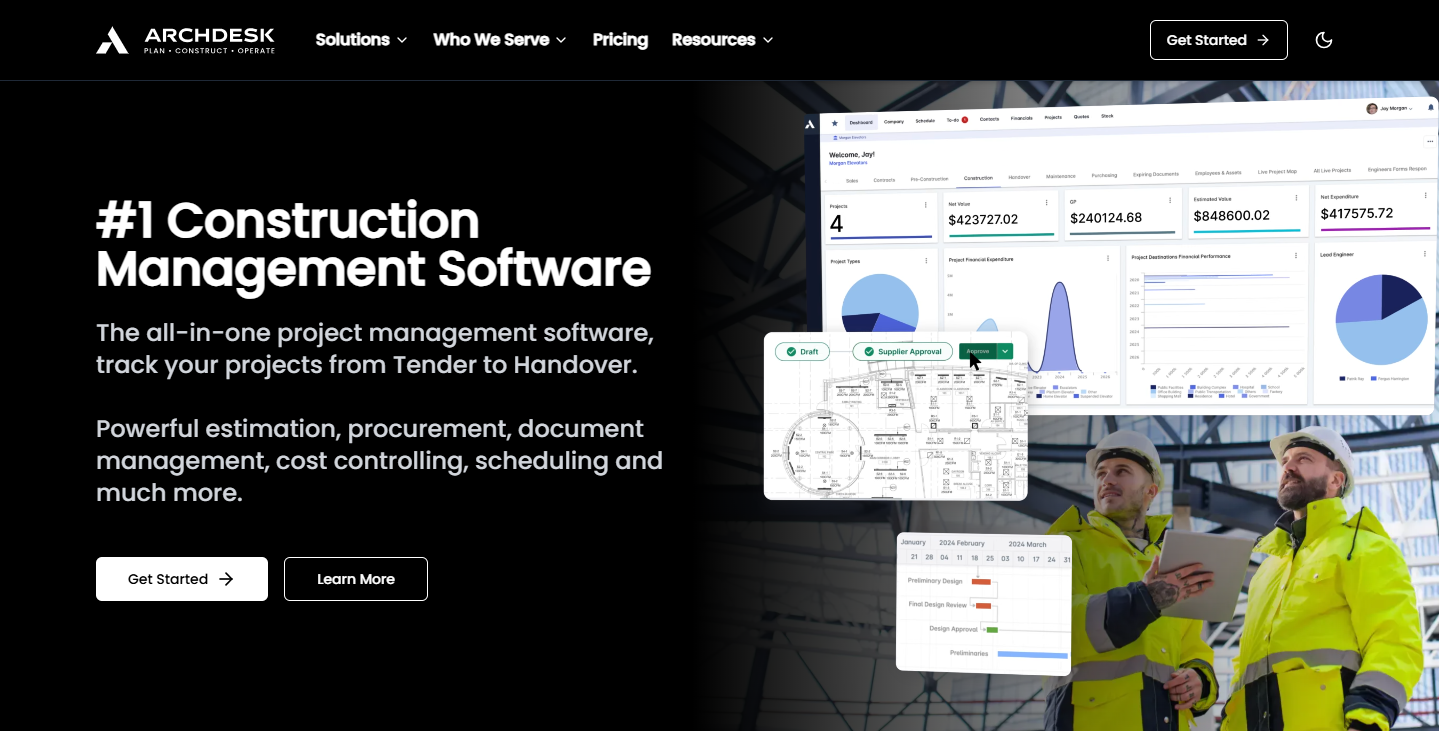
11. Archdesk

Archdesk

( Source: archdesk.com)

An ERP-style solution for larger contractors and manufacturers, Archdesk offers configurable workflows and strong back-office integration.

Key Features:

  • Finance and procurement management
  • Scheduling and timesheets
  • Document approvals

Pros:

  • Modular setup based on company needs
  • Ideal for fit-out and industrial use cases

Cons:

  • Setup can be complex
  • Longer implementation time

Pricing: Visit their pricing page to get a custom quote.

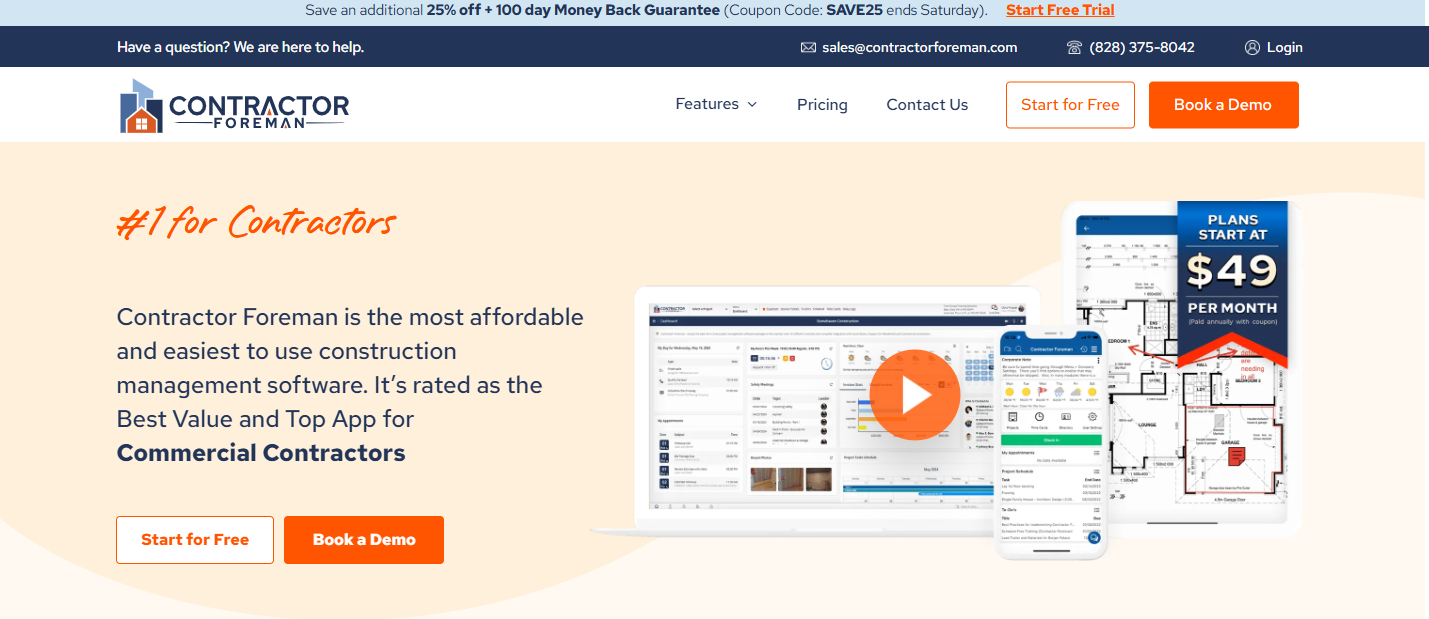
12. Contractor Foreman

Contractor Foreman


( Source: contractorforeman.com)

Contractor Foreman is one of the most affordable all-in-one solutions, offering 35+ modules for project management and safety.

Key Features:

  • Safety audits and forms
  • Job costing and budget controls
  • Gantt chart scheduling

Pros:

  • Excellent mobile support
  • Works well for small and mid-sized contractors

Cons:

  • UI can feel cluttered
  • Limited advanced customization

Pricing: Starts at $49/month

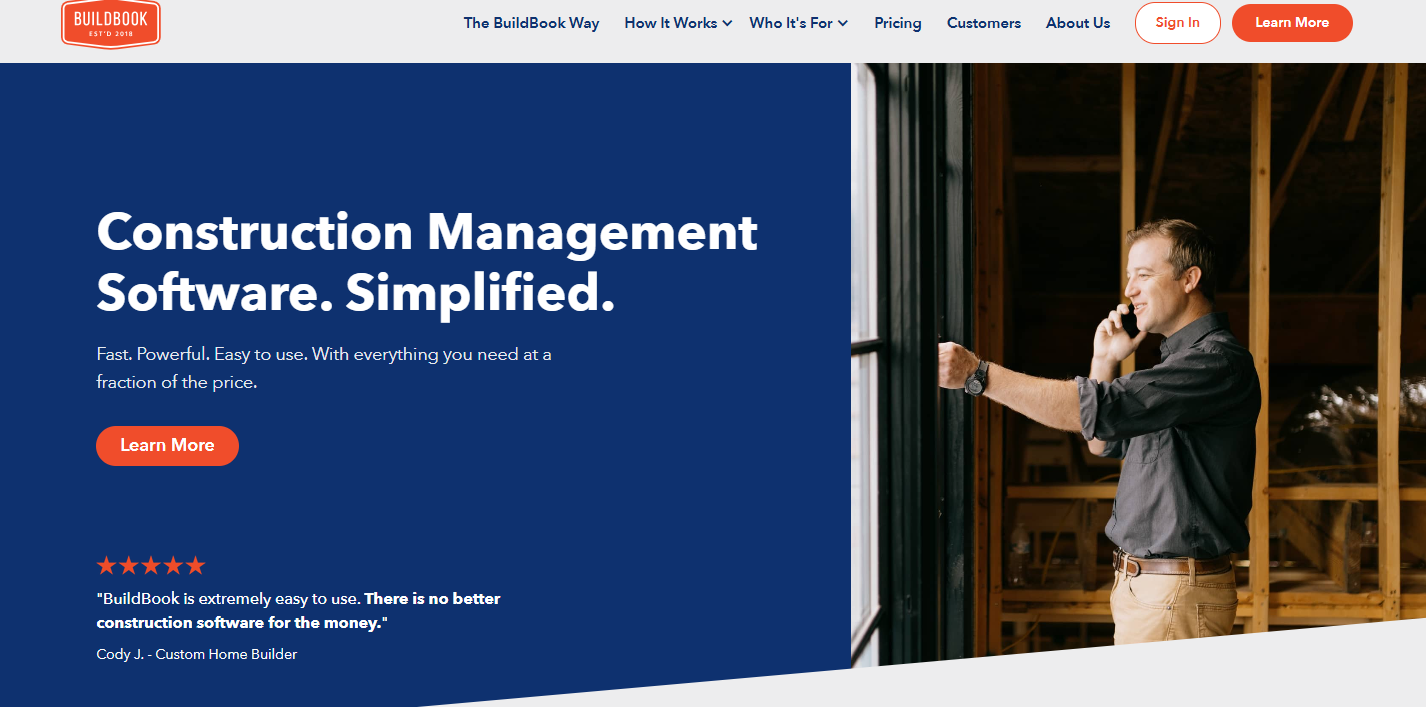
13. BuildBook

BuildBook

( Source: buildbook.co)

BuildBook focuses on improving communication between contractors and clients during custom home builds.

Key Features:

  • Timeline and task tracking
  • Selections and budgeting
  • Messaging interface

Pros:

  • Great for boutique builders
  • Beautiful client-facing interface

Cons:

  • Limited integrations
  • Basic scheduling tools

Pricing: Starts at $79/month

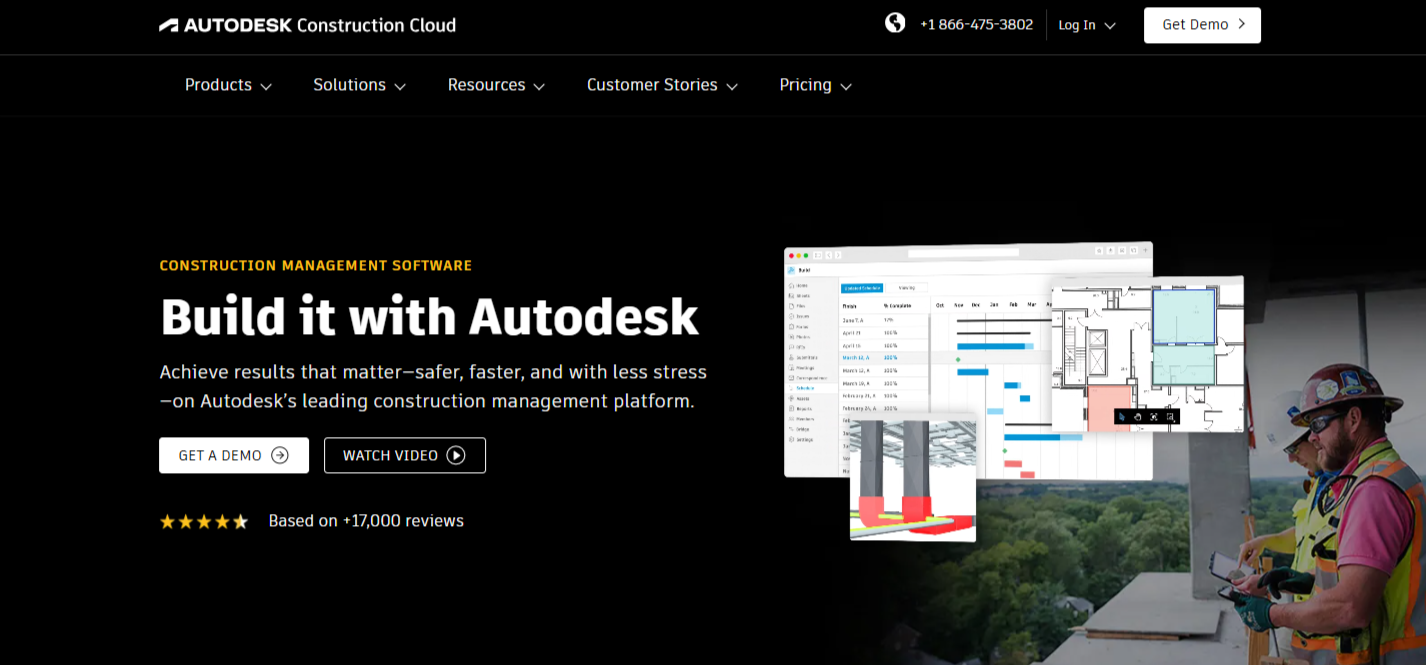
14. Autodesk Construction Cloud

Autodesk Construction Cloud

(Source: construction.autodesk.com)

An integrated suite of tools (including BIM 360 and Build) for end-to-end construction lifecycle management.

Key Features:

  • Document and design management
  • Field execution tools
  • Analytics and cost controls

Pros:

  • Deep feature set and BIM integration
  • Trusted by large firms

Cons:

  • Complex system
  • Higher pricing tier

Pricing: Visit their pricing page to get a custom quote.

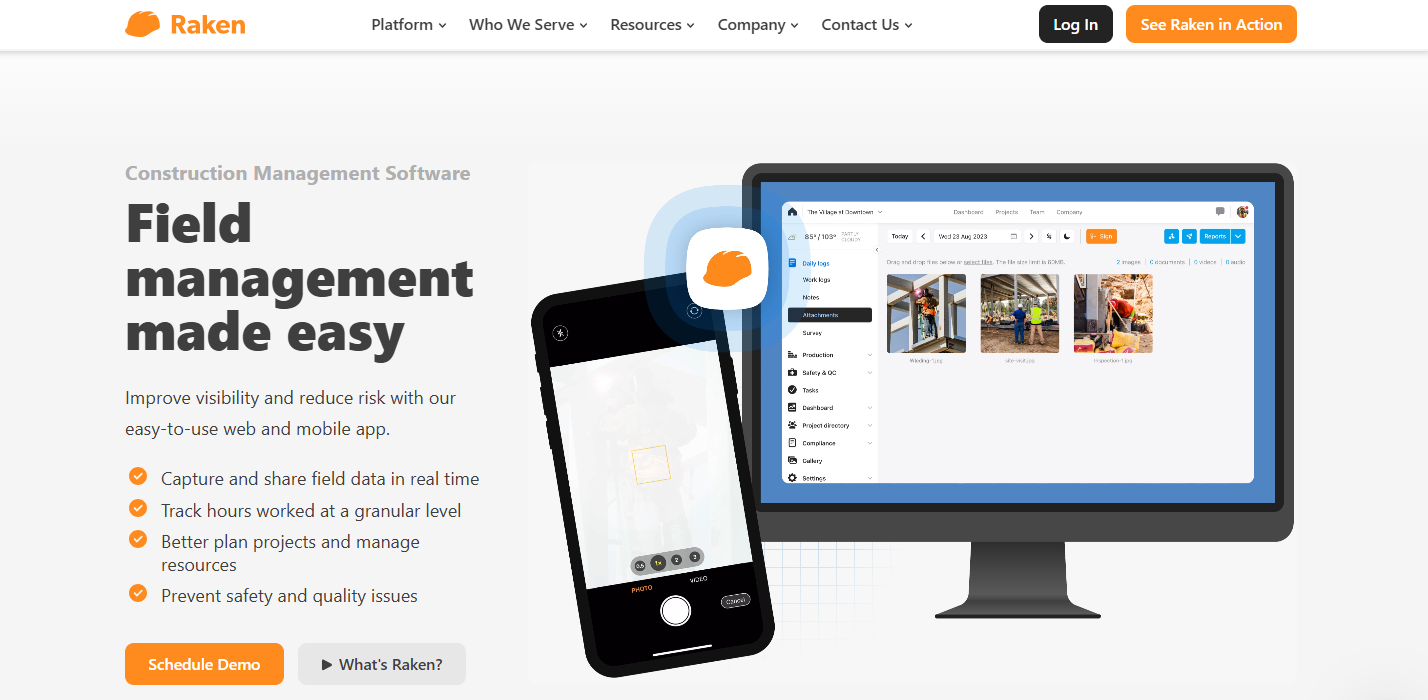
15. Raken

Raken

(Source: rakenapp.com)

Raken is a mobile-first construction reporting app that simplifies daily logs, time tracking, and safety documentation—ideal for field teams needing fast, on-the-go reporting.

Key Features:

  • Daily reports and time tracking
  • Safety management tools
  • Photo and file documentation

Pros:

  • Built for field reporting
  • Very user-friendly mobile app

Cons:

  • Not a full project management suite
  • Limited customization

Pricing: Starts at $18/user/month

Conclusion

Whether you’re looking for high-end ERP systems, subcontractor-focused platforms, or tools built for small remodelers, this list highlights some of the most practical and powerful alternatives to the more commonly known solutions.

Each of these platforms offers unique features and strengths. The key is to choose a tool that aligns with your team’s size, project complexity, and budget.

Interested in an all-in-one, field-ready platform?

Schedule a demo with OConstruction and experience how modern construction management should work—intuitive, secure, and built for real-world results.

Top Construction Project Management Tools Every Contractor Should Know

In today’s fast-paced construction industry, inefficiencies can be costly. From missed deadlines to budget overruns, contractors constantly face challenges that can derail even the most meticulously planned projects. The complexity of modern construction demands more than traditional project tracking methods like spreadsheets and manual communication. This is where construction project management software becomes a game-changer.

In today’s fast-paced construction industry, inefficiencies can be costly. From missed deadlines to budget overruns, contractors constantly face challenges that can derail even the most meticulously planned projects. The complexity of modern construction demands more than traditional project tracking methods like spreadsheets and manual communication. This is where construction project management software becomes a game-changer.

By integrating digital tools tailored to the specific needs of the construction sector, professionals can streamline operations, improve collaboration, and gain real-time visibility into every stage of a construction project. Whether you’re managing residential builds, commercial developments, or large-scale infrastructure, having the right software tools at your disposal can be the difference between project success and failure.

In this blog, we explore the top construction project management tools every contractor should consider and how platforms like OConstruction are shaping the future of efficient project delivery.

Why Construction Project Management Tools Are Crucial

The construction industry is inherently multifaceted. It involves multiple stakeholders, tight schedules, shifting priorities, and extensive documentation. Without a centralized platform to manage all aspects—from planning and scheduling to budgeting and collaboration—contractors often struggle to maintain consistency and control.

Why Construction Project Management Tools Are Crucial

The right construction project management software offers a unified platform that:

  • Simplifies task delegation and tracking
  • Enables real-time collaboration among teams and subcontractors
  • Automates time tracking and reporting
  • Offers visibility into resource allocation and usage
  • Helps identify risks before they escalate

In essence, these tools empower contractors to make data-driven decisions and deliver quality results on time and within budget.

Must-Have Construction Project Management Tools for Contractors

Let’s explore the essential tools that form the backbone of efficient construction project management.

1. Scheduling and Planning Tools

Effective planning is the cornerstone of every successful construction project. Tools like Microsoft Project and Primavera P6 are widely used for detailed scheduling. They allow you to define milestones, allocate resources, and track progress over time.

However, platforms like OConstruction provide a more construction-specific scheduling experience by allowing project managers to link tasks with dependencies, track delays, and dynamically adjust timelines based on field updates. This real-time flexibility is essential in today’s unpredictable construction environment.

2. Document Management Systems

Construction sites generate a large volume of paperwork, from blueprints and permits to contracts and invoices. Tools like Procore and PlanGrid enable centralized document storage, version control, and easy access across teams.

OConstruction also incorporates robust document management features that allow contractors to upload, annotate, and share files directly within the platform. Having critical documents readily available on-site or in the office ensures that everyone is working with the latest information.

3. Time Tracking and Labor Management

Labor productivity is a major determinant of project success. Tools like ClockShark and TSheets (QuickBooks Time) are useful for tracking employee hours and managing timesheets.

OConstruction goes a step further by integrating time tracking with project timelines, enabling contractors to monitor how labor resources align with project milestones. This integration helps identify inefficiencies early and optimize workforce allocation accordingly.

4. Budgeting and Cost Control

Financial oversight is essential in any construction project. Software like Buildertrend and CoConstruct offers features for estimating, invoicing, and budget tracking.

In comparison, OConstruction brings a simplified yet powerful budgeting toolset that tracks expenses in real time, compares actual vs. projected costs, and helps contractors stay within financial constraints. Integration with accounting software ensures seamless financial reporting and audit readiness.

5. Collaboration and Communication Tools

Construction teams are often dispersed across multiple sites, making communication a critical challenge. Tools like Slack or Microsoft Teams are general-purpose, but construction-specific platforms like OConstruction offer built-in messaging, task commenting, and notification features tailored to the unique needs of contractors.

This centralized communication hub reduces miscommunication, speeds up approvals, and fosters better teamwork, ultimately reducing project delays and rework.

How OConstruction Stands Out

Many generic tools serve a single purpose, but OConstruction is designed as an all-in-one construction project management software tailored specifically for the construction industry. Here’s what makes it stand out:

  • Intuitive User Interface: Minimal learning curve with industry-specific templates and workflows
  • Integrated Modules: Task management, time tracking, budgeting, and file sharing all in one place
  • Mobile Accessibility: Designed for use on construction sites via smartphones and tablets
  • Scalability: Suitable for small teams and large contractors alike
  • Customization: Flexible workflows that can be adapted to different project types and business models

With OConstruction, contractors don’t need to juggle multiple tools. Everything is available under one roof, ensuring greater efficiency and transparency from project start to finish.

Conclusion

In an industry where margins are tight and deadlines are critical, having the right construction project management software is no longer optional—it’s essential. From planning and scheduling to budgeting and collaboration, digital tools have revolutionized how modern contractors operate.

By adopting robust solutions like OConstruction, construction businesses can eliminate inefficiencies, improve productivity, and ensure successful project delivery. Whether you’re building homes, offices, or infrastructure, managing a construction project becomes significantly easier with the right tools in place.

If you’re ready to transform your construction operations and gain a competitive edge, consider making OConstruction your partner in project success.

Want to see how OConstruction can streamline your next project? Book a demo today and experience the future of construction project management firsthand.

Category: Construction Academy

Subcategory: Budgeting and Planning

Subcategory: Construction Phase

Subcategory: Design Coordination

Subcategory: Estimation Techniques

Subcategory: Initiation and Feasibility

Subcategory: Introduction

Subcategory: Personal Management

Subcategory: Project Close-Out

Subcategory: Project Scheduling

Subcategory: Project Teams

Subcategory: Proposal Management

Subcategory: Total Quality Management

Subcategory: Tracking and Control

Subcategory: Work Breakdown

Category: Help Desk

Subcategory: Client

Subcategory: Construction 101

Subcategory: Contractor Management

Subcategory: Expense

Subcategory: Finance Budget

Subcategory: Inventory Management

Subcategory: My Approvals

Subcategory: Site Management

Subcategory: Vendor Management