How to Improve Vendor Communication in Construction Projects

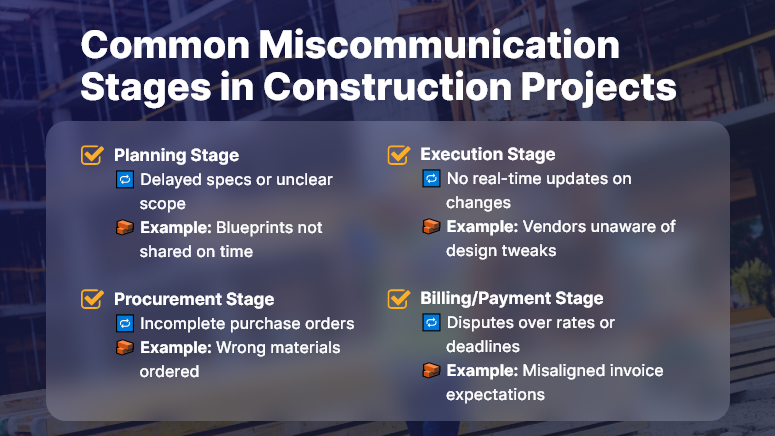
In construction, even one unclear message can create chaos. From material mix-ups to missed deadlines, poor vendor communication is one of the top causes of delays and cost overruns. According to the Project Management Institute, 56% of project failures happen due to bad communication.

That’s a huge problem — but it’s also avoidable.

In this post, we’ll show you exactly how to improve vendor communication across your construction projects. You’ll learn common mistakes, quick wins, and how a digital platform like OConstruction keeps everyone on the same page — from contractors to suppliers.

Why Vendor Communication Matters More Than Ever

Construction projects involve lots of moving parts: internal teams, subcontractors, material vendors, inspectors, and clients. And everyone needs accurate, timely updates — or things fall apart.

When vendor communication breaks down:

  • Materials arrive late or at the wrong site
  • Subcontractors miss crucial changes
  • Deadlines slip, and clients lose confidence
  • You waste money fixing problems that didn’t need to happen

So, why should you care?

Better vendor communication means smoother workflows, fewer mistakes, and more predictable outcomes. It also protects your time and budget.

Real Construction Challenges You Can Avoid

  • Late steel delivery because the supplier didn’t get the updated schedule
  • Wrong insulation was installed because the vendor used an outdated drawing
  • Unapproved materials shipped due to misaligned RFQs

With the right communication tools in place, these headaches disappear.

And with OConstruction, you’re not just sending updates — you’re building a system that tracks, confirms, and logs every vendor interaction in one place.

Common Miscommunication Stages in Construction Projects

Best Practices to Improve Vendor Communication

Here’s how to get it right — and keep projects moving without confusion.

Centralize All Conversations

  • Stop juggling emails, texts, and calls. Use one place for all communication with vendors.
  • With OConstruction, you can create shared task threads, tag vendors, and store every file in the cloud — so no one’s ever left out.

Standardize Workflows

Every vendor request should follow a consistent process. Use templates for:

  • RFQs
  • Change orders
  • Delivery instructions

This removes guesswork and ensures clear expectations across the board.

Give Role-Based Access

  • Not everyone needs everything. But vendors do need access to key documents, schedules, and status updates.
  • OConstruction lets you control what each vendor can see — ensuring clarity and data security.

Automate Notifications

  • Schedule changes? Approvals? Due dates?
  • Set up auto-notifications inside your construction platform. Vendors get real-time alerts, reducing the chance they’ll miss critical updates.

Track Every Change

  • Verbal updates fade. Written logs last.
  • Use digital records with timestamps to track who said what — and when.
  • This creates accountability and prevents finger-pointing later.

Don’t Leave Vendors Out of the Loop

  • You might think your internal team has it handled. But vendors are partners — and they need to be part of the conversation.
  • Make sure they know about updates as they happen, not after.

Don’t Assume They Read Every Email

  • Emails get buried. Attachments get missed.
  • Use built-in task comments, tagging, and push notifications to make sure vendors see what you send.

OConstruction Makes It Easy

With OConstruction, you can:

  • Set up shared vendor workspaces
  • Create task threads with comments
  • Use version-controlled documents
  • Automate alerts and due date reminders
  • Provide mobile access for field and vendor use

Everything happens in one place — reducing noise, avoiding confusion, and saving time.

Customer Story: Clear Communication That Delivered Results

For example, Hardline BuildCo, a regional construction firm, used OConstruction’s vendor access tools to streamline coordination with 8 suppliers and 10 subcontractors.

Before using the platform, they struggled with delayed materials and missed delivery windows — costing them thousands each month.

After switching:

  • On-time deliveries increased by 60%
  • Vendor-related errors dropped by 70%
  • Project managers gained back 10+ hours a week

With OConstruction, we finally had visibility and structure in our vendor communication,” said the company’s Senior PM.

Key Takeaways

  • Vendor communication is essential to project success — yet often overlooked
  • Poor communication leads to delays, rework, and missed deadlines

Using tools like OConstruction, you can:

  • Centralize updates
  • Track every interaction
  • Standardize workflows
  • Keep vendors aligned in real time

Clear communication isn’t just a productivity booster — it’s a risk reducer. By proactively keeping vendors in the loop and using digital tools to document every step, you minimize costly errors and maximize efficiency. With the right systems in place, your vendor relationships become stronger, your timelines more predictable, and your projects more profitable.

Top 15 Construction Project Management Software

In 2025, the demand for advanced construction project management software is higher than ever. With tighter deadlines, budget pressures, and increased stakeholder expectations, contractors can no longer rely solely on spreadsheets and disconnected tools.

Before diving into the top 15, let’s explore one platform leading this shift: OConstruction.

What Is OConstruction?

OConstruction is a modern, cloud-based construction project management platform built specifically for contractors, project managers, and field teams. It centralizes core functions like scheduling, budgeting, team collaboration, safety tracking, and document control into a single dashboard—accessible anytime, anywhere.

Key Features:

  • Real-time project updates and Gantt chart scheduling
  • RFIs, submittals, and drawing version control
  • Mobile app for on-site reporting and progress tracking
  • Seamless vendor and team collaboration
  • Automated report generation and deadline notifications

Whether you’re managing commercial high-rises or residential remodels, OConstruction ensures transparency, control, and efficiency across all phases of the project.

Why Use OConstruction?

Growing construction businesses seeking a scalable, all-in-one solution

Key Features:

  • Centralized dashboard for project planning, team coordination, and progress tracking
  • Integrated budgeting, task management, and document sharing
  • Real-time communication tools for on-site and office teams
  • User-friendly interface with mobile accessibility

Top 15 Construction Project Management Software in 2025

Below is a curated list of 15 high-impact tools that were selected based on industry relevance, features, user feedback, and market adaptability.

1. OConstruction
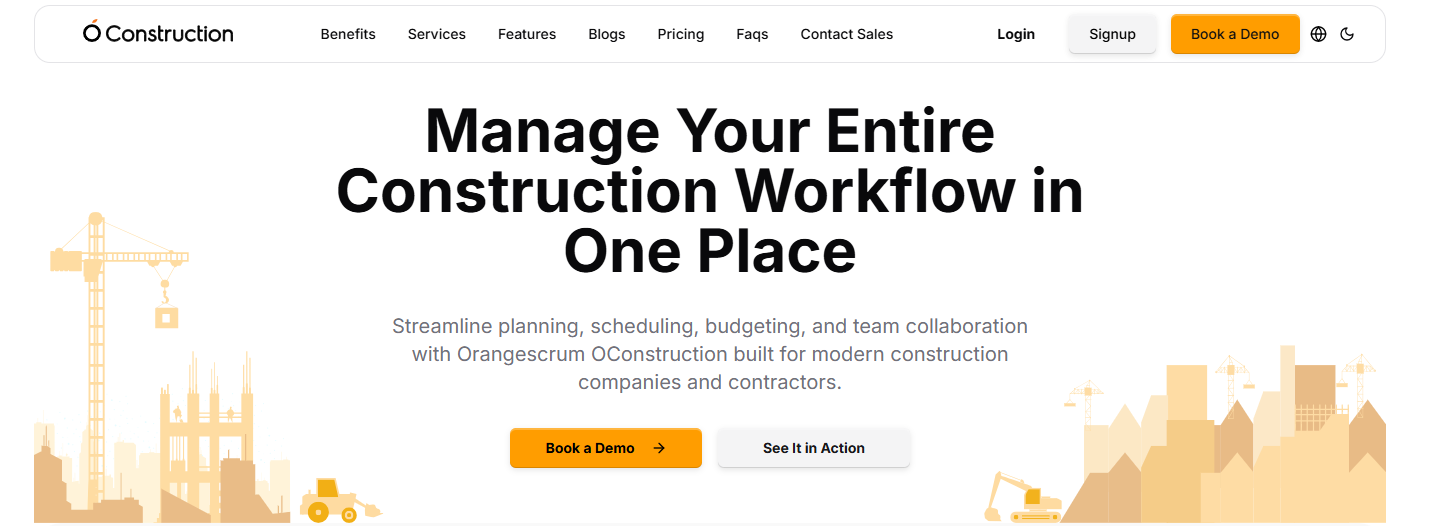
OConstruction

(Source: oconstruction.io)

OConstruction is a modern, cloud-based construction management solution developed to simplify the daily work of contractors, site engineers, and construction project managers. Designed with industry complexities in mind, it helps teams manage contracts, vendors, safety protocols, and deadlines from a unified dashboard.

Key Features of OConstruction

  • Vendor and Subcontractor Management: Enables seamless contract tracking, performance evaluation, and deadline management. Real-time data ensures vendors stay aligned and compliant.
  • Site Inspections and Safety Audits: Mobile checklists and photo uploads streamline safety checks, while the system alerts teams of any non-compliance or inspection issues.
  • Contract Lifecycle Management: Centralizes contract terms, due dates, and change orders to prevent scope creep or delays
  • Real-time Reporting and Dashboards: Offers clear, up-to-date visualizations of project status, costs, and team progress.

Pros of OConstruction

  • Intuitive UI for both field and office teams
  • Comprehensive tracking for cost, safety, and vendors
  • Cloud-based accessibility across job sites
  • Excellent customer support and documentation
  • Flexible pricing for SMBs and enterprises

Cons:

  • Limited third-party integration ecosystem
  • Requires onboarding time for full feature adoption

Pricing:

Available in scalable tiers; includes a free trial. View pricing

2. Jonas Construction Software
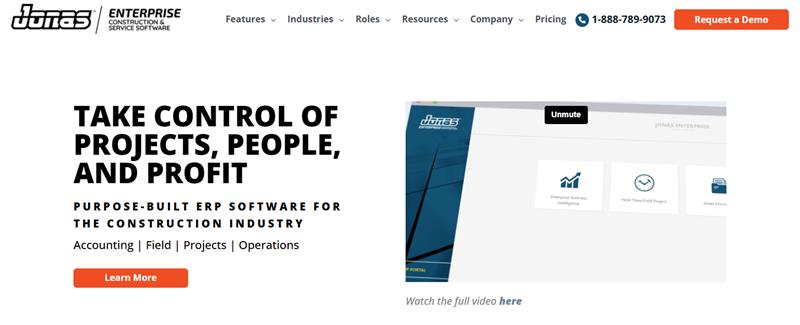
Jonas Construction Software

( Source: jonasconstruction.com)

Jonas Construction is a comprehensive ERP for construction professionals that combines project management, accounting, and service management into one platform.

Key Features:

  • Advanced job costing and GL accounting
  • Work order and subcontractor tracking
  • Document management

Pros:

  • Designed for mechanical and service contractors
  • High-end financial integrations

Cons:

  • Dated user interface
  • Learning curve for new users

Pricing: Visit their pricing page to get a custom quote.

3. Wrike
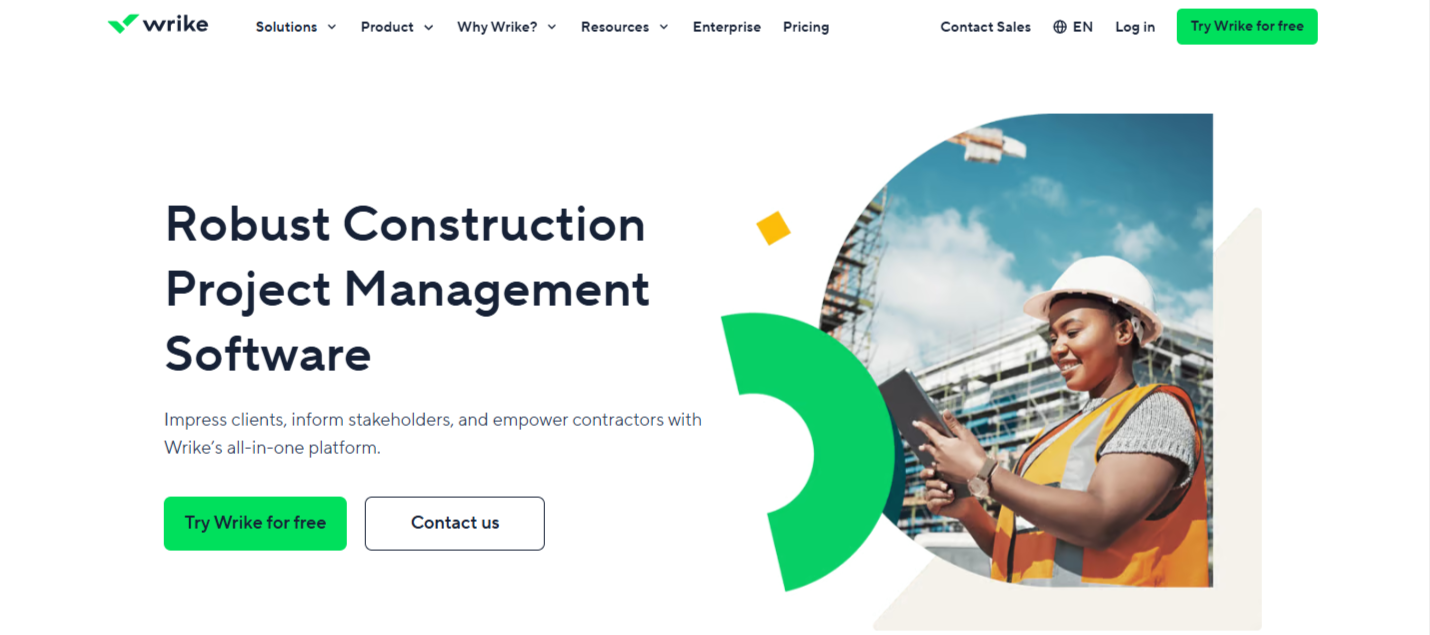
Wrike

(Source: wrike.com)

A versatile work management platform is increasingly used in construction for resource planning and project coordination.

Key Features:

  • Custom workflows and forms
  • Gantt and Kanban views
  • Budget forecasting and analytics

Pros:

  • Highly customizable
  • Great for cross-functional teams

Cons:

  • Requires manual construction setup
  • It can be overwhelming for first-time users

Pricing: Starts at $9.80/user/month

4. LetsBuild
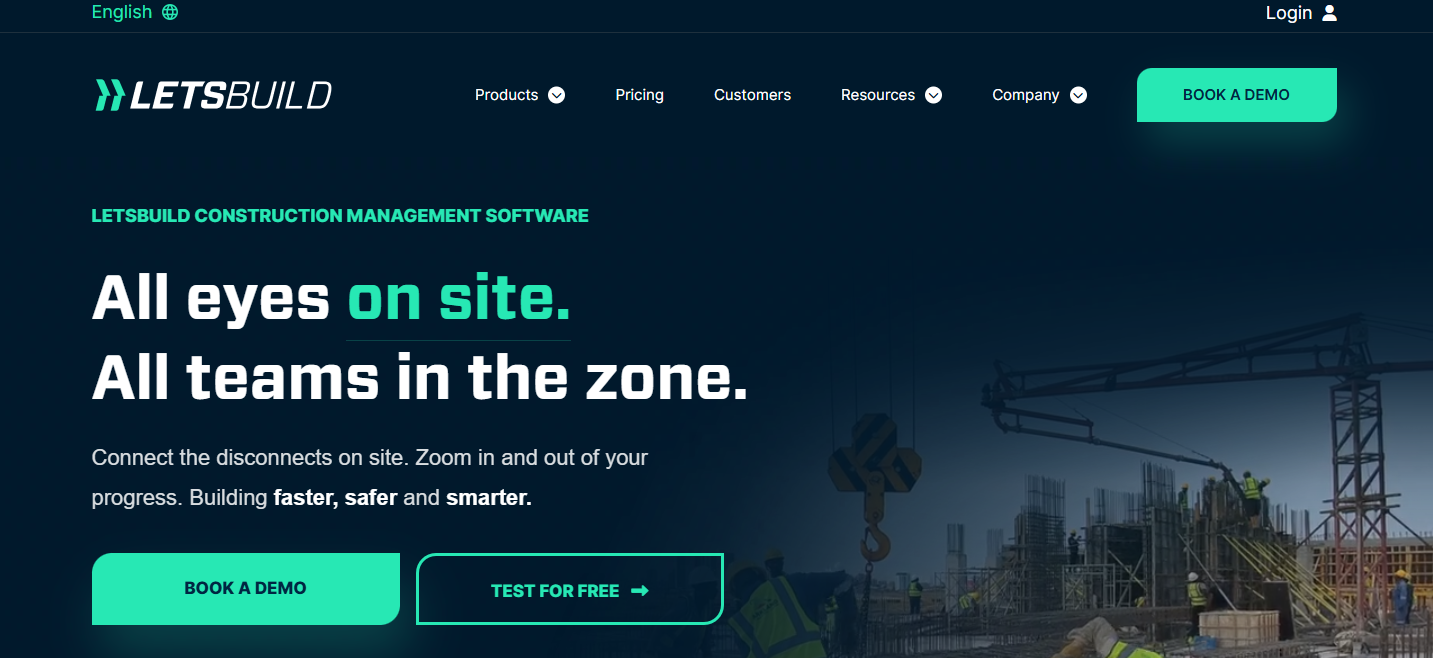
LetsBuild

(Source: letsbuild.com)

Focused on execution phase management, LetsBuild improves site visibility and real-time communication.

Key Features:

  • Progress tracking and daily logs
  • Health and safety workflows
  • Checklists and quality control

Pros:

  • Great for on-site transparency
  • Simplifies compliance tracking

Cons:

  • Limited financial tools
  • Not ideal for the planning phase

Pricing: Visit their pricing page to get a custom quote.

5. Knowify
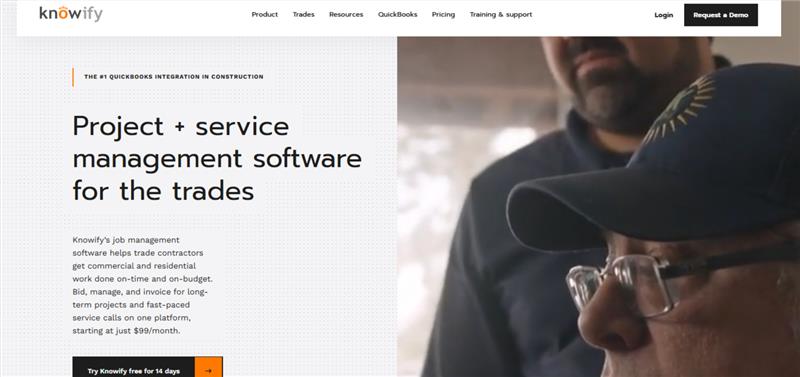
Knowify

( Source: knowify.com )

Knowify is a lightweight yet powerful tool for managing estimates, bids, time tracking, and invoicing. Perfect for small to mid-sized contractors.

Key Features:

  • Integrated with QuickBooks
  • Contract, invoice, and payment tracking
  • Job costing and project timelines

Pros:

  • Budget-friendly
  • Easy to implement for small teams

Cons:

  • Limited scalability for large firms
  • Basic reporting features

Pricing: Starts at $99/month

6. RedTeam

RedTeam

( Source: redteam.com)

RedTeam supports full project lifecycle management, including preconstruction, budgeting, scheduling, and document control.

Key Features:

  • Daily logs and job site photos
  • Digital contracts and RFIs
  • Budget dashboards

Pros:

  • Enterprise features at a mid-market price
  • Excellent field-to-office collaboration tools

Cons:

  • Lacks flexibility in user customization
  • Limited mobile offline functionality

Pricing: Visit their pricing page to get a custom quote.

7. Projectmates
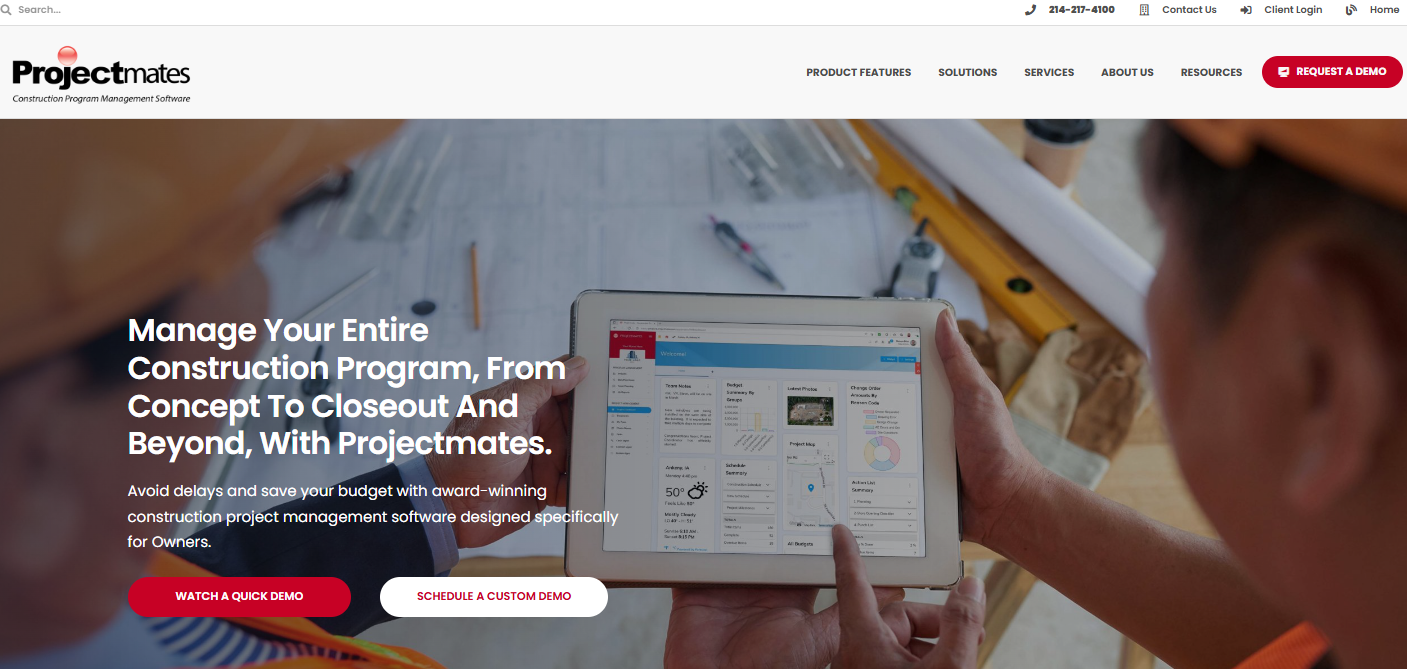
Projectmates

 (Source: projectmates.com)

A secure, owner-focused project management software used by capital program managers, educational institutions, and public works departments.

Key Features:

  • Capital planning and facility management
  • Procurement and bid tracking
  • Mobile field updates

Pros:

  • Scalable for multi-project environments
  • Government-grade security

Cons:

  • More suited for owners, not contractors
  • Pricing based on project size

Pricing: Based on project scale

8. eSUB
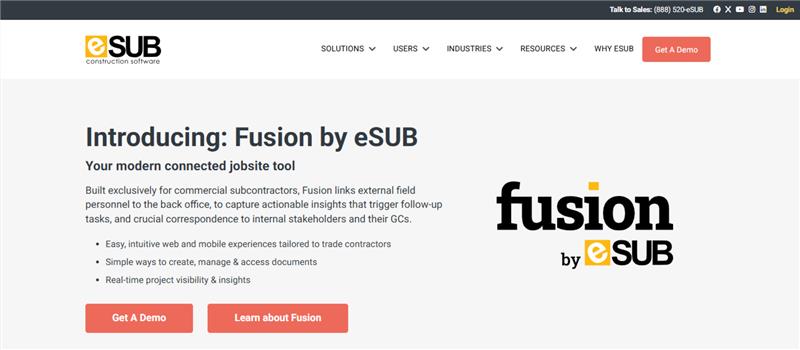
eSUB

( Source: esub.com)

eSUB was built specifically for subcontractors, focusing on labor tracking, project logs, and daily documentation.

Key Features:

  • RFI, submittal, and daily report management
  • Timecards and issue logs
  • Photo and document storage

Pros:

  • Built for field users
  • Improves job documentation accuracy

Cons:

  • Not optimized for general contractors
  • Limited integrations

Pricing: Starts at $49/user/month

9. BuildTools
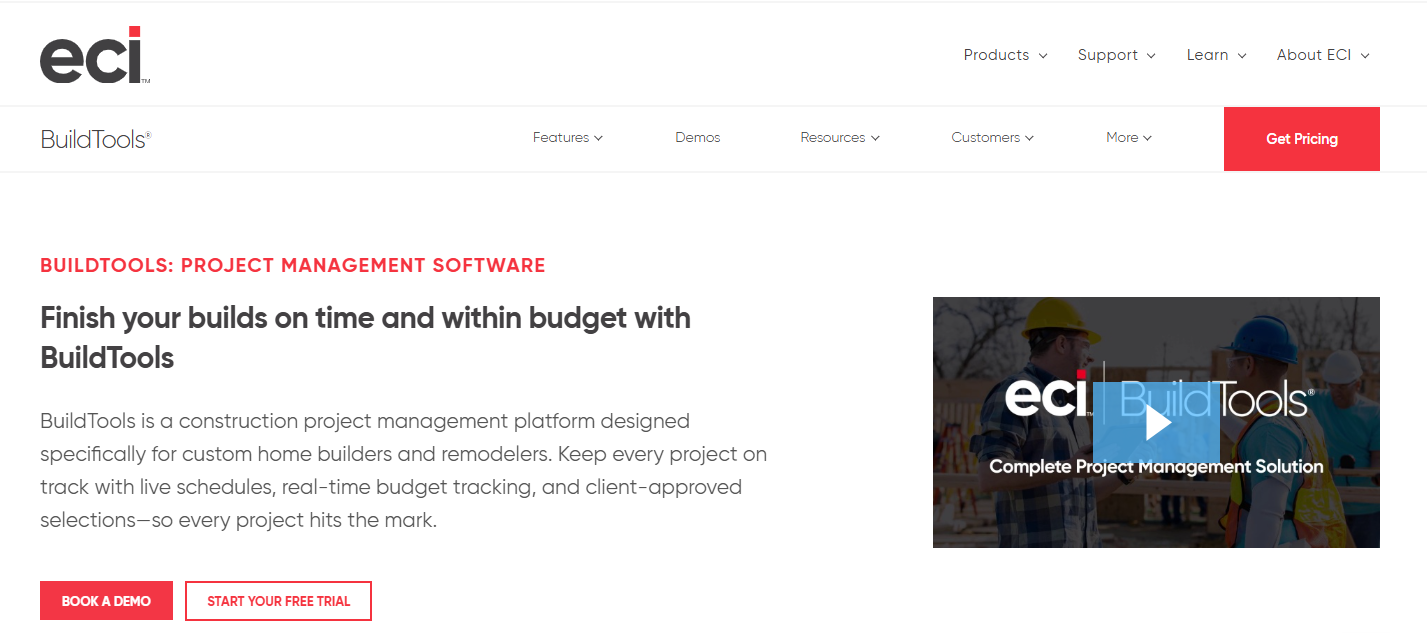
BuildTools

( Source: buildtools.com)


BuildTools streamlines residential construction workflows, allowing contractors to communicate with clients and subs, manage budgets, and track progress.

Key Features:

  • Selection schedules
  • Budget change tracking
  • Messaging tools for client updates

Pros:

  • Designed for high-end custom builds
  • Reduces communication gaps with homeowners

Cons:

  • Not ideal for commercial projects
  • Custom pricing can be opaque

Pricing: Visit their pricing page to get a custom quote.

10. Buildxact
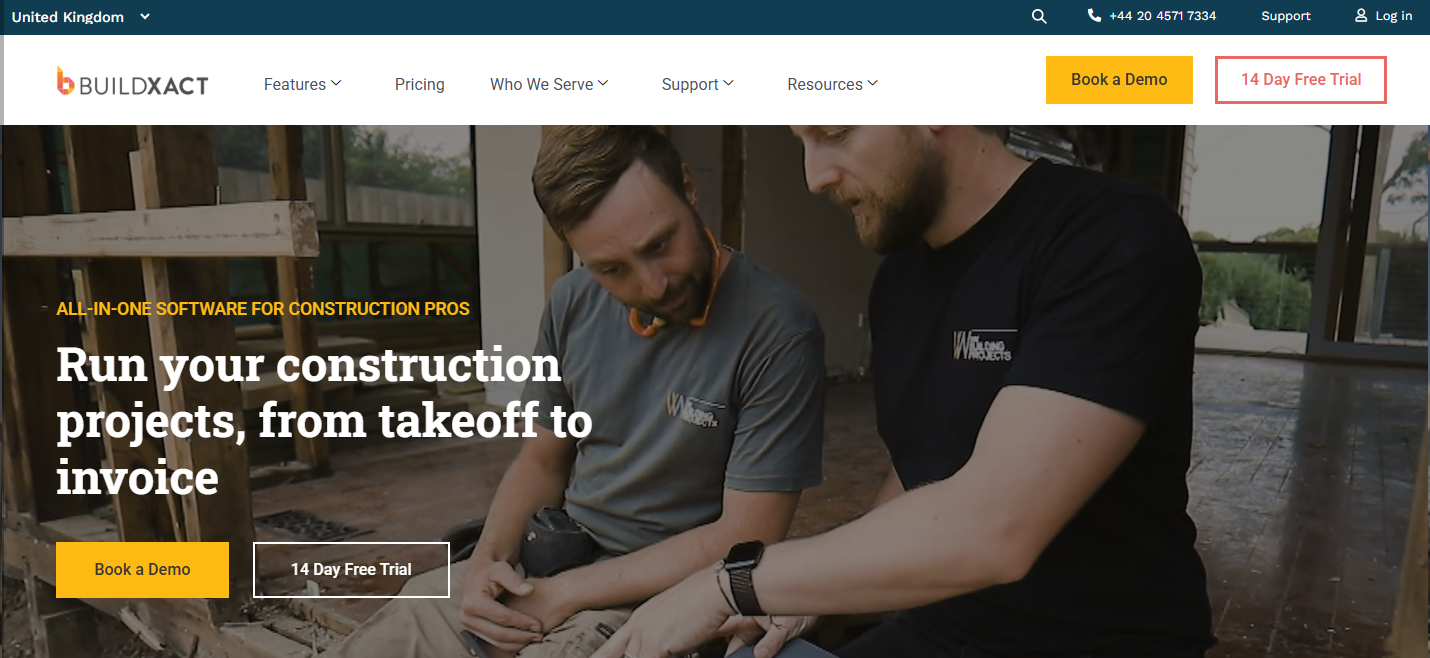
Buildxact

( Source: buildxact.com)

Buildxact is an estimating and project management tool for builders and remodelers. Its strength lies in fast quoting and cost control.

Key Features:

  • Quote generator
  • Job costing
  • Client portal

Pros:

  • Simple for new users
  • Includes CRM and communication tool

Cons:

  • Limited multi-user permissions
  • Higher base price for small businesses

Pricing: Starts at $199/month

11. Archdesk
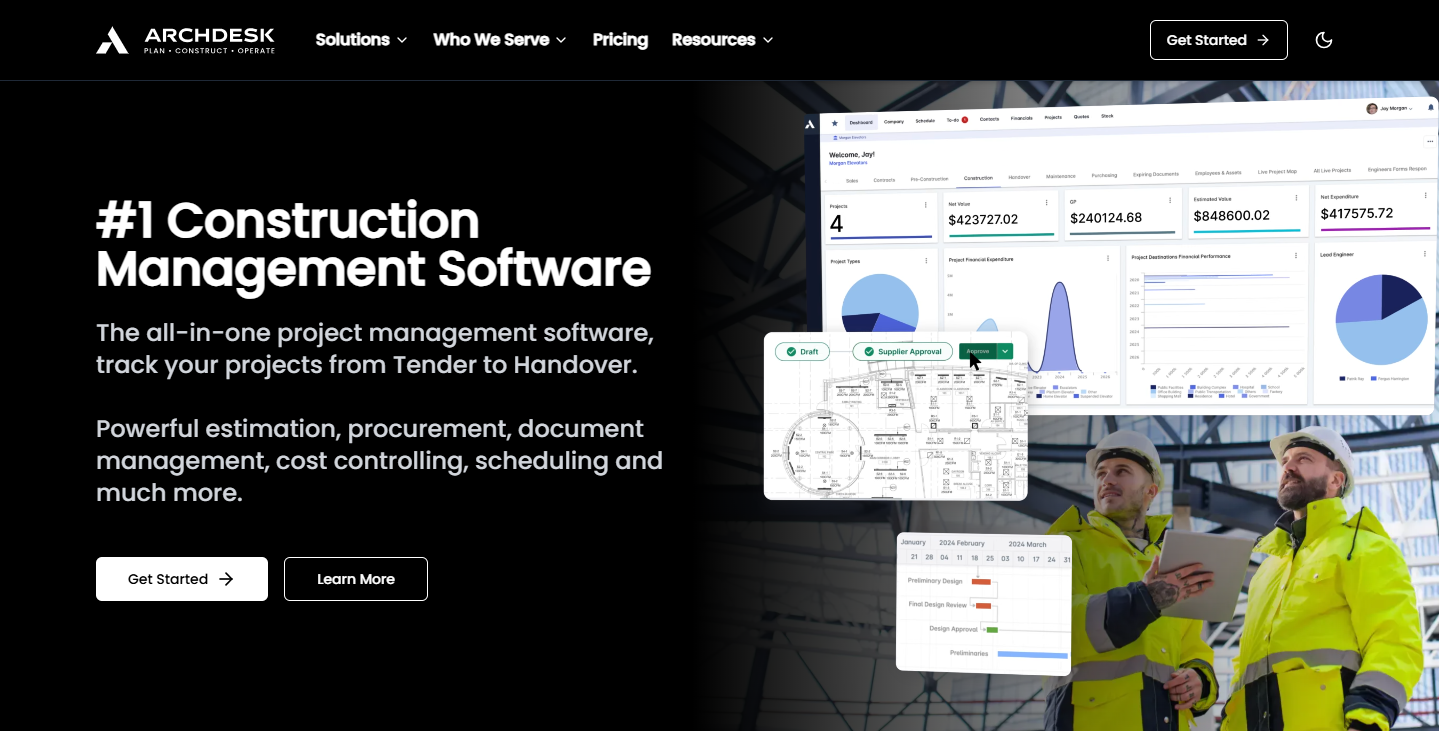
Archdesk

( Source: archdesk.com)

An ERP-style solution for larger contractors and manufacturers, Archdesk offers configurable workflows and strong back-office integration.

Key Features:

  • Finance and procurement management
  • Scheduling and timesheets
  • Document approvals

Pros:

  • Modular setup based on company needs
  • Ideal for fit-out and industrial use cases

Cons:

  • Setup can be complex
  • Longer implementation time

Pricing: Visit their pricing page to get a custom quote.

12. Contractor Foreman
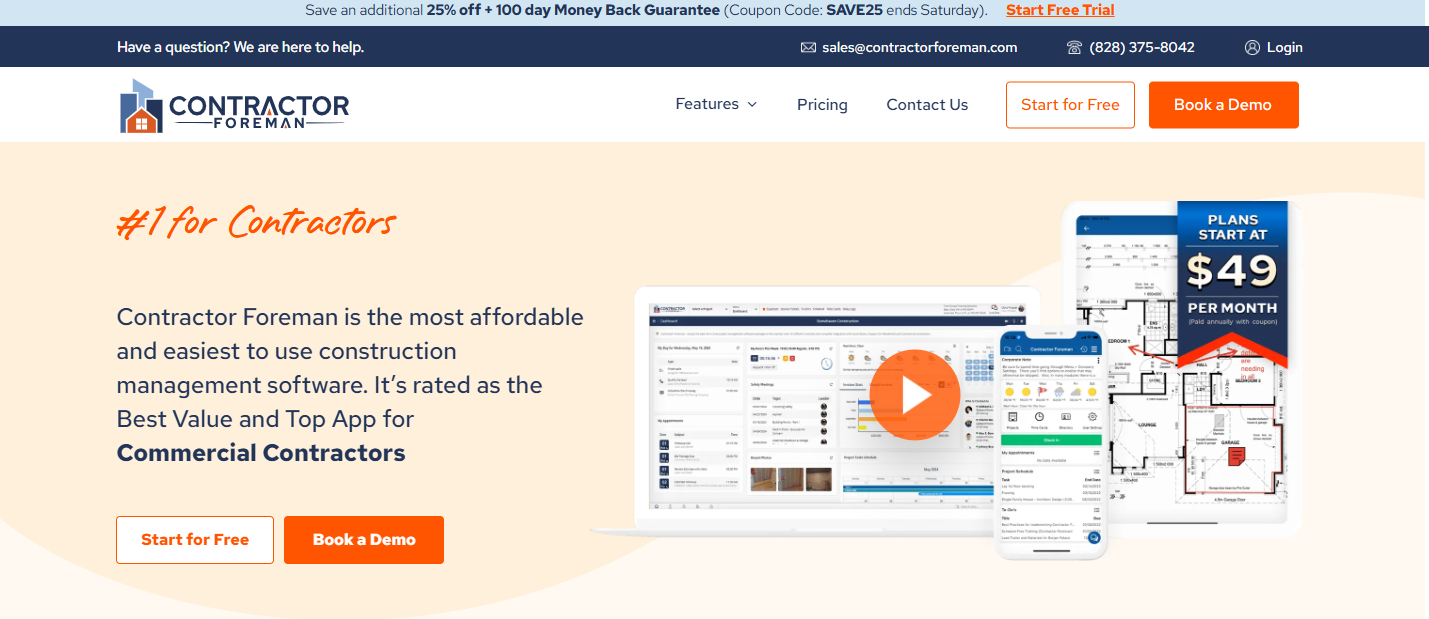
Contractor Foreman


( Source: contractorforeman.com)

Contractor Foreman is one of the most affordable all-in-one solutions, offering 35+ modules for project management and safety.

Key Features:

  • Safety audits and forms
  • Job costing and budget controls
  • Gantt chart scheduling

Pros:

  • Excellent mobile support
  • Works well for small and mid-sized contractors

Cons:

  • UI can feel cluttered
  • Limited advanced customization

Pricing: Starts at $49/month

13. BuildBook
BuildBook

( Source: buildbook.co)

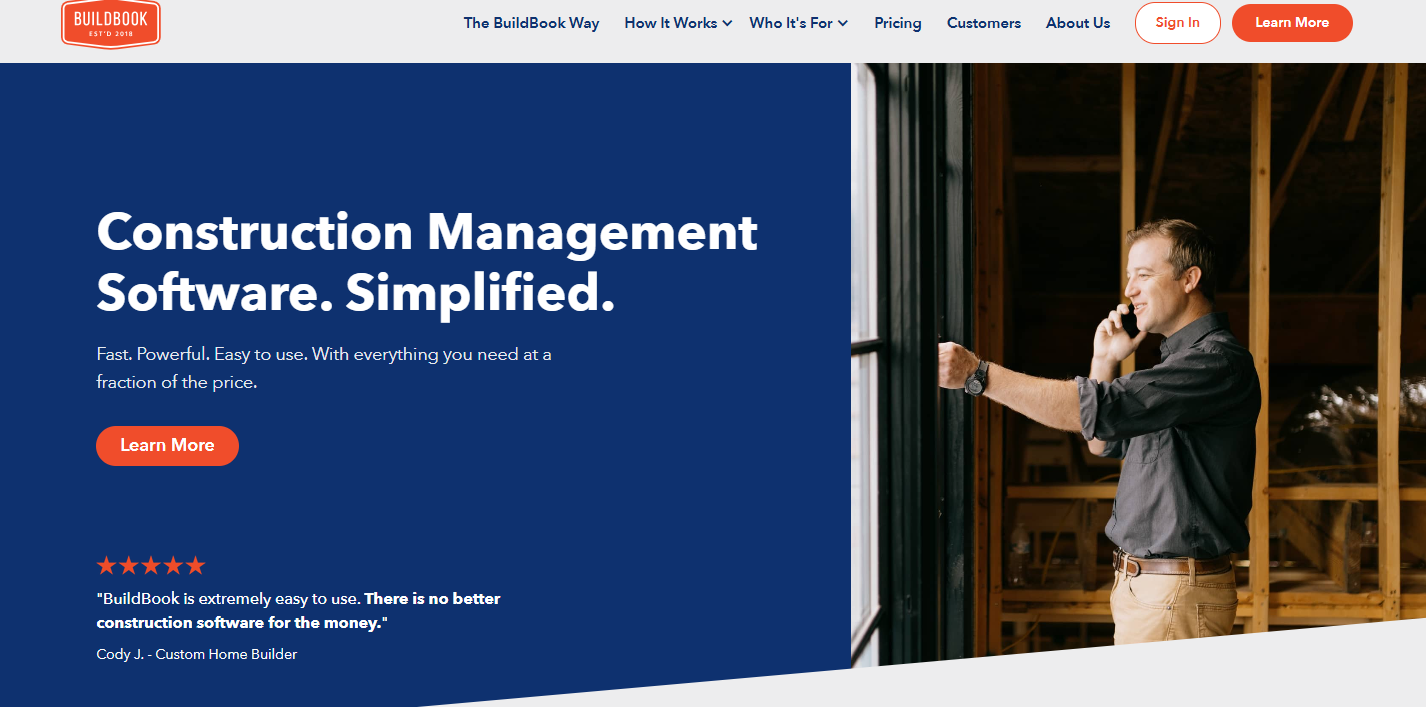
BuildBook focuses on improving communication between contractors and clients during custom home builds.

Key Features:

  • Timeline and task tracking
  • Selections and budgeting
  • Messaging interface

Pros:

  • Great for boutique builders
  • Beautiful client-facing interface

Cons:

  • Limited integrations
  • Basic scheduling tools

Pricing: Starts at $79/month

14. Autodesk Construction Cloud
Autodesk Construction Cloud

(Source: construction.autodesk.com)

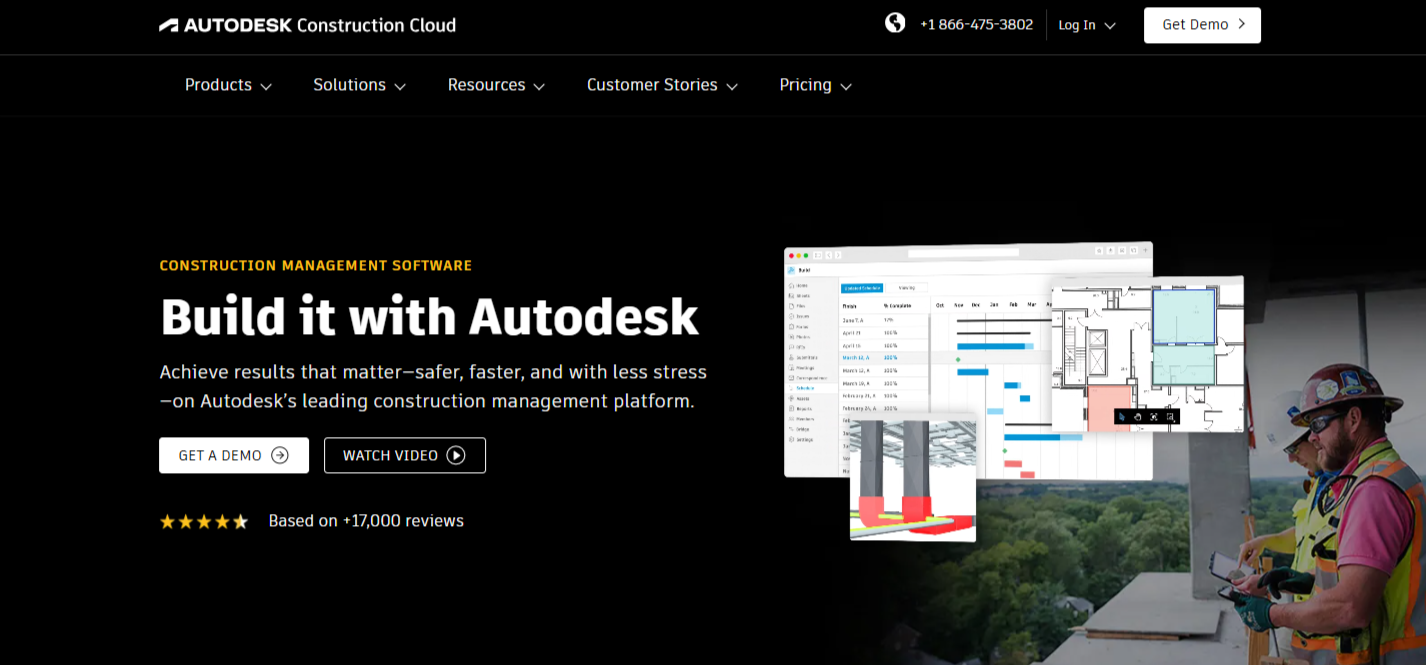
An integrated suite of tools (including BIM 360 and Build) for end-to-end construction lifecycle management.

Key Features:

  • Document and design management
  • Field execution tools
  • Analytics and cost controls

Pros:

  • Deep feature set and BIM integration
  • Trusted by large firms

Cons:

  • Complex system
  • Higher pricing tier

Pricing: Visit their pricing page to get a custom quote.

15. Raken
Raken

(Source: rakenapp.com)

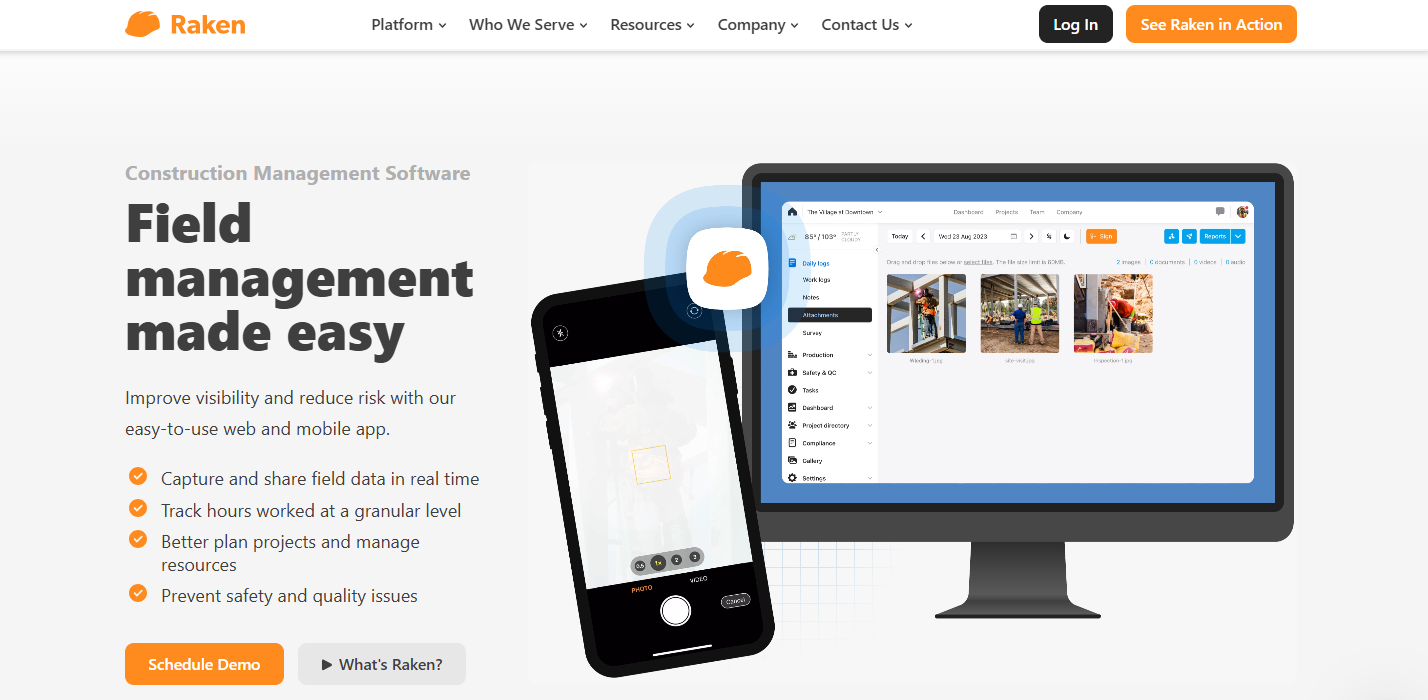
Raken is a mobile-first construction reporting app that simplifies daily logs, time tracking, and safety documentation—ideal for field teams needing fast, on-the-go reporting.

Key Features:

  • Daily reports and time tracking
  • Safety management tools
  • Photo and file documentation

Pros:

  • Built for field reporting
  • Very user-friendly mobile app

Cons:

  • Not a full project management suite
  • Limited customization

Pricing: Starts at $18/user/month

Conclusion

Whether you’re looking for high-end ERP systems, subcontractor-focused platforms, or tools built for small remodelers, this list highlights some of the most practical and powerful alternatives to the more commonly known solutions.

Each of these platforms offers unique features and strengths. The key is to choose a tool that aligns with your team’s size, project complexity, and budget.

Interested in an all-in-one, field-ready platform?

Schedule a demo with OConstruction and experience how modern construction management should work—intuitive, secure, and built for real-world results.

Why Real-Time Collaboration Matters in Construction

Real-time collaboration is changing how construction projects are done. In today’s fast-paced industry, every minute matters. Gone are the days of waiting for emails, holding long meetings, or waiting for subcontractors to respond. Instant communication is now the secret to managing projects successfully.

In this blog, we’ll explain collaboration tools, how they simplify construction, and how to use them to stay ahead.

What Is Real-Time Collaboration?

Real-time collaboration means team members, clients, and stakeholders can instantly share updates, ideas, and information during a project.
With tools like project management apps and cloud platforms, teams can share documents, track tasks, and communicate—no matter where they are.

This keeps everyone working with the latest information, so there are no delays or confusion.

How Real-Time Collaboration Helps Communication

How Real-Time Collaboration Helps Communication

1. Faster Communication

Old methods like emails or in-person meetings can slow things down, but this approach allows for instant communication.

For example, if there’s a problem on-site, the project manager can get help right away instead of waiting for hours or days.

2. Fewer Mistakes

Miscommunication often causes construction delays. Real-time tools help teams share updates quickly, so everyone has the correct information.

For instance, if a design changes, it can be shared immediately, so no one waste time working on old plans.

3. Quicker Decisions

With real-time access to information, teams can make decisions faster.

Whether fixing a site issue or updating schedules, they can act quickly and avoid expensive delays.

How Real-Time Collaboration Keeps Projects on Time

Adjusting to Problems

Real-time updates help teams handle problems as they come up.
For example, if materials are late or the weather is bad, project managers can adjust timelines quickly to stay on schedule.

Tracking Progress

Modern tools have dashboards that show task progress in real-time. This makes sure nothing is missed, and milestones are finished on time.

Real-Time Collaboration Builds Better Relationships

Working with Subcontractors and Suppliers

Construction projects involve many people, and keeping everyone informed helps prevent mistakes and delays.

Keeping Clients Happy

Clients like being kept in the loop. Sharing real-time updates builds trust and makes communication easier. Clients can also give feedback faster, which helps improve the project.

What Happens Without Real-Time Collaboration?

Without real-time collaboration, you might face:

  • Miscommunication: Messages can get misunderstood, leading to mistakes.
  • Delays: Slow responses and outdated information can cause missed deadlines.
  • Higher Costs: Delays and inefficiencies make projects more expensive.

Tools for Real-Time Collaboration

Project Management Software

Apps like Orangescrum, Procore, and Buildertrend let teams communicate, track tasks, and share documents in real time.

Mobile and Cloud Platforms

Mobile tools help on-site teams access project data, updates, and photos instantly. Cloud platforms make sure everyone is working with the latest information.

Success Stories

Cutting Delays

A company using these tools reduced delays and improved efficiency. With instant updates, teams solved problems quickly, saving time and money.

Managing Supplies

Another company used real-time tools to track inventory and suppliers. They avoided delays and delivered projects on time and within budget.

Tips for Using Real-Time Collaboration

  • Set Rules: Decide how your team should use the tools.
  • Use Current Systems: Make sure the tools work with your existing software.
  • Train the Team: Teach everyone how to use the tools properly.

Conclusion: Real-Time Collaboration Is a Must

Real-time collaboration is essential for success in construction.

It makes communication better, avoids delays, speeds up decisions, and keeps projects on track. By using the right tools and training your team, you can finish projects faster and save money.

Ready to make your construction projects easier? Start using real-time collaboration tools today!

FAQs

1. What is real-time collaboration?

It’s the instant sharing of updates and information using digital tools.

2. How does it reduce delays?

It helps teams fix problems faster with quick communication and decision-making.

3 . Can it work with my current tools?

Yes, most real-time tools connect with project management and accounting systems.

4 . What’s the biggest benefit?

It keeps everyone on the same page and helps projects stay on schedule.

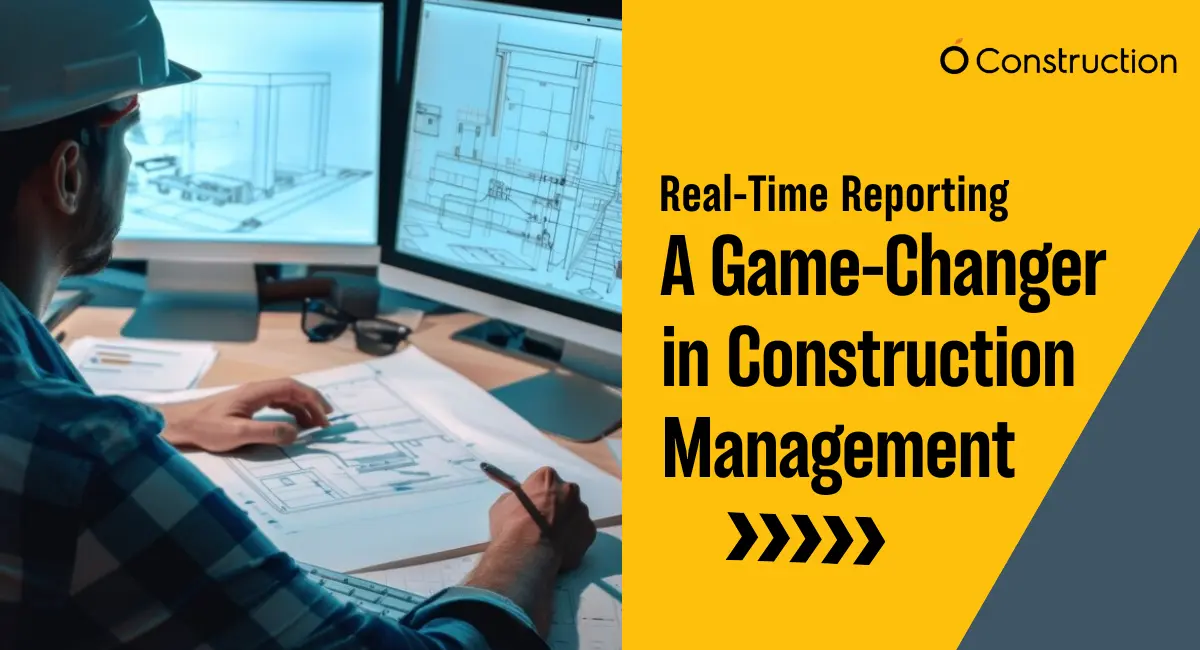
Real-Time Reporting: A Game-Changer in Construction Management

Managing construction projects is complicated, managers need to handle numerous stakeholders, dependencies, and deadlines which can make managing construction projects a challenge.

This demands a more efficient and transparent approach to managing projects. Traditional project management methods just don’t cut it.

You need construction project management software with real-time reporting. This feature redefines how construction projects are managed.

In this blog, we will explore why real-time reporting is not just a choice but a necessity. This will enable you to stay ahead of the challenge and deliver projects successfully.

What Is Real-Time Reporting?

Real-time reporting is all about making project data and updates accessible across a centralized platform. It provides stakeholders with updated insights on each aspect of project development – all in real-time.

Instead of relying on spreadsheets or weekly reports, project managers and team members will be able to make informed decisions on the go.

Construction management software like OConstruction integrates with mobile apps, IoT devices, and cloud-based systems to deliver seamless actionable insights.

The Challenges of Traditional Reporting Methods

Before understanding the real value of real-time reporting, it’s essential to recognize the limitations of traditional reporting methods.

  • Delays in Information: Weekly or monthly reports result in outdated data which cannot provide an accurate forecast of strategies and plans. This can lead to delays in identifying and addressing issues.
  • Fragmented Data: When data is stored across multiple platforms or apps like spreadsheets it makes it difficult to get a comprehensive view of the project.
  • Communication Gaps: Manual reporting can cause miscommunication among stakeholders which can lead to errors and rework.
  • Increased Risk of Errors: Manual data entry increases the possibility of human errors which can disrupt the data and therefore the project itself.
  • Reactive Decision-Making: Without timely insights, project managers have to anticipate changes in the project and oftentimes react to problems instead of proactively addressing them.

Why Real-Time Reporting Is Essential for Construction Projects


Construction Management

1. Enhanced Decision-Making

Real-time reporting enables project managers with accurate and up-to-date data thereby enabling them to make informed decisions faster. It’s about reallocating resources, adjusting schedules, and addressing safety concerns faster.

2. Improved Transparency and Accountability

Construction project management software like OConstruction keeps all the stakeholders in the loop thereby fostering transparency and ensuring that everyone has access to the same information.

This reduces misunderstandings and keeps each party accountable for their responsibilities.

3. Faster Issue Resolution

It also facilitates faster problem solving such as equipment failures, material shortages, and design discrepancies. Real-time reporting ensures they are flagged immediately.

Faster identification enables team members to resolve issues before they escalate and minimize delays or cost overruns.

4. Accurate Progress Tracking

Real-time dashboards in Construction project management software like OConstruction can show real-time data on project milestones, task completion, and overall progress of the project.

This clarity ensures that projects stay on track and allow project managers to adjust timelines when needed.

5. Cost Control and Budget Management

Budget is yet another significant aspect of construction project management. Project managers get real-time updates on expenses, and can monitor budgets more effectively.

Early detection of cost overruns enables faster corrective action and facilitates the project to remain within the budget limits.

6. Better Collaboration Across Teams

Real-time reporting also breaks down silos which provide a centralized platform for sharing information.

Teams from different locations can collaborate more effectively and ensure that the project is aligned with the requirements thereby reducing redundancies.

7. Proactive Risk Management

Construction projects are inherently risky because of factors such as weather, supply chain disruptions, and labor costs.

Reporting and real-time metrics let you identify potential risks early. This allows managers to implement mitigation strategies before they impact the project.

Statistics That Prove the Value of Real-Time Reporting

According to McKinsey, large construction projects typically take 20% longer to finish and run up to 80% over budget due to poor planning and reporting.

Dodge Data & Analytics reports that 61% of contractors using real-time project management tools saw improved schedule adherence.

A survey by FMI revealed that companies leveraging real-time data improved labor productivity by 14% and reduced rework costs by up to 5%.

70% of project delays could be avoided with better real-time visibility and reporting (KPMG).

Case Study: Real-Time Reporting in Action

Project: A mid-sized infrastructure company managing a $50M highway construction project.

Challenge: The company faced frequent delays due to material shortages and poor communication between contractors and subcontractors. Reports were consolidated weekly, leading to delayed issue resolution.

Solution: The company implemented OConstruction’s real-time reporting software. Field teams updated progress directly from mobile devices, while IoT sensors tracked equipment usage. Automated alerts flagged potential material shortages in advance.

Results:

  • Reduced project delays by 25%.
  • Cost overruns cut by 15%.
  • Stakeholder satisfaction improved due to transparent communication.
  • The project was delivered three weeks earlier than scheduled.

Key Features of Real-Time Reporting Tools in Construction

To fully leverage the benefits of real-time reporting, construction project management software should include the following features.

  • Live Dashboards: Centralized dashboards can display key metrics such as project progress, budgets, and resource allocation to project managers.
  • Mobile Accessibility: Mobile-friendly platforms ensure that the on-site teams can input and access data from anywhere.
  • Integration with IoT Devices: IoT devices can use sensors to provide real-time updates on equipment usage, environmental conditions, and worker safety.
  • Automated Alerts and Notifications: Immediate alerts can create scheduled deviations, budget overruns, and compliance issues to keep stakeholders informed.
  • Customizable Reports: Customized reporting options let you meet the unique needs of different projects and stakeholders.
  • Cloud-Based Storage: Secure cloud-based systems also enable data to be accessed and shared in real-time across multiple locations.

How Real-Time Reporting Impacts Stakeholders

  • Project Managers: Real-time reporting enables project managers to keep control over every aspect of the project, thereby ensuring timely completion and optimal resource utilization.
  • Contractors and Subcontractors: Contracts and subcontractors can monitor task assignments, resource availability, and equipment usage in real-time, thereby reducing downtime and ensuring efficiency.
  • Clients: Clients get a transparent view of the project’s progress thereby fostering trust and reducing disputes.
  • Field Teams: On-site teams can easily report progress, flag issues, and access critical information instantly, thereby improving productivity and communication.
  • Compliance Officers: Real-time reporting ensures compliance with safety regulations and industry standards, which reduces risks and avoids penalties.

The Future of Real-Time Reporting in Construction

  • As technology continues to evolve, real-time reporting is becoming more comprehensive and simplified.
  • The integration of AI and predictive analytics enables forecasting potential risks and optimizing resource allocation.
  • Wearable devices and drones also enhance real-time data collection and can generate even the most minute insights into on-site conditions.
  • Moreover, 5G connectivity will revolutionize real-time reporting by enabling faster data transmission even in remote construction sites.
  • These advancements will further empower businesses to deliver projects faster and with greater efficiency.

Final Thoughts

Real-time reporting is no longer a choice but a necessity for modern-day projects. Providing instant access to critical data can empower the team to make informed decisions which can improve collaboration and ensure that the project is delivered on time and within budget.

Integrating construction project management software and other reporting tools is an investment in efficiency, transparency, and long-term success.

Are you ready to transform your construction projects with real-time reporting? Let’s start building the future, one data-driven decision at a time.

Frequently Asked Questions 

Q1. How does real-time reporting differ from traditional reporting?
Real-time reporting delivers instant updates and dashboards, unlike traditional weekly/monthly reports that often contain outdated data. It ensures decisions are made proactively, not reactively.

Q2. Is real-time reporting expensive to implement?
Not necessarily. Cloud-based construction management tools like OConstruction scale with your needs. The investment often pays off by reducing rework, avoiding penalties, and improving productivity.

Q3. How does it help with compliance and safety?
Real-time reporting integrates with IoT sensors and safety checklists, ensuring immediate alerts for compliance issues, worker safety breaches, or regulatory deviations.

Q4. Can small construction firms benefit from it?
Absolutely. Even small firms face risks like delays and cost overruns. Real-time reporting helps smaller teams manage resources effectively and stay competitive.

Q5. Does real-time reporting replace project managers?
No. It empowers them. The technology provides instant insights, but human judgment and leadership remain critical to project success.

Category: Construction Academy

Subcategory: Budgeting and Planning

Subcategory: Construction Phase

Subcategory: Design Coordination

Subcategory: Estimation Techniques

Subcategory: Initiation and Feasibility

Subcategory: Introduction

Subcategory: Personal Management

Subcategory: Project Close-Out

Subcategory: Project Scheduling

Subcategory: Project Teams

Subcategory: Proposal Management

Subcategory: Total Quality Management

Subcategory: Tracking and Control

Subcategory: Work Breakdown

Category: Help Desk

Subcategory: Client

Subcategory: Construction 101

Subcategory: Contractor Management

Subcategory: Expense

Subcategory: Finance Budget

Subcategory: Inventory Management

Subcategory: My Approvals

Subcategory: Site Management

Subcategory: Vendor Management