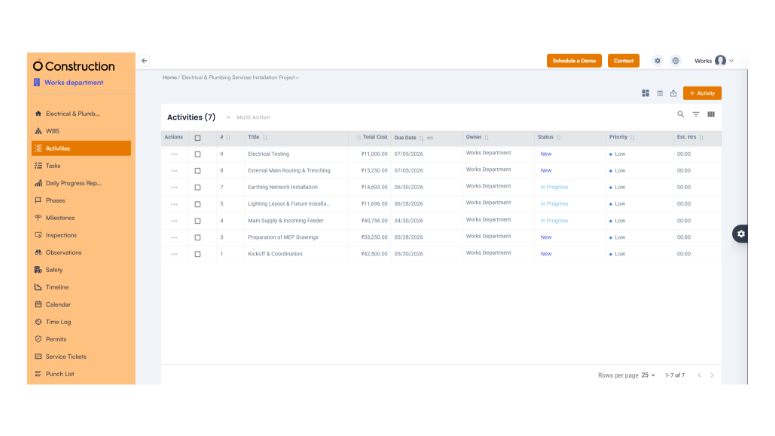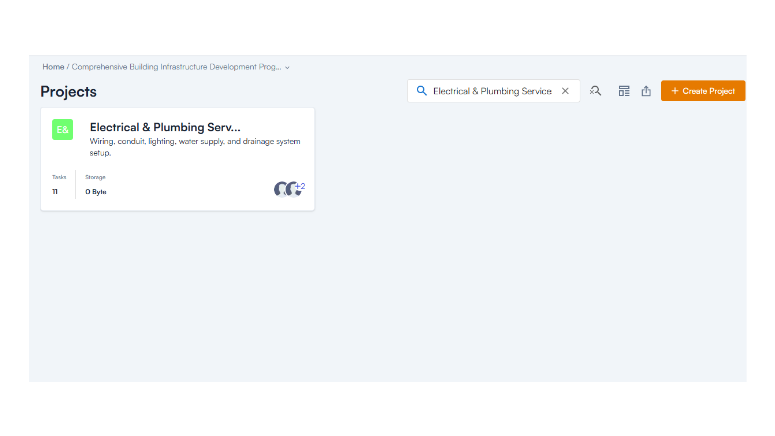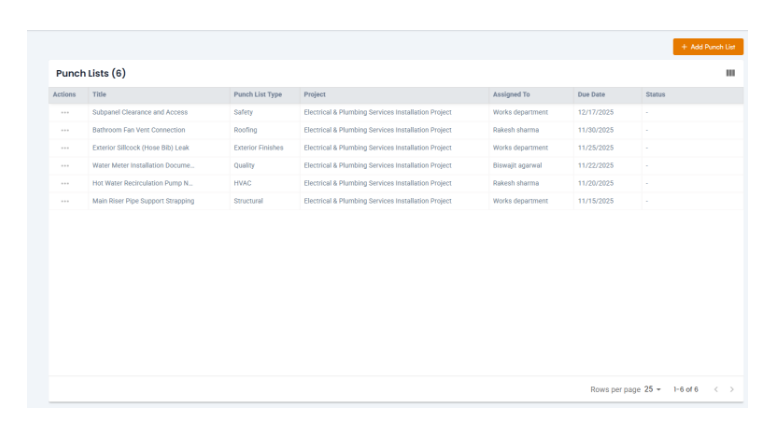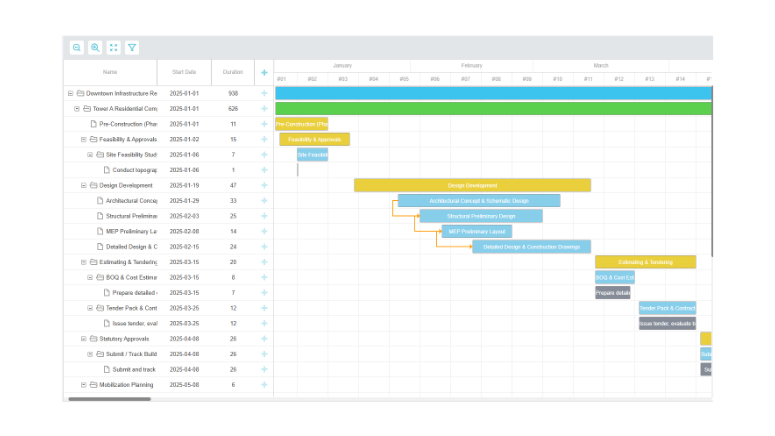
OConstruction Feature Release: Pre-Task Planning, Safety & Site Reporting Enhancements

Construction projects succeed or fail long before work begins on site. Missing pre-task planning, incomplete safety documentation, untracked attendance, and manual reporting often lead to avoidable delays, safety incidents, compliance gaps, and billing disputes. In fast-moving construction environments, relying on paper registers or disconnected tools only increases risk.

To address these challenges, OConstruction introduces a comprehensive update focused on pre-task planning, workforce tracking, safety governance, and automated reporting. This release strengthens on-site discipline while reducing administrative overhead for project teams, safety officers, and management.

The latest OConstruction Pre-Task Planning update ensures that planning, safety, attendance, and compliance data are captured digitally, accurately, and in real time — before issues escalate on site.

Here’s what’s new.

Release Update — Site Planning, Safety & Reporting Enhancements

Pre-Task Plan — Planning Before Execution

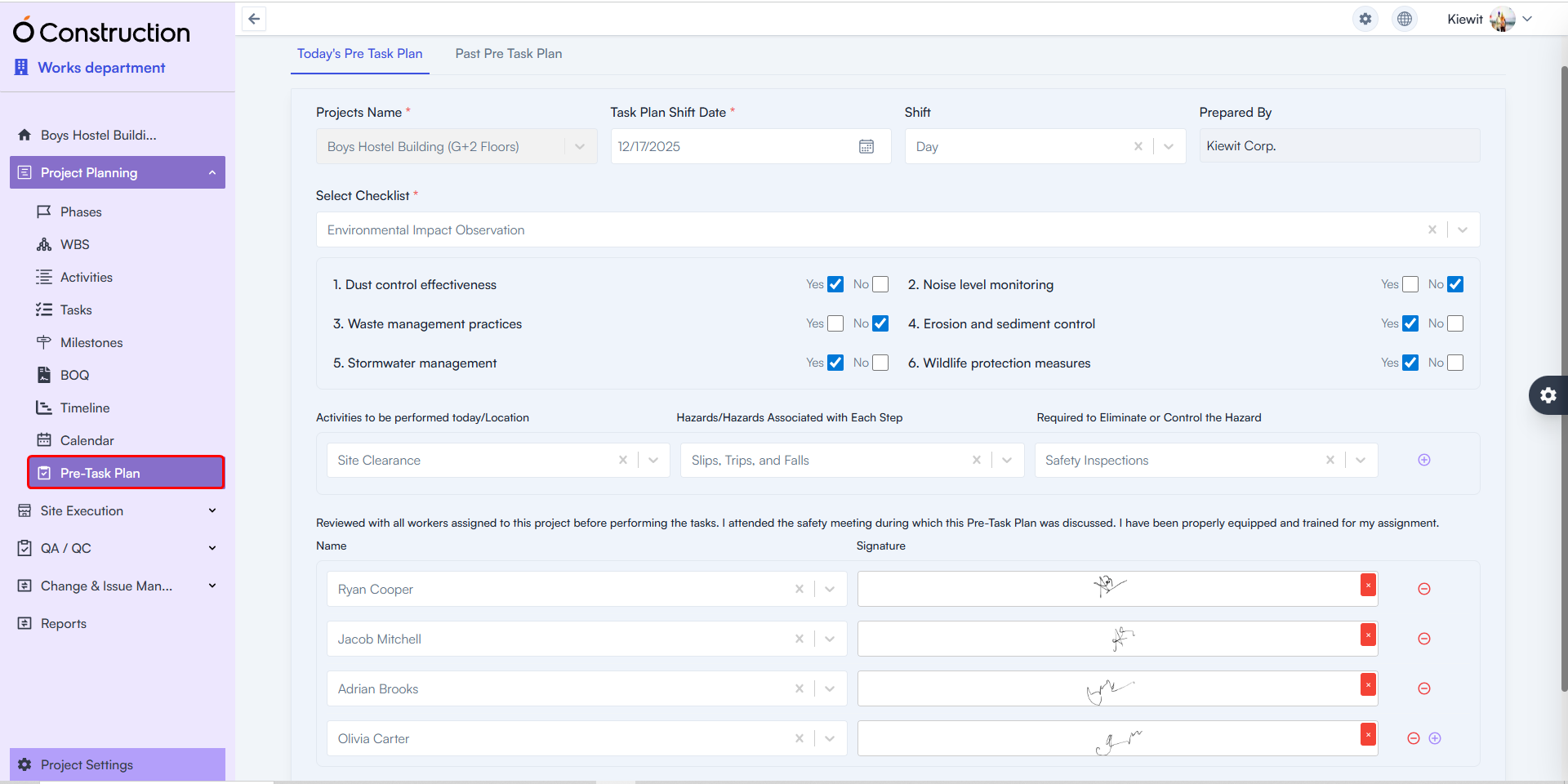
Pre-Task Plan captures all critical planning details before work begins on site.

  • What’s New: Teams can record today’s task plan, review progress on previously planned tasks, and document readiness before execution starts.
  • Included Capabilities:
    • Task checklists
    • Identified hazards
    • Risk mitigation plans
    • Attending project members with digital signatures
  • Benefit: Ensures work begins only after proper planning, risk identification, and team acknowledgment—reducing safety incidents and execution errors.
Pre-Task-Plan

Daily Attendance — Workforce Visibility & Accuracy

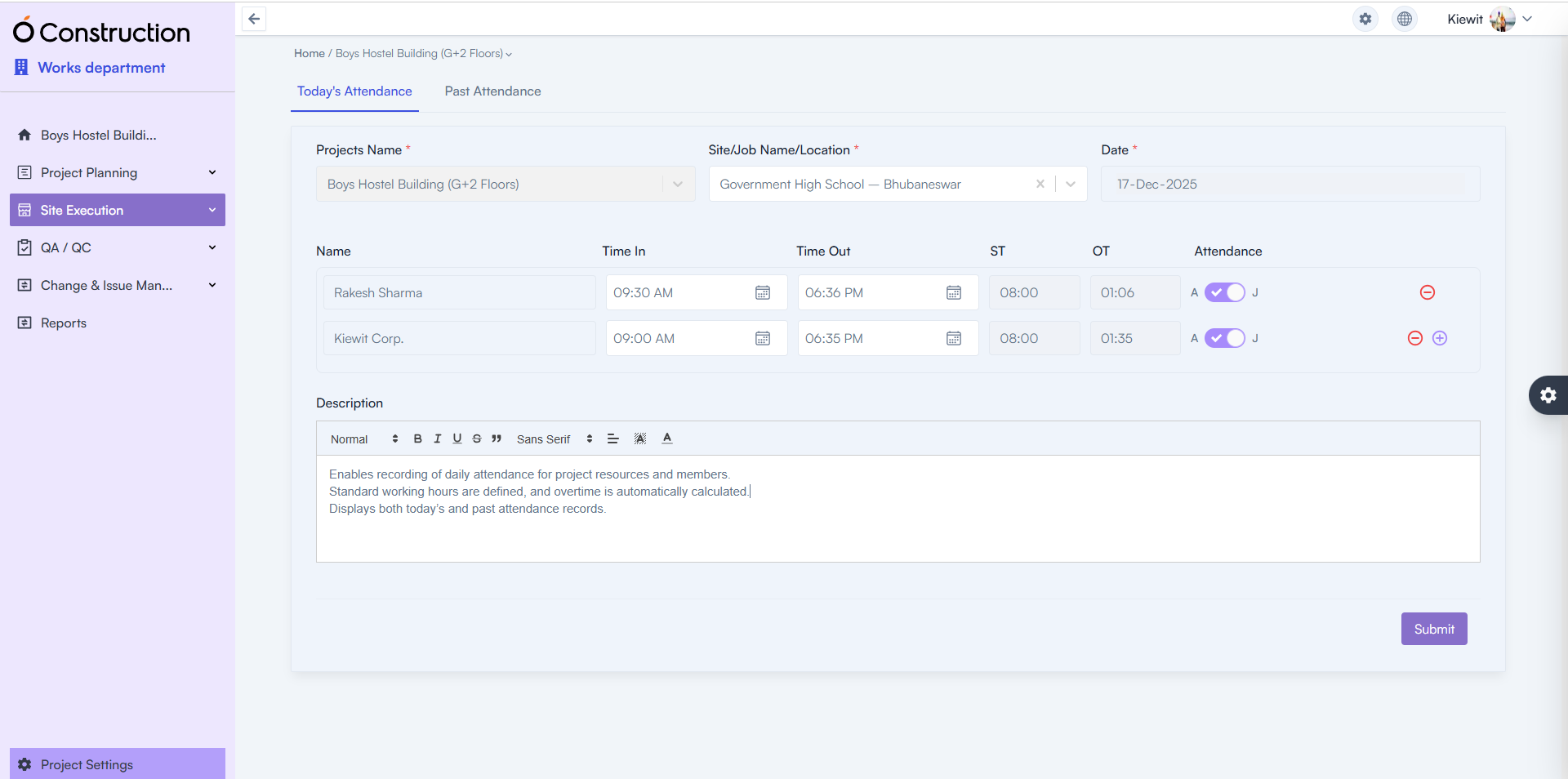
Daily Attendance enables structured attendance tracking for all project resources and members.

  • What’s New: Attendance can be recorded daily with defined standard working hours.
  • Key Enhancements:
    • Automatic overtime calculation
    • Access to both today’s and historical attendance records
  • Benefit: Improves workforce accountability, simplifies payroll inputs, and eliminates manual attendance errors.
Daily Attendance

Safety Meeting — Digital Safety Governance

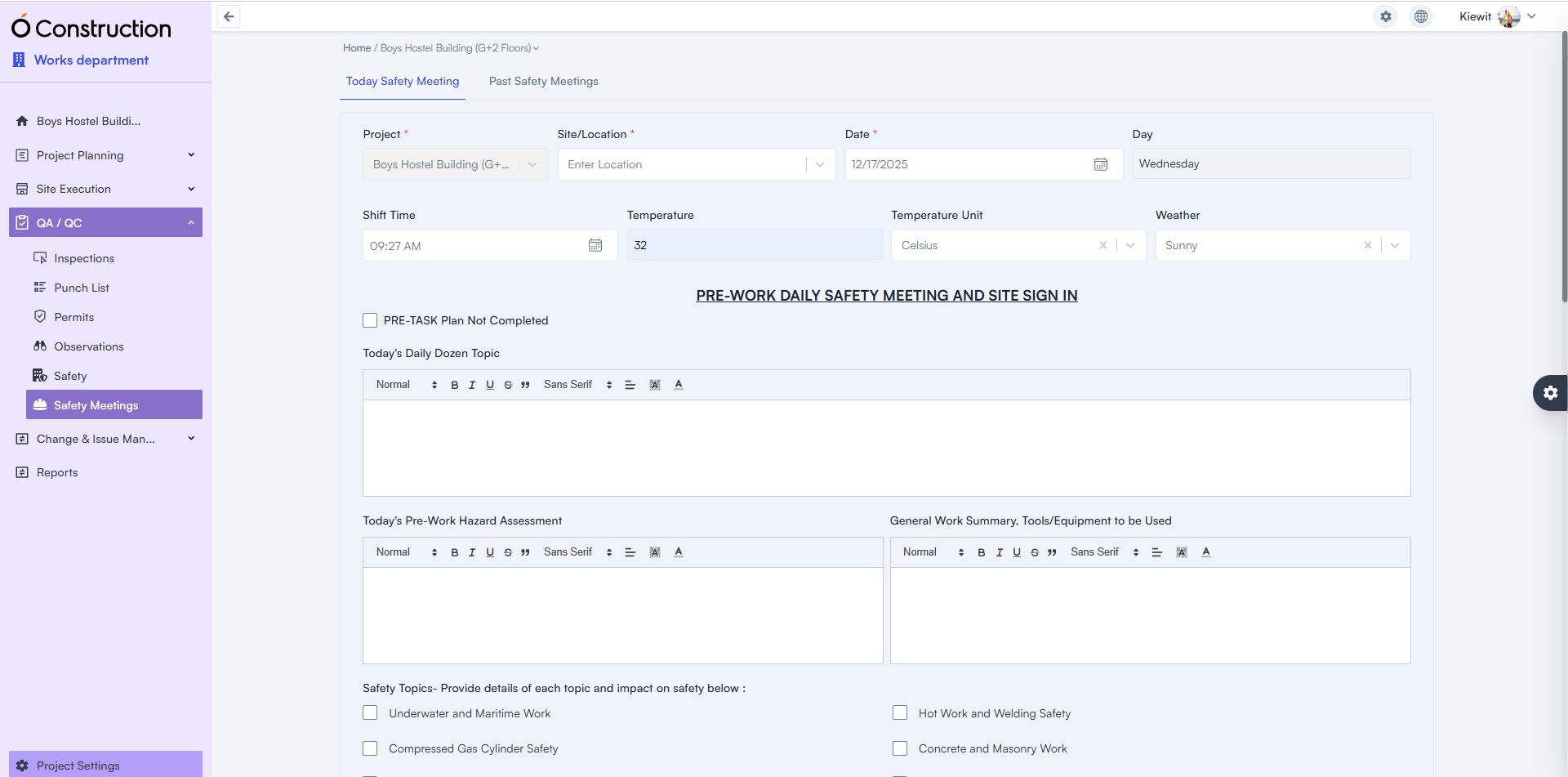
Safety Meeting records both today’s and past safety discussions conducted on site.

  • What’s New: Teams can document safety meetings alongside Pre-Task Plan completion status.
  • Captured Details:
    • Safety topics discussed
    • Shift time
    • Temperature and weather conditions
    • Participant digital signatures
  • Benefit: Creates a verifiable safety audit trail while ensuring regulatory and internal safety compliance.
Safety Meeting

Reports — Automated Compliance & Progress Documentation

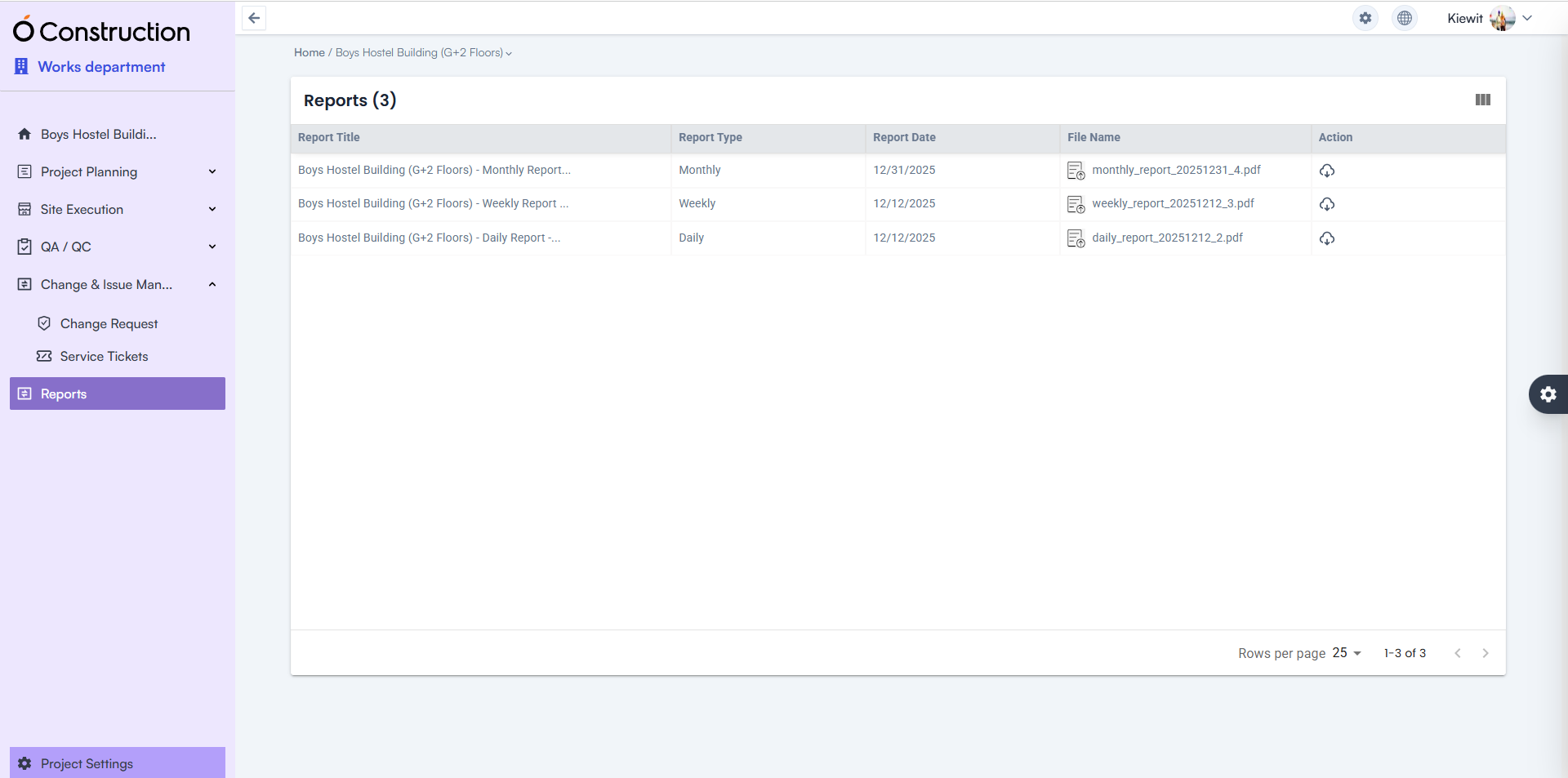
Reports are now automatically generated across multiple operational areas.

  • Available Reports:
    • Pre-Task Plan
    • Daily Attendance
    • Safety Meetings
    • DPR (Daily, Weekly, and Monthly)
  • Benefit: Eliminates manual reporting effort while delivering consistent, audit-ready documentation for management and stakeholders.
Automated-Compliance

BOQ Template — Expanded Structural Flexibility

BOQ Templates are now available across all levels of the work structure.

  • What’s New: BOQ templates can be applied at multiple hierarchy levels instead of being restricted.
  • Benefit: Improves cost planning consistency and accelerates BOQ creation across complex project structures.
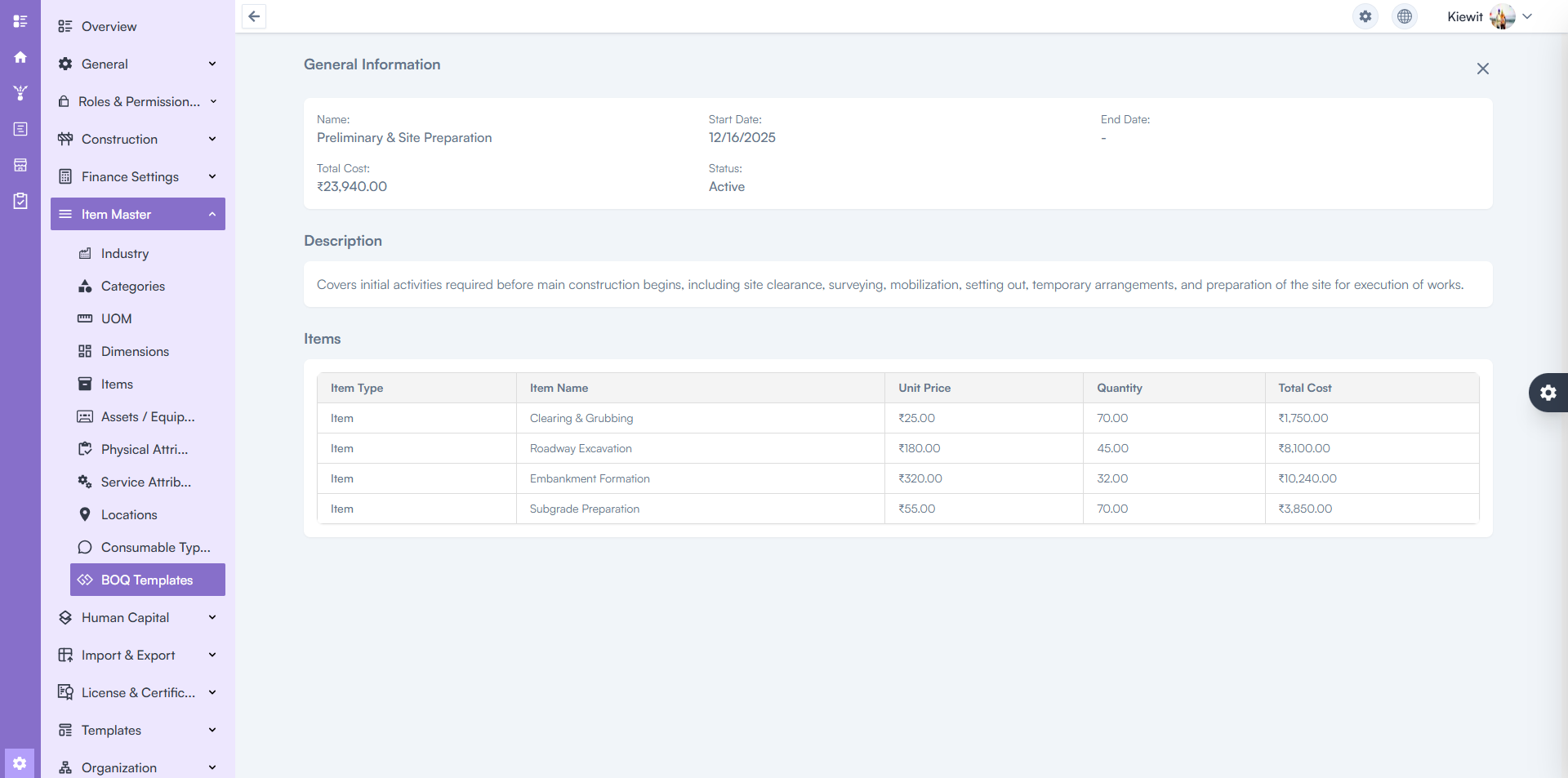
BOQ Template

Client Issue Fixes & Stability Improvements

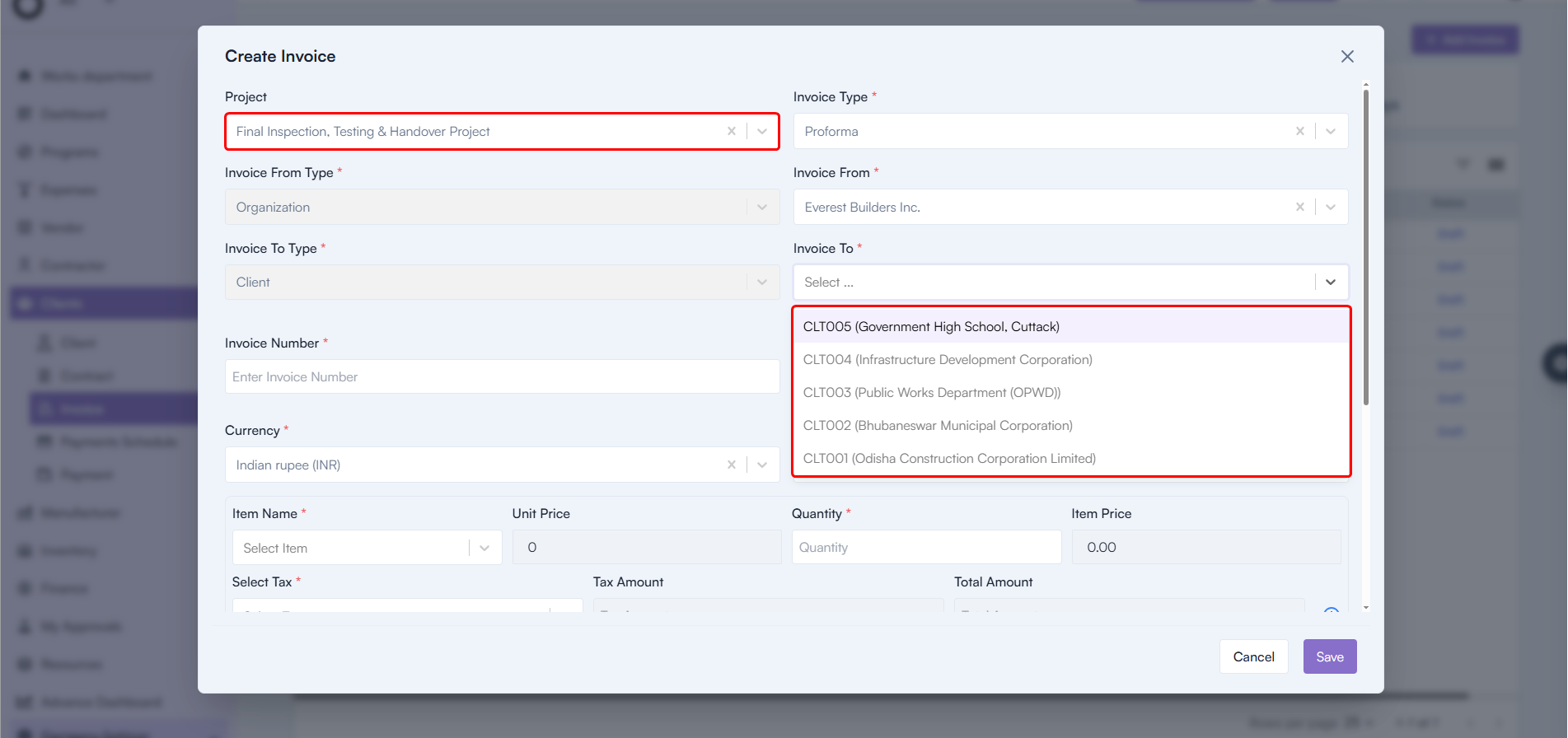
Approver Selection — Corrected Logic & Validation

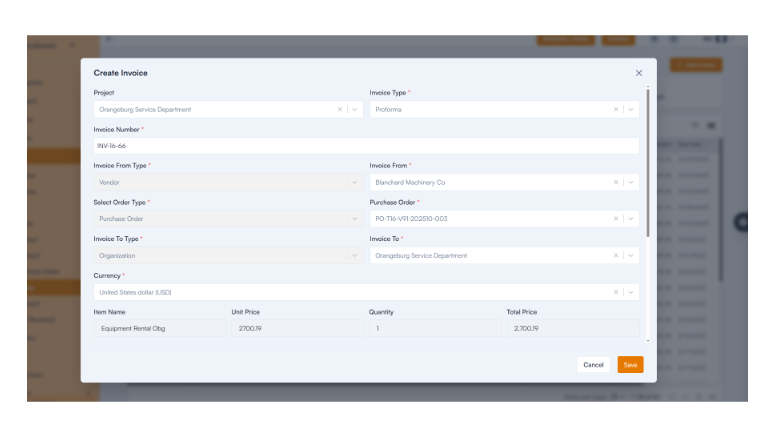
  • Issue: Approvers were not displayed correctly when selecting a Project during Invoice or Payment creation.
  • Fix: The system now correctly selects approvers based on Organization and Project configuration. Backend validation has also been added to prevent duplicate approver entries.
  • Benefit: Accurate approval workflows and reduced billing delays.
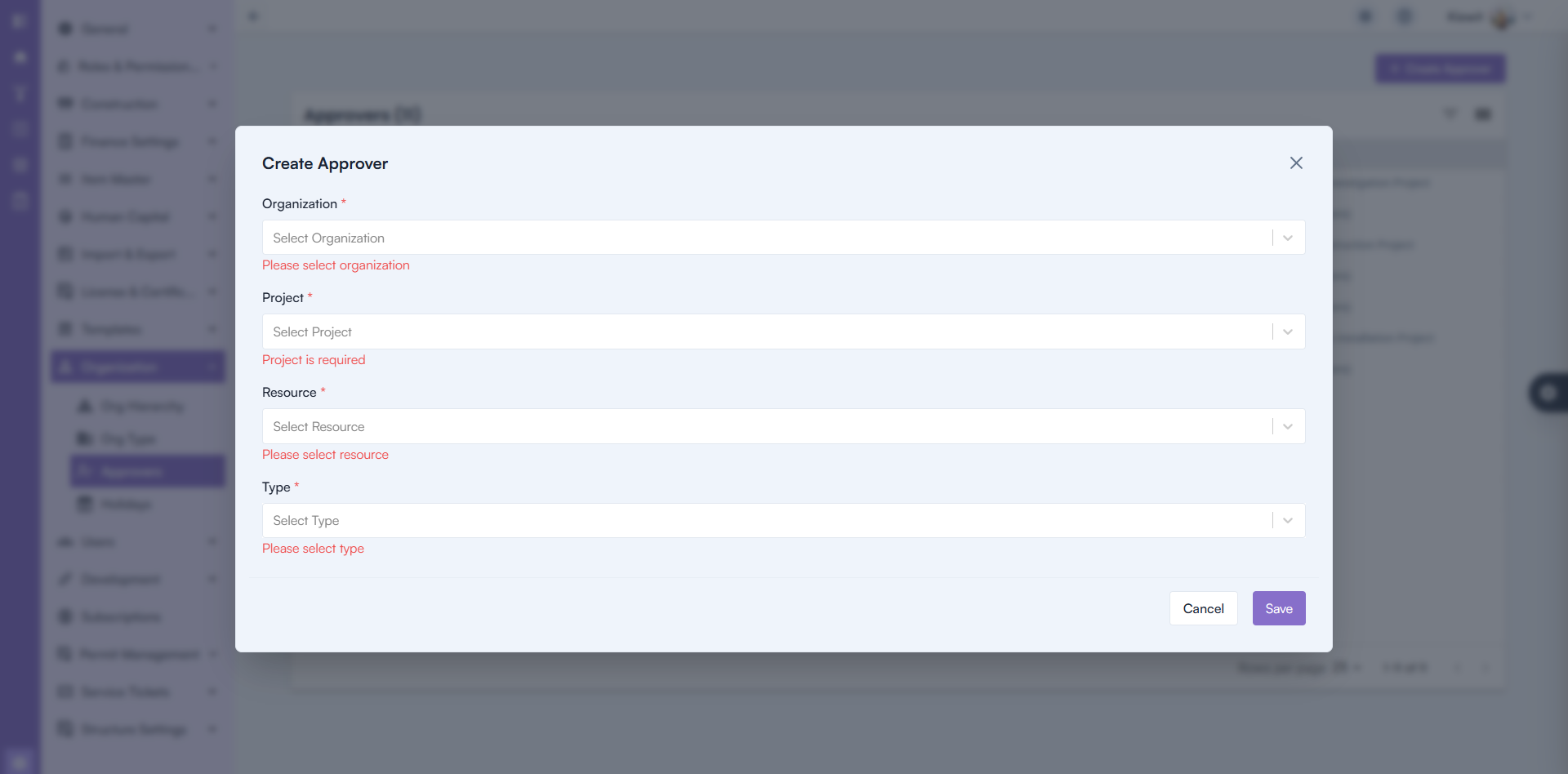
Approver Selection

Payment Creation — Currency Retention Fixed

  • Issue: Selected currency was not retained correctly during Payment creation.
  • Fix: Currency selection now persists accurately throughout the process.
  • Benefit: Prevents financial inconsistencies and improves payment accuracy.
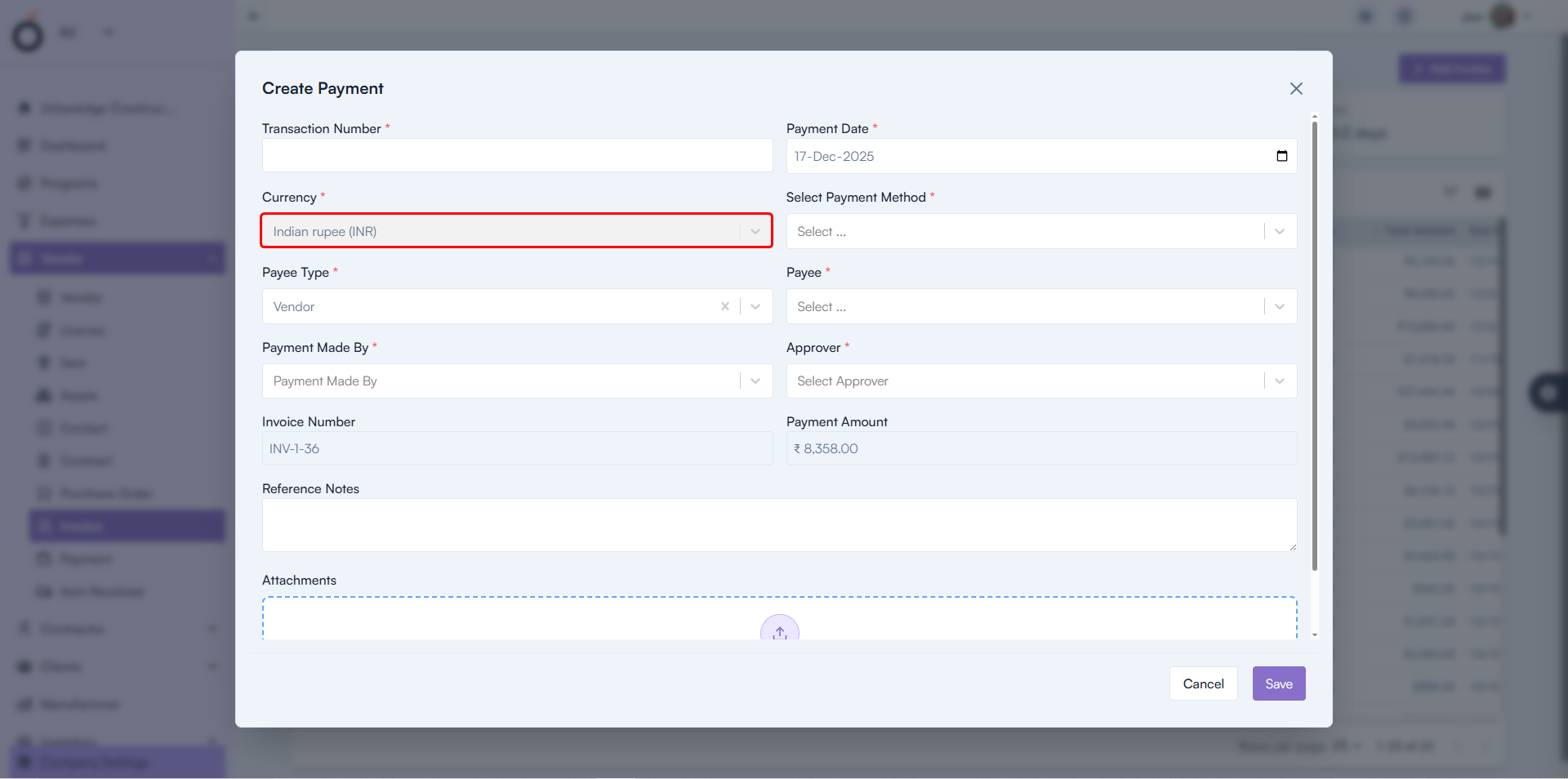
Payment Creation

Final Takeaway

This release significantly strengthens pre-task planning, safety governance, workforce tracking, and reporting automation within OConstruction. By digitizing planning and compliance workflows, teams gain better control before work begins — not after issues arise.

With enhanced Pre-Task Planning, automated attendance and safety records, structured reports, and improved financial validations, OConstruction continues to empower construction teams with safer sites, clearer execution, and stronger operational confidence.

OConstruction Release Notes: What’s New in December 2025

Construction teams rely on stable workflows, accurate data visibility, and smooth user experience to keep projects on schedule. At OConstruction, we continuously refine the platform to eliminate friction and ensure reliable execution across every module.

This December update introduces usability fixes, validation improvements, and better performance across Tasks, WBS, Budget Insights, Workspaces, and Resource Management.

Here’s what’s new in the latest OConstruction Release Notes.

Release Update — 03/12: Performance Fixes & UX Improvements

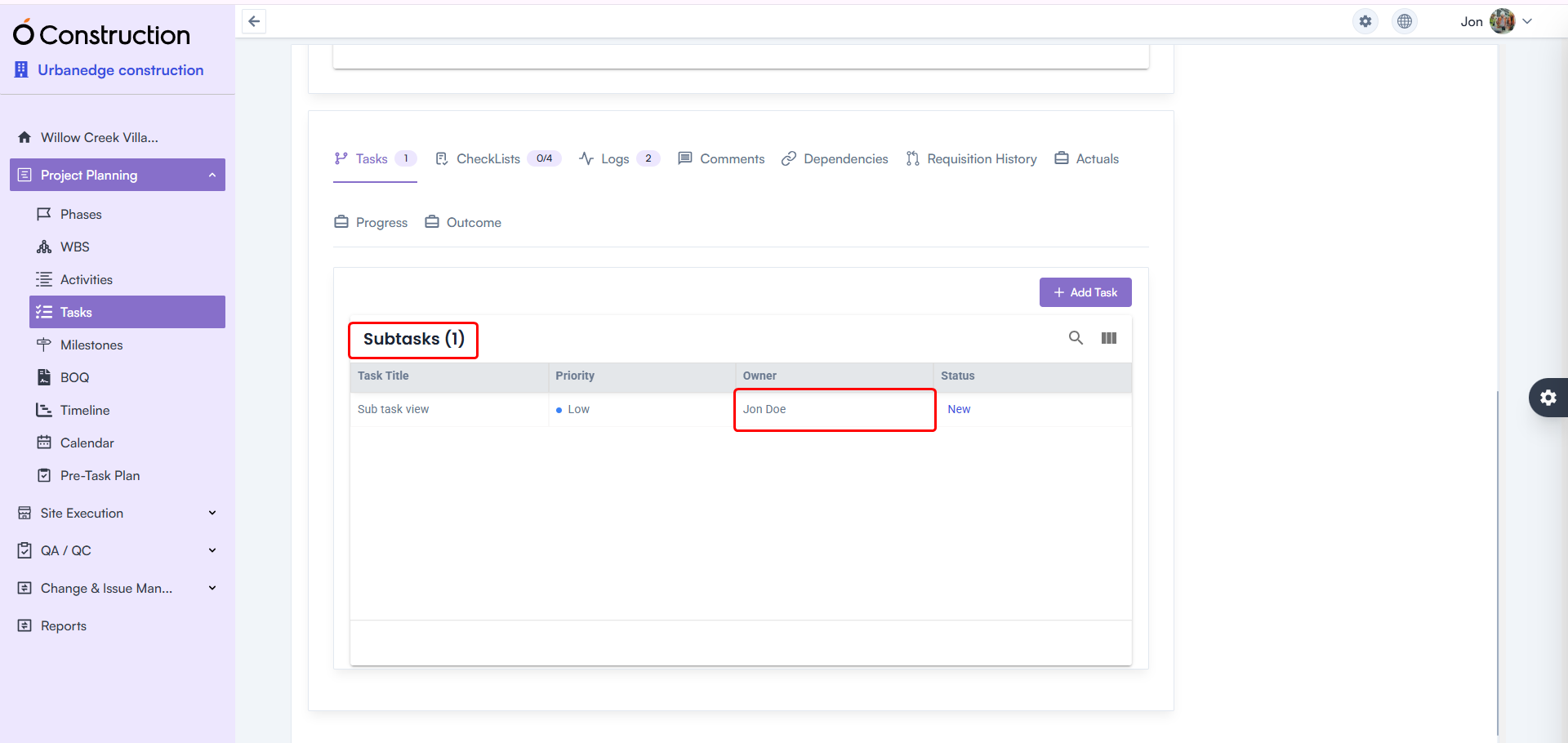
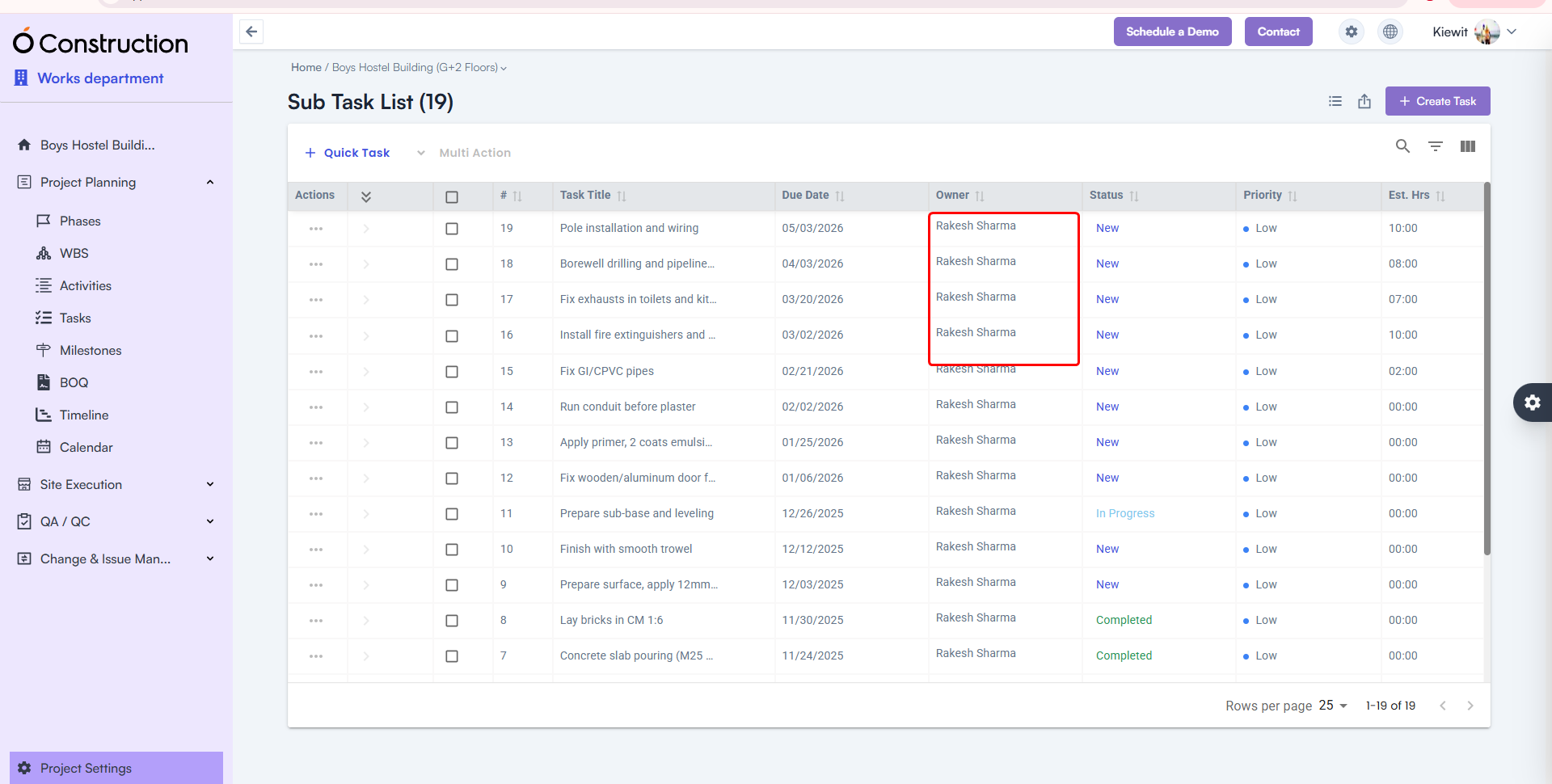
  • Owner Name Visibility in Subtasks — Fixed

After creating a subtask, the Owner Name field occasionally appeared blank.

  • Fix: The correct Owner Name now displays consistently.
  • Benefit: Accurate task accountability and tracking.

Owner Name Visibility in Subtasks

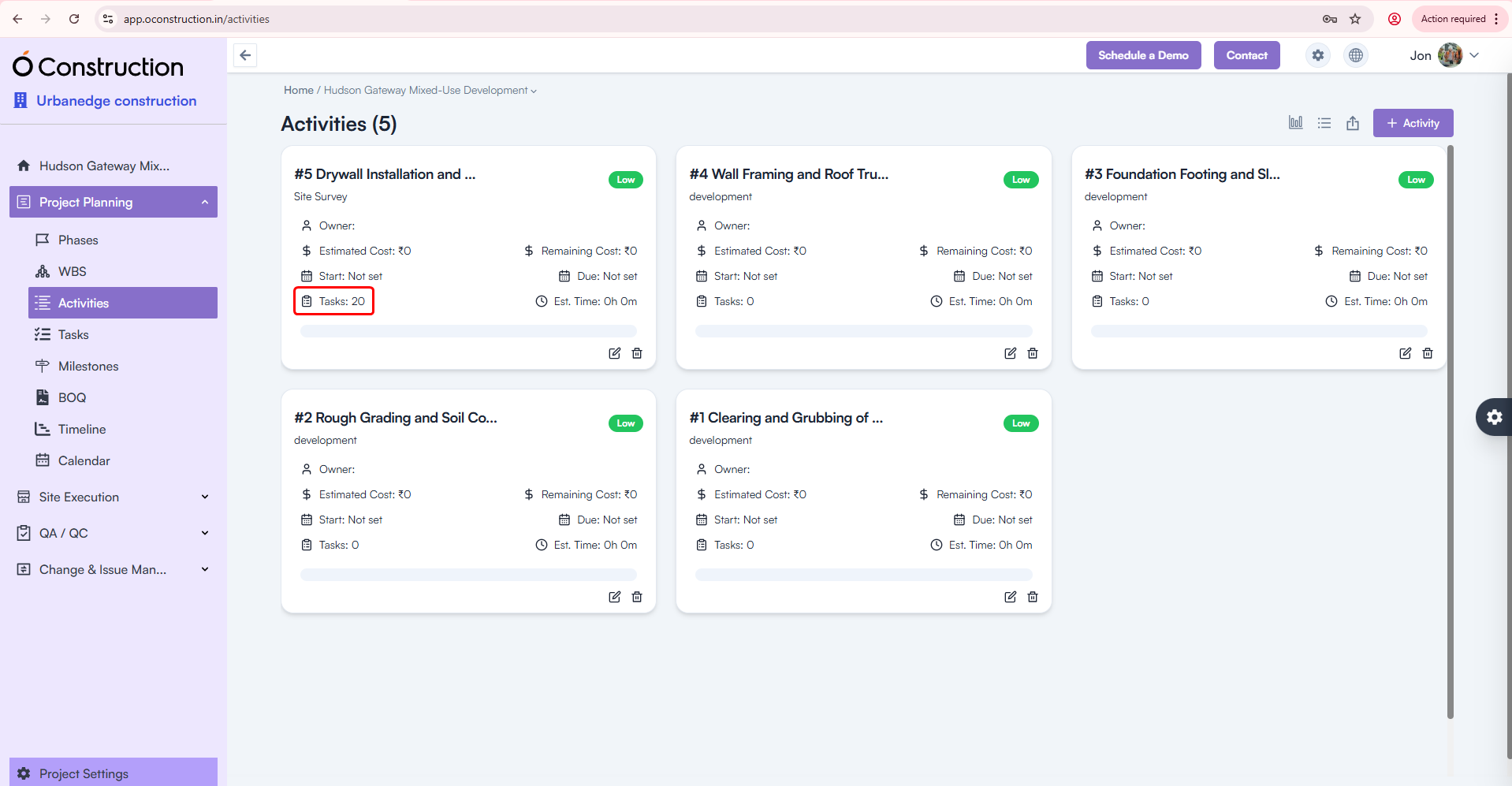
  • Activity Card Task Count — Corrected

Activity Cards were showing the wrong number of tasks linked to them.

  • Fix: Task Count is now fully accurate and automatically updated.
  • Benefit: Clearer progress visibility across activities.

Activity Card Task Count

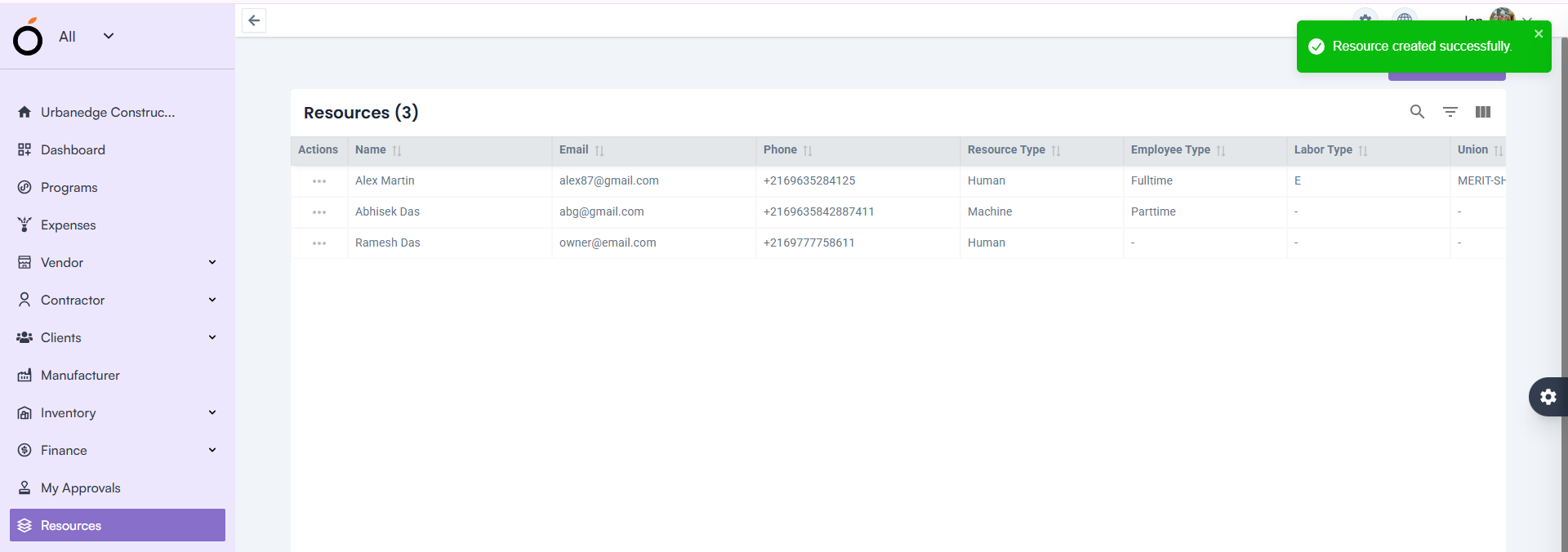
  • Resource Creation — Proper Validation Alerts

Leaving the Email field blank previously showed a generic toast message:

“Something went wrong”

  • Fix: Now users see the correct validation alert.
  • Benefit: Clear communication and faster error resolution.

Resource Creation — Proper Validation Alerts

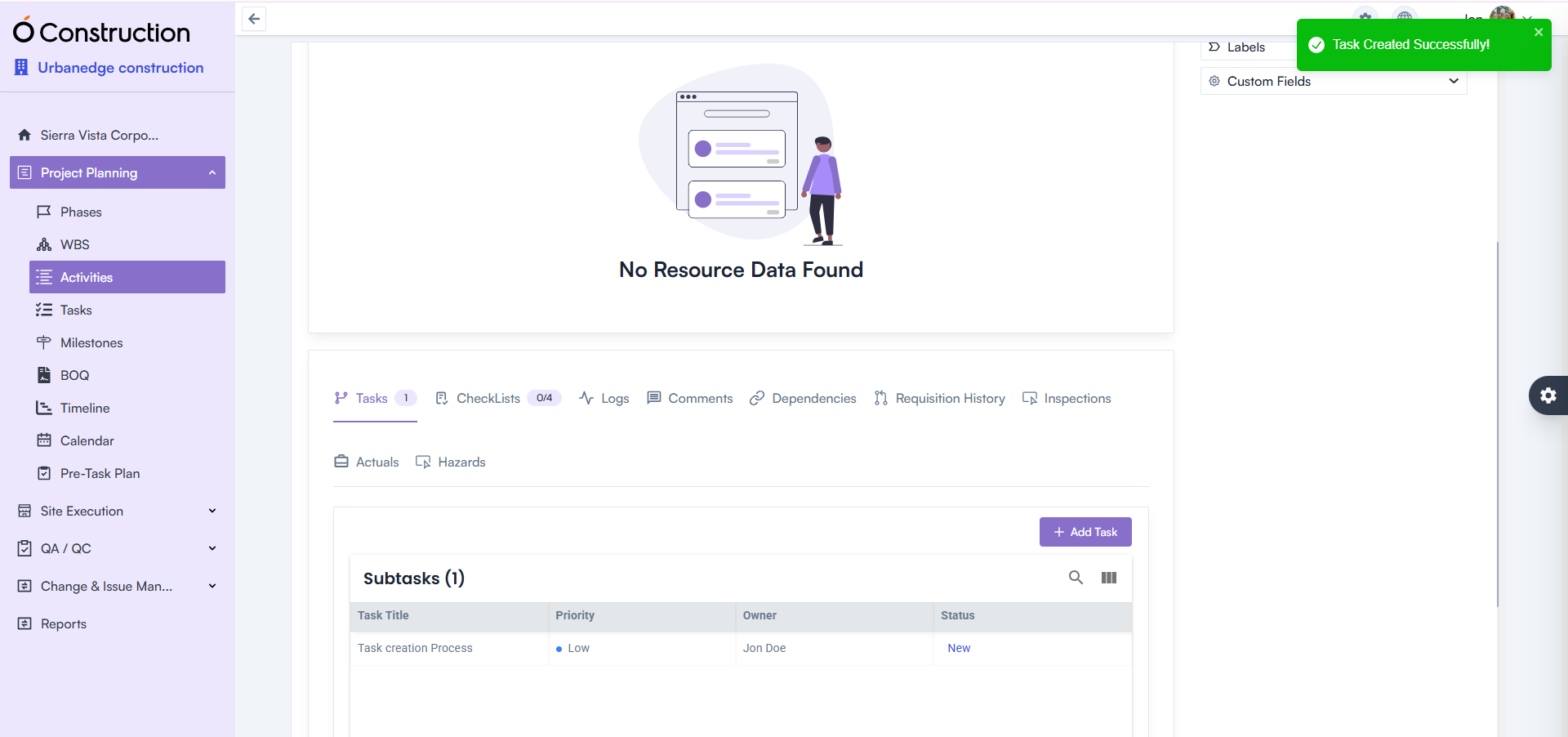
  • Activity Details — Task Creation Error Fixed

Creating tasks under Activity Details incorrectly prompted a 422 error message.

  • Fix: This issue is fully resolved.
  • Benefit: Smoother task addition and execution continuity.

Activity Details — Task Creation Error Fixed

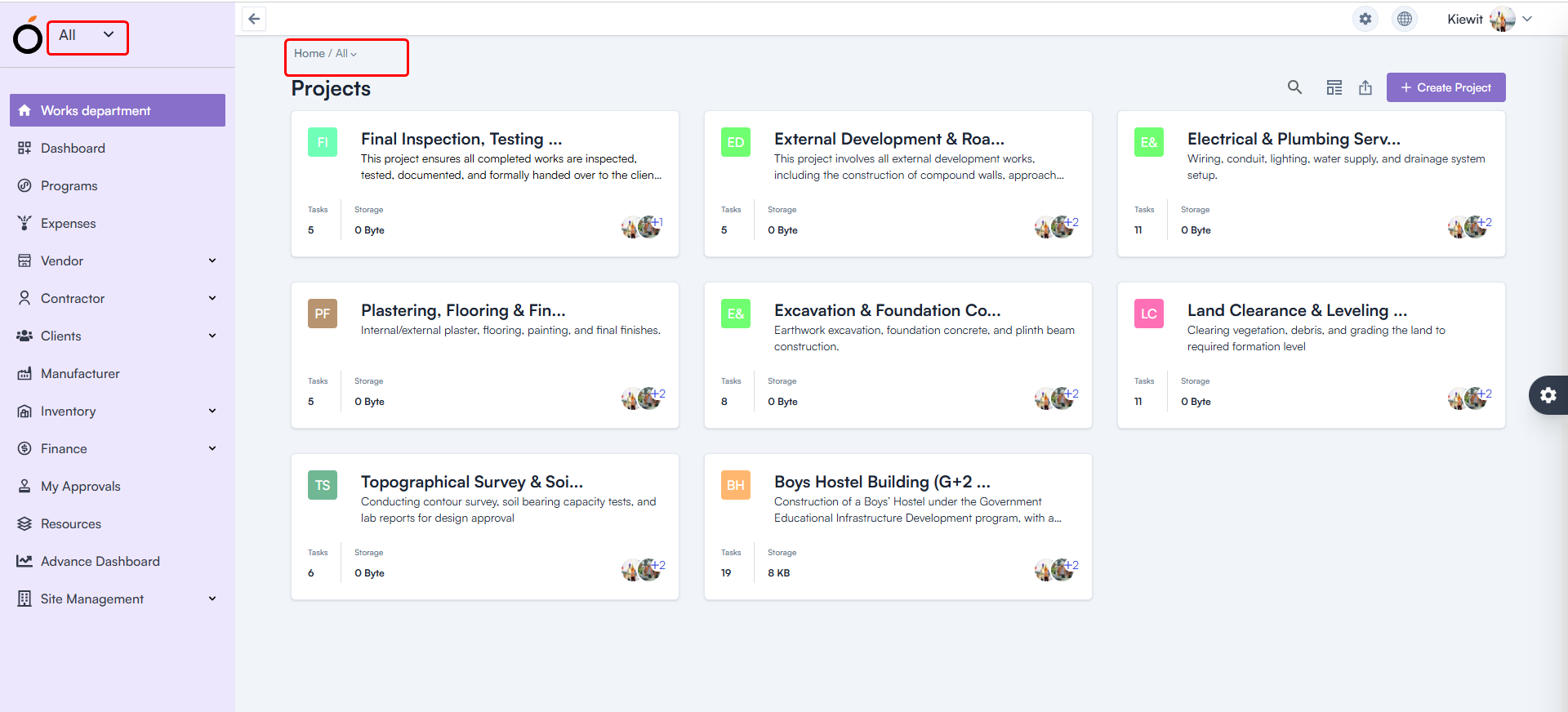
  • Workspace Selection — Default Workspace Fixed

After login, all users were shown “All” as their workspace.

  • Fix: The system now loads the correct workspace based on user permissions.
  • Benefit: Faster access to relevant projects and responsibilities.

Workspace Selection — Default Workspace

  • Budget Insight – Improved Hierarchy Expand/Collapse

Expand/collapse behavior in Hierarchy View was not consistent.

Budget Insight – Improved Hierarchy

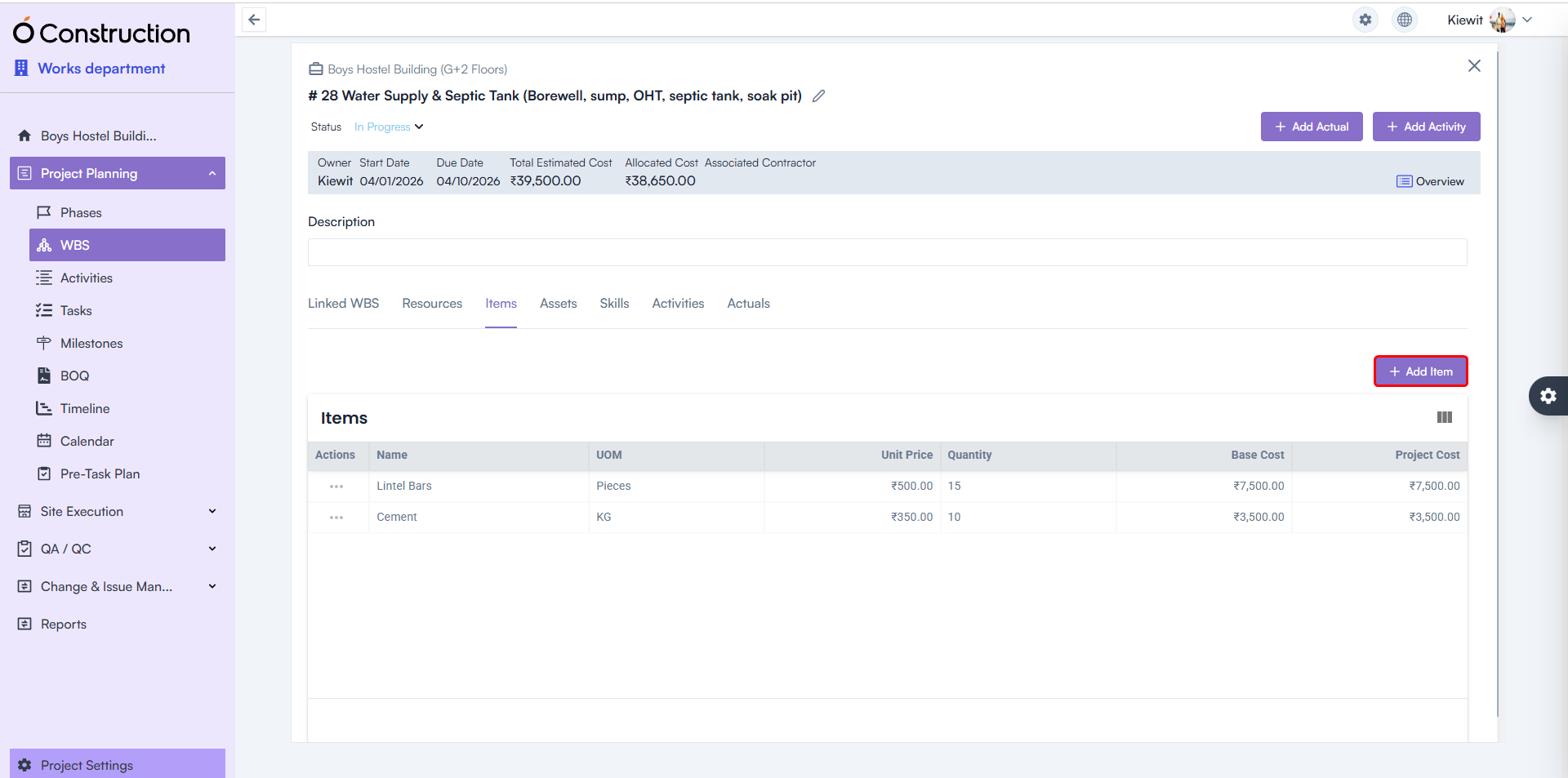
  • WBS Details Page — Item & Asset Adding Enabled

Users previously faced restrictions adding:

  • Items
  • Assets

Fix: Both are now fully functional.
Benefit: Better control over project structure and asset planning.

WBS Details Page — Item & Asset Adding Enabled

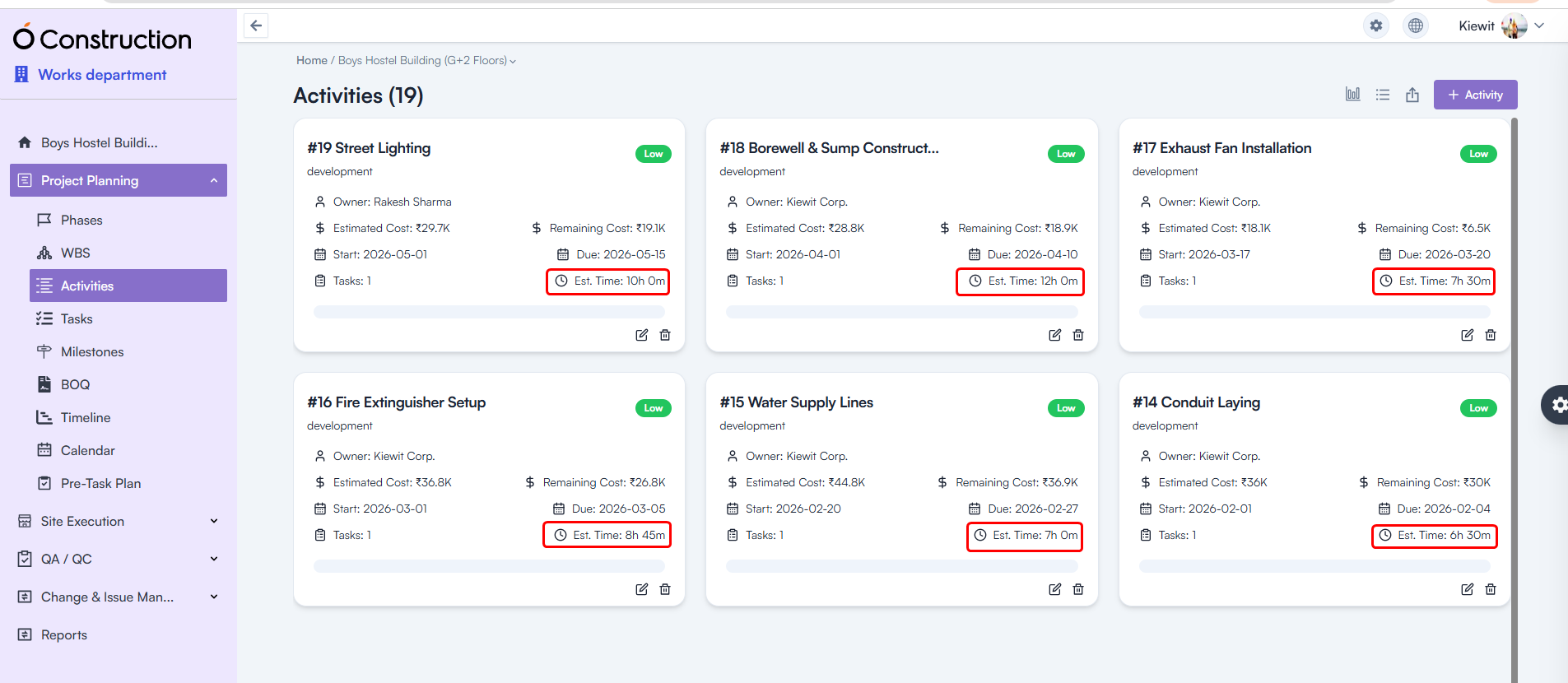
  • Estimated Hours — Calculation Logic Corrected

Estimated Hours for Tasks and Activities were showing incorrect values.

  • Fix: Calculation formulas have been rectified throughout the system.
  • Benefit: More accurate workforce and schedule planning.

Estimated Hours — Calculation Logic Corrected

Final Takeaway

This December edition of OConstruction Release Notes sharpens the user experience with fixes that boost reliability, calculation accuracy, and workflow clarity across the platform.

We’re continuously improving OConstruction to support both field and office teams with smoother project execution, stronger controls, and more confidence in daily operations.

OConstruction Release Notes: What’s New in November 2025

Managing construction projects requires accuracy, clarity, and seamless workflows — and we continuously refine OConstruction to support that. This November, we’re rolling out another round of OConstruction Release Notes – important improvements focused on reliability, faster reporting, better visibility, and error-free execution across modules such as Punchlist, WBS Dependencies, Parameters, Finance, Structure Settings, and more.

Whether you work onsite or at the office, this update ensures a smoother, cleaner, and more dependable experience across OConstruction.

Let’s walk through what’s new.

Release Update – 21/11: Stability Fixes & UI Improvements

1) Due Date Display Fix – Budget Insights (Bug Fix)

The Due Date field in Budget Insights was appearing blank.

  • Fix: The issue has been resolved — Due Dates now display correctly.
  • Benefit: Clearer budget forecasting and accurate timeline visibility.

Due Date Display Fix – Budget Insights

2) Owner Name Display in Subtasks (Bug Fix)

Owner names in Subtasks were previously shown as blank.

  • Fix: Correct owner names now display as expected.
  • Benefit: Better task tracking and clearer accountability.

Owner Name Display in Subtasks

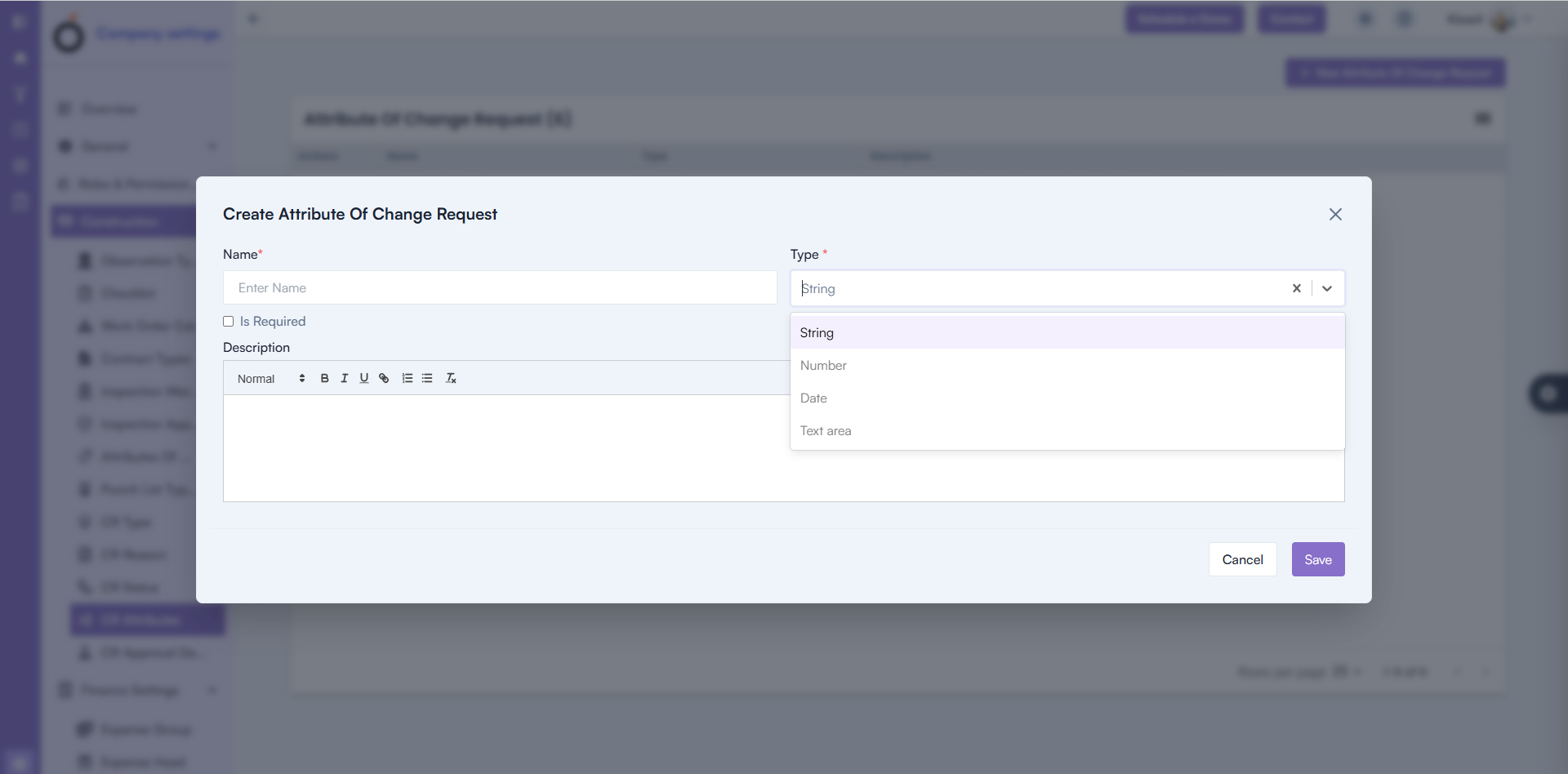
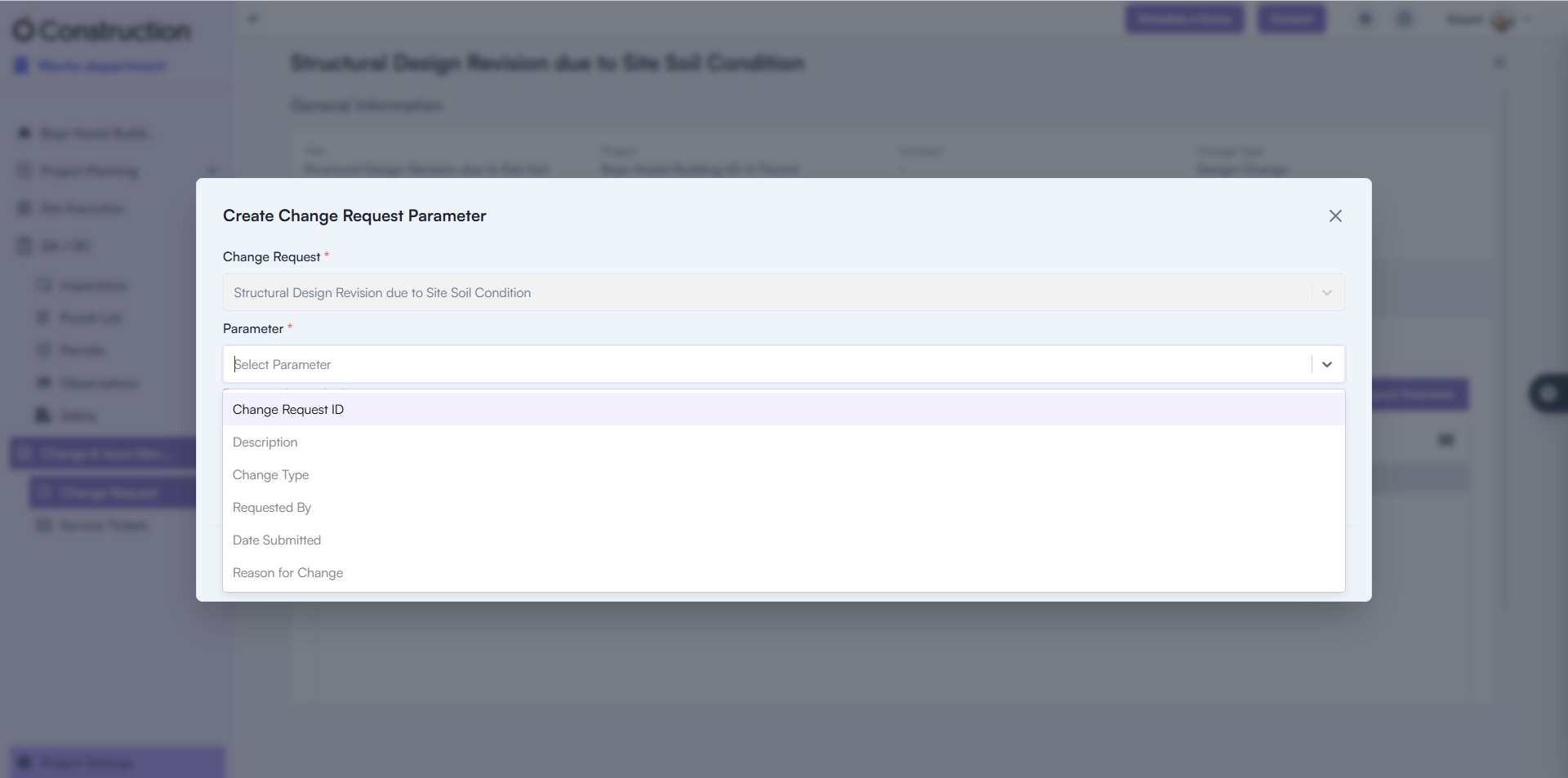
3) Change Request Parameter Creation (Bug Fix)

Users were unable to add new Change Request Parameters.

  • Fix: Creation functionality is now fully restored.
  • Benefit: Faster change request setup with uninterrupted workflows.

Change Request Parameter Creation

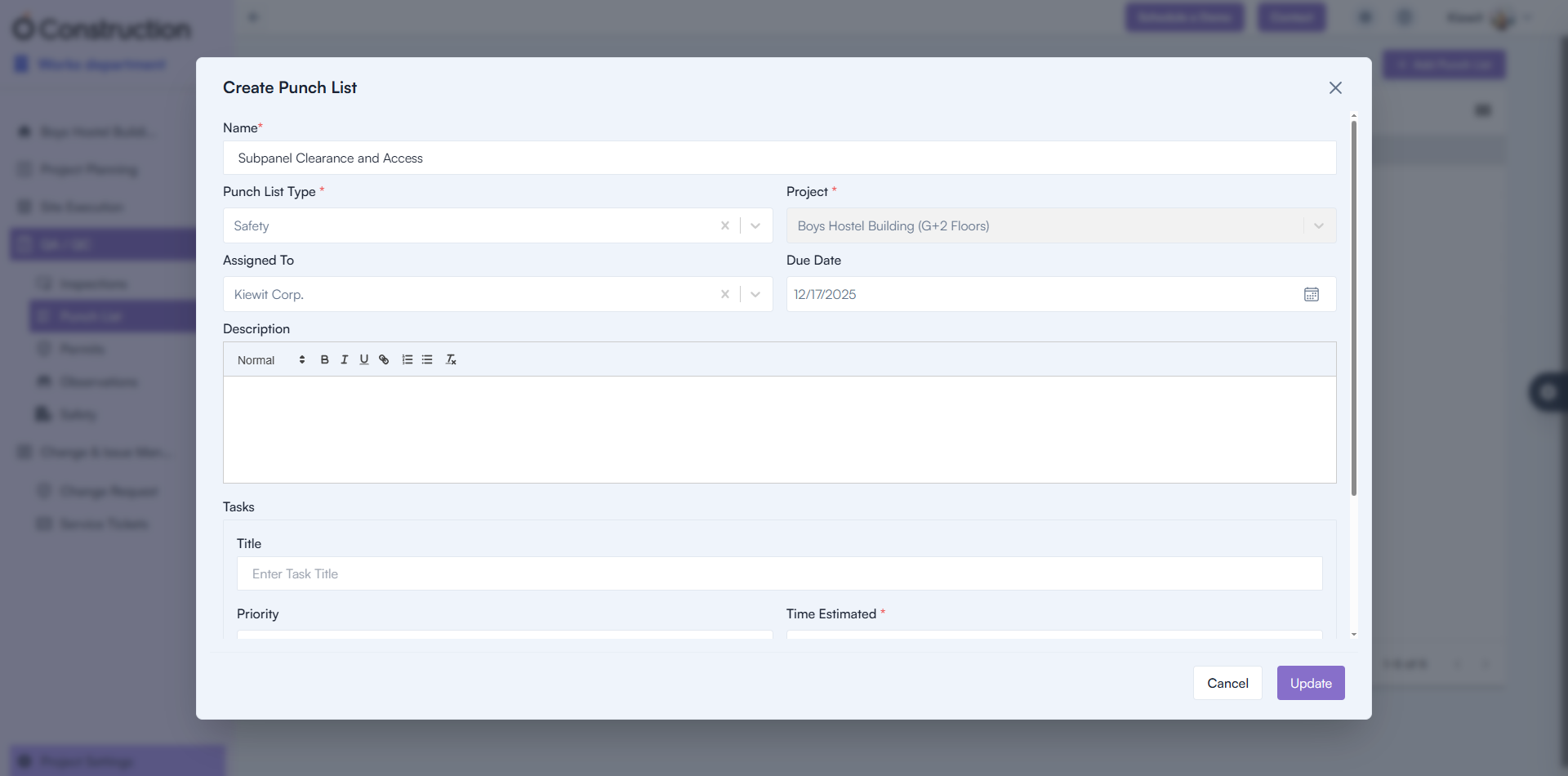
4) Punchlist Creation Failure (Bug Fix)

Punchlist creation attempts were failing.

Punchlist Creation Failure

5) Parameter Name Visibility (Bug Fix)

Parameter names were appearing blank in the UI.

  • Fix: Names now display correctly.
  • Benefit: Improved clarity when configuring parameters.

Parameter Name Visibility

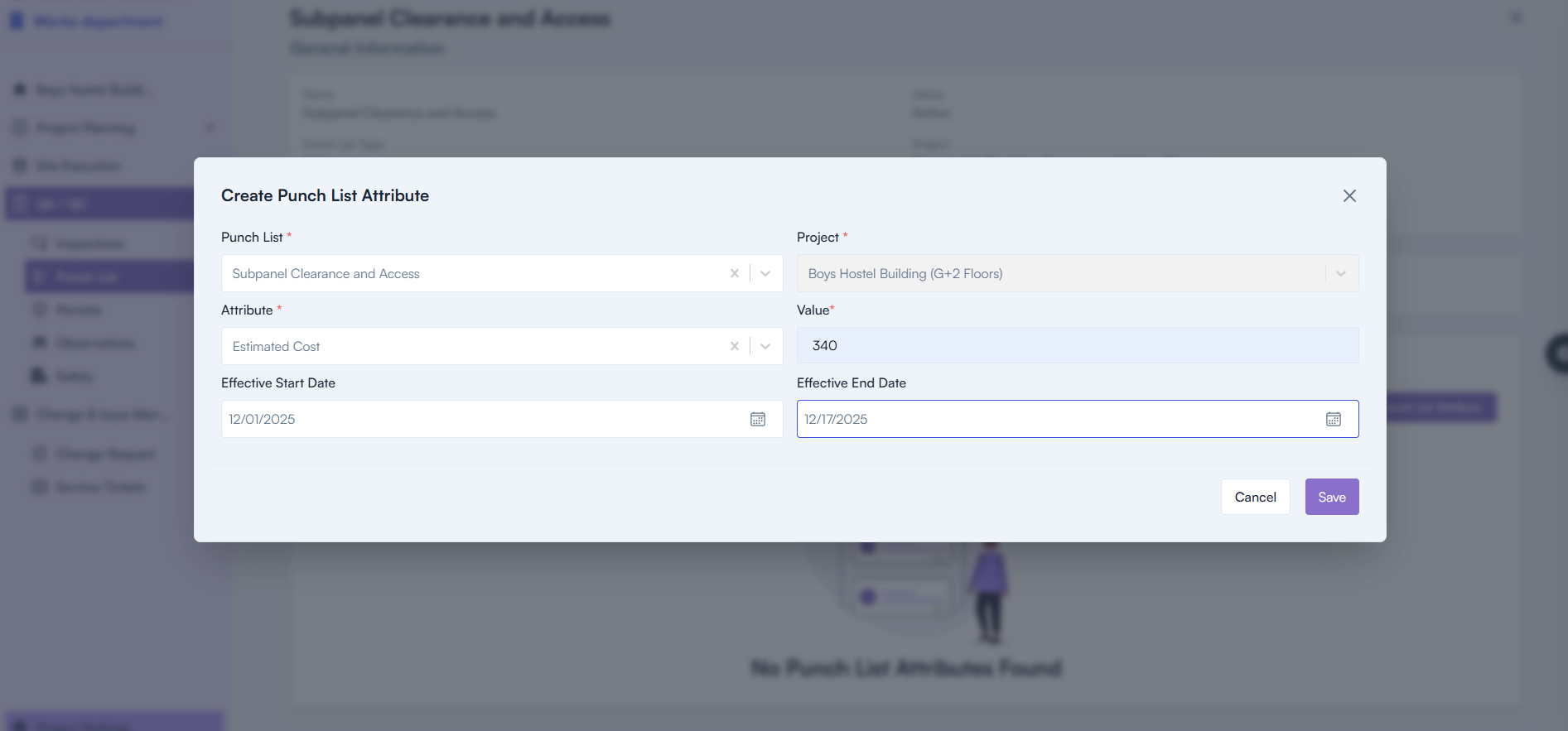
6) Attribute Display in Parameters Tab (Bug Fix)

Attributes were not appearing properly inside the Parameters tab.

  • Fix: Correct attribute values now render accurately.
  • Benefit: More complete configuration experience.

Attribute Display in Parameters Tab

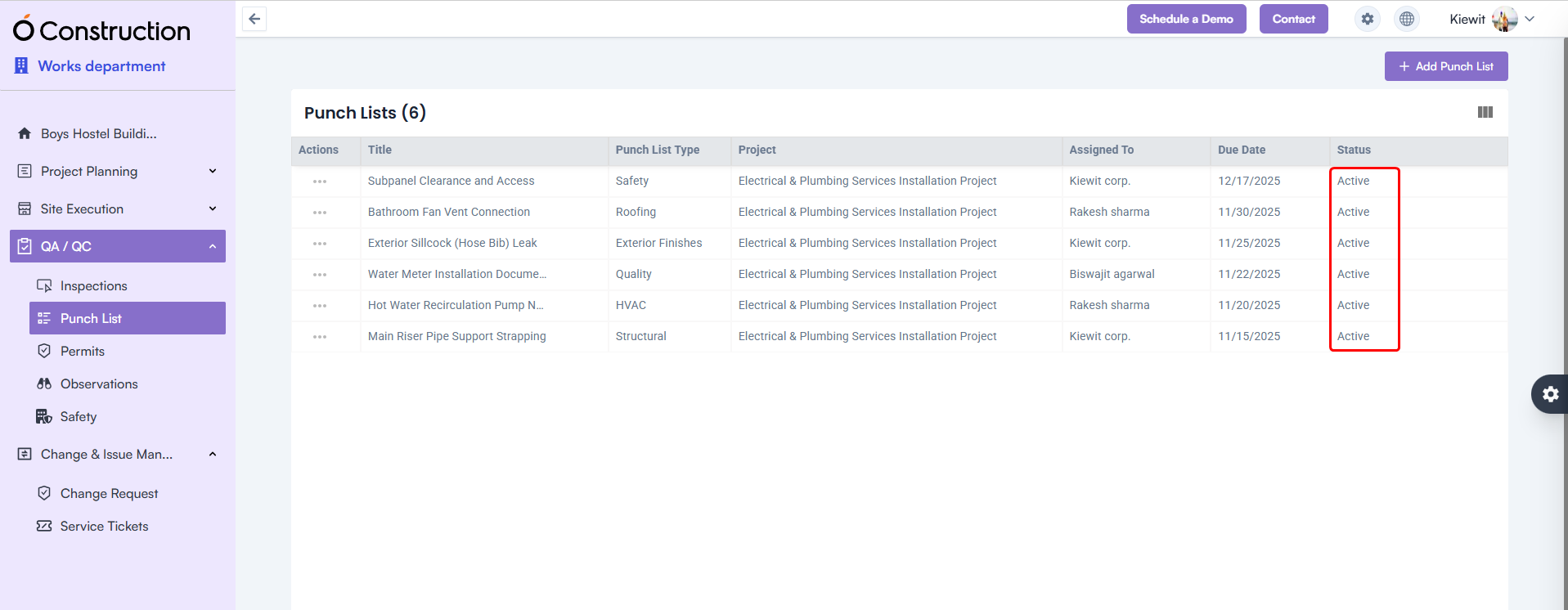
7) Punchlist Status Display (Bug Fix)

Punchlist Status display was blank.

Punchlist Status Display

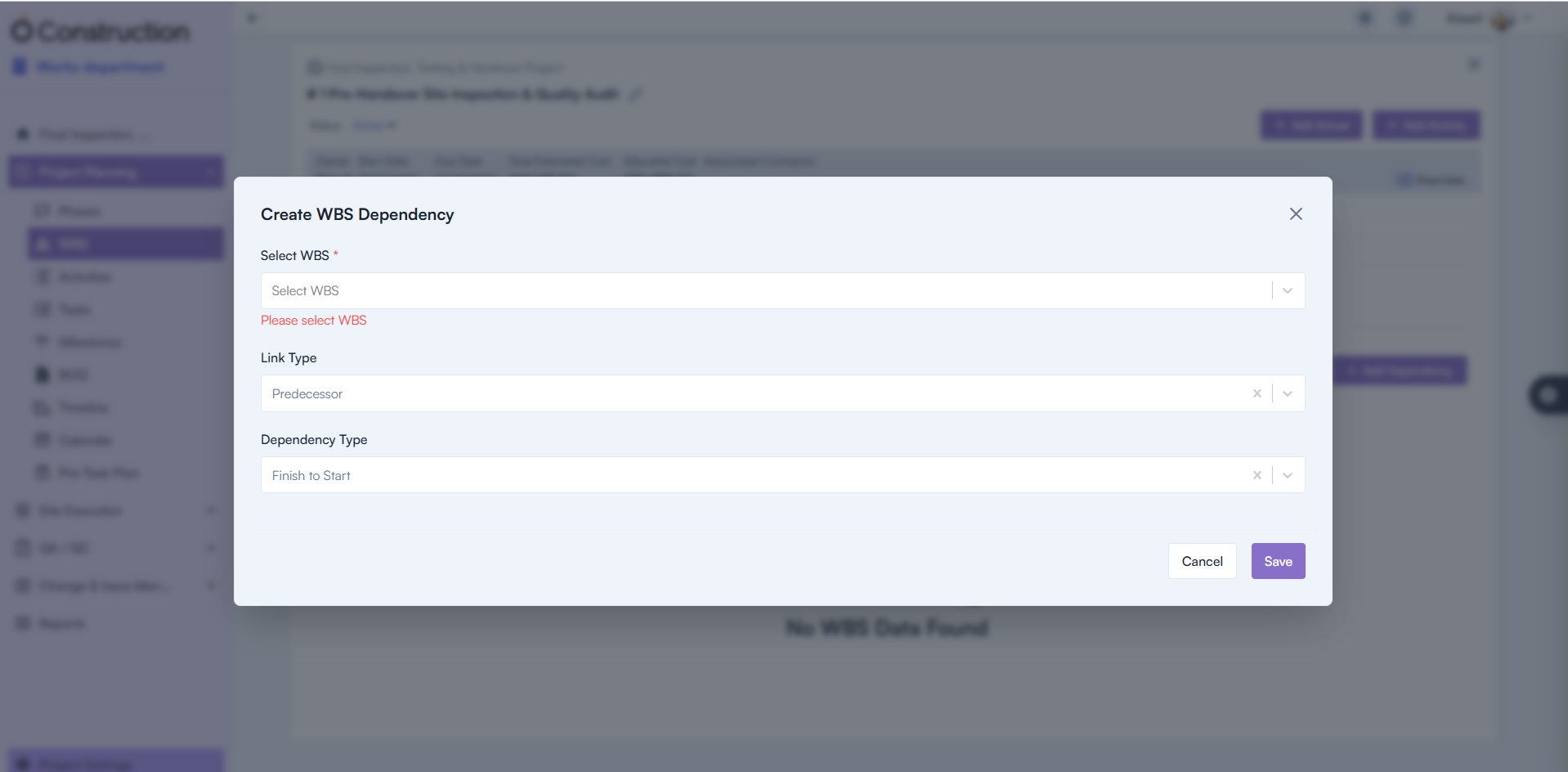
8) Mandatory Field Validation – WBS Dependency (Bug Fix)

Missing mandatory warnings caused confusion during dependency setup.

  • Fix: Proper validation alerts now appear.
  • Benefit: Improved accuracy and setup clarity.

Mandatory Field Validation – WBS Dependency

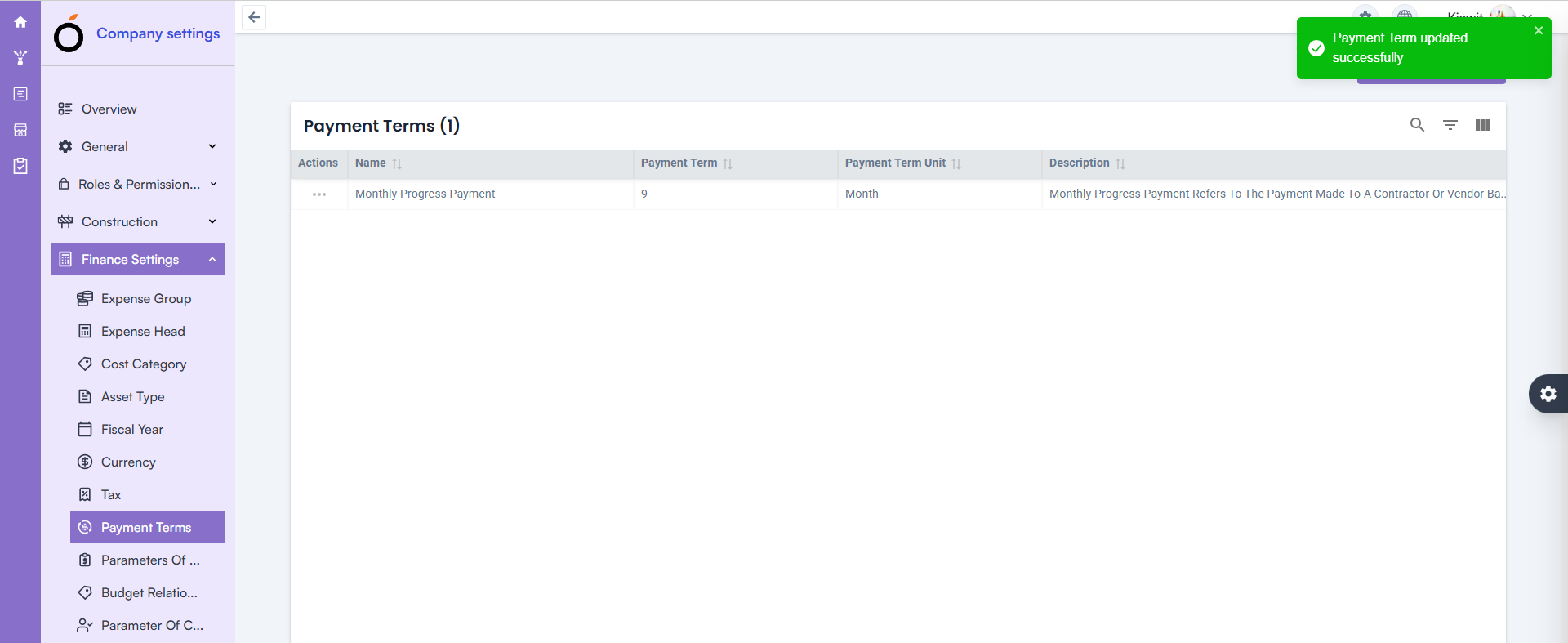
09) Finance Inline Edit Update – Payment Terms (Bug Fix)

Updating Payment Terms via inline edit was not working.

  • Fix: Inline editing now functions smoothly.
  • Benefit: Faster financial configuration with fewer steps.

Finance Inline Edit Update – Payment Terms

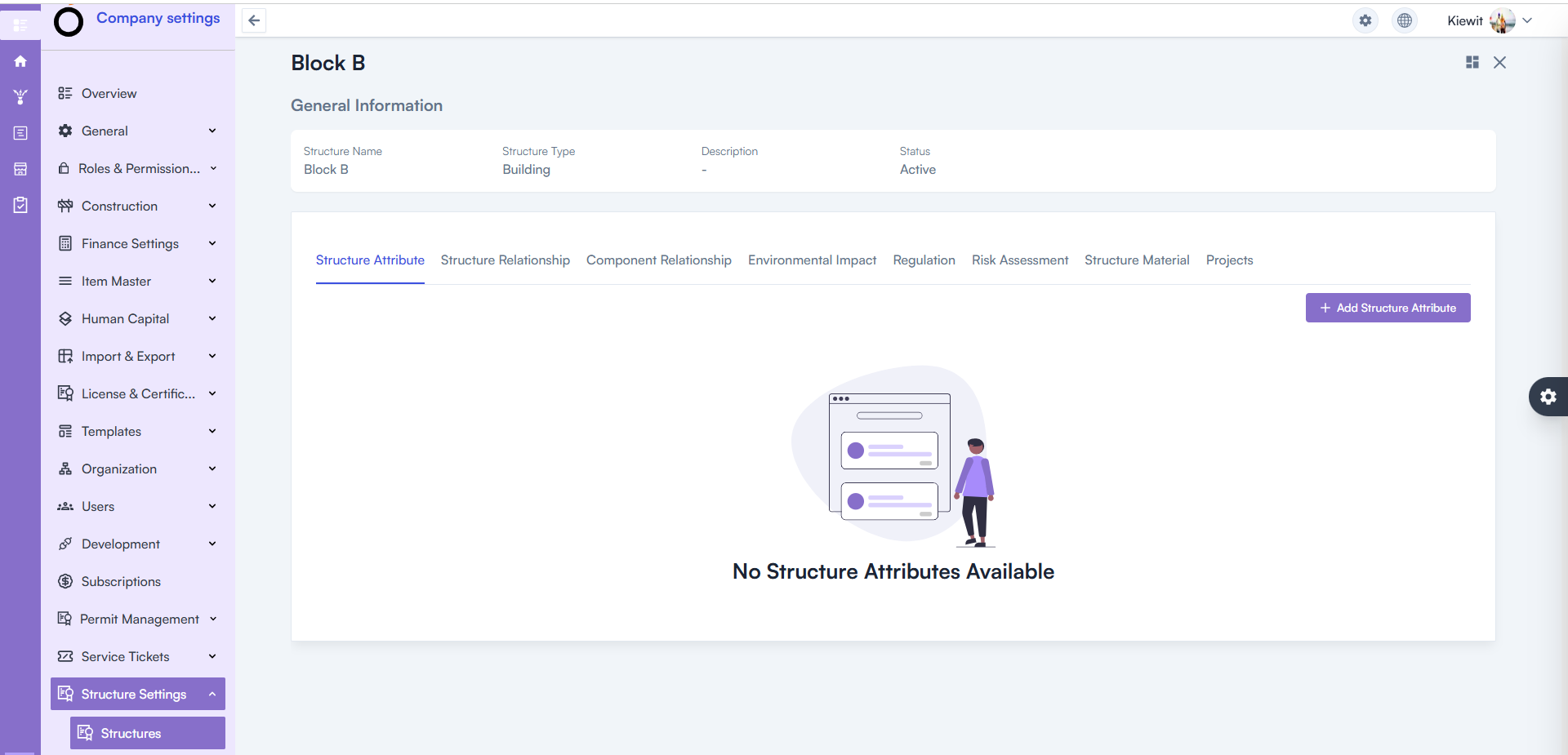
10) Structure Details Page – 500 Error Resolved (Bug Fix)

Opening the Structure Details Page triggered a 500 Internal Server Error.

  • Fix: Backend issues resolved and page loads correctly.
  • Benefit: Stable access to project structure data.

Structure Details Page – 500 Error Resolved

Conclusion

This round of OConstruction Release Notes brings meaningful fixes that enhance reliability, improve clarity, and reduce disruptions across your workflows.

From Punchlist and Parameters improvements to Project Visibility, Finance enhancements, and WBS validation upgrades — every fix supports smoother execution and greater confidence in reporting.

Stay tuned — more improvements and feature releases are on the way as we continue strengthening OConstruction for construction teams worldwide.

OConstruction Release Notes: What’s Latest in November 2025

Keeping your projects organized, efficient, and error-free continues to be our top priority at OConstruction.

Our latest OConstruction Release Notes for 17 November 2025 include powerful enhancements, workflow improvements, UI refinements, and critical bug fixes — all designed to streamline your construction execution both on-site and in the office.

From improved Checklist creation and DPR advancements to major fixes across BOQ, WBS, Calendar, and Task modules, this update ensures smoother navigation, better performance, and more reliable project tracking.

Let’s walk through everything included in the OConstruction November 2025 Release.

Release Update – 17/11: Feature Enhancements & Bug Fixes

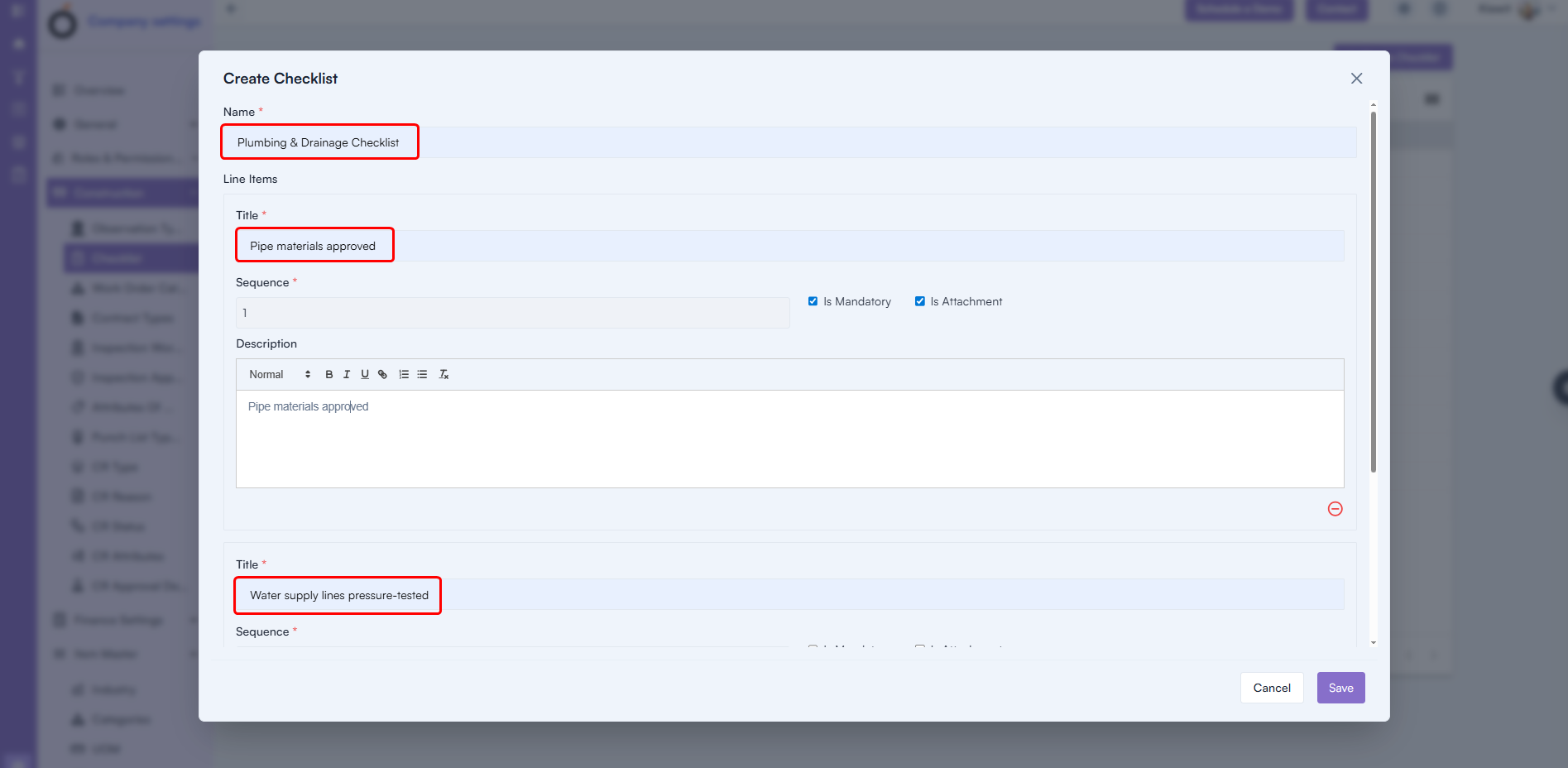
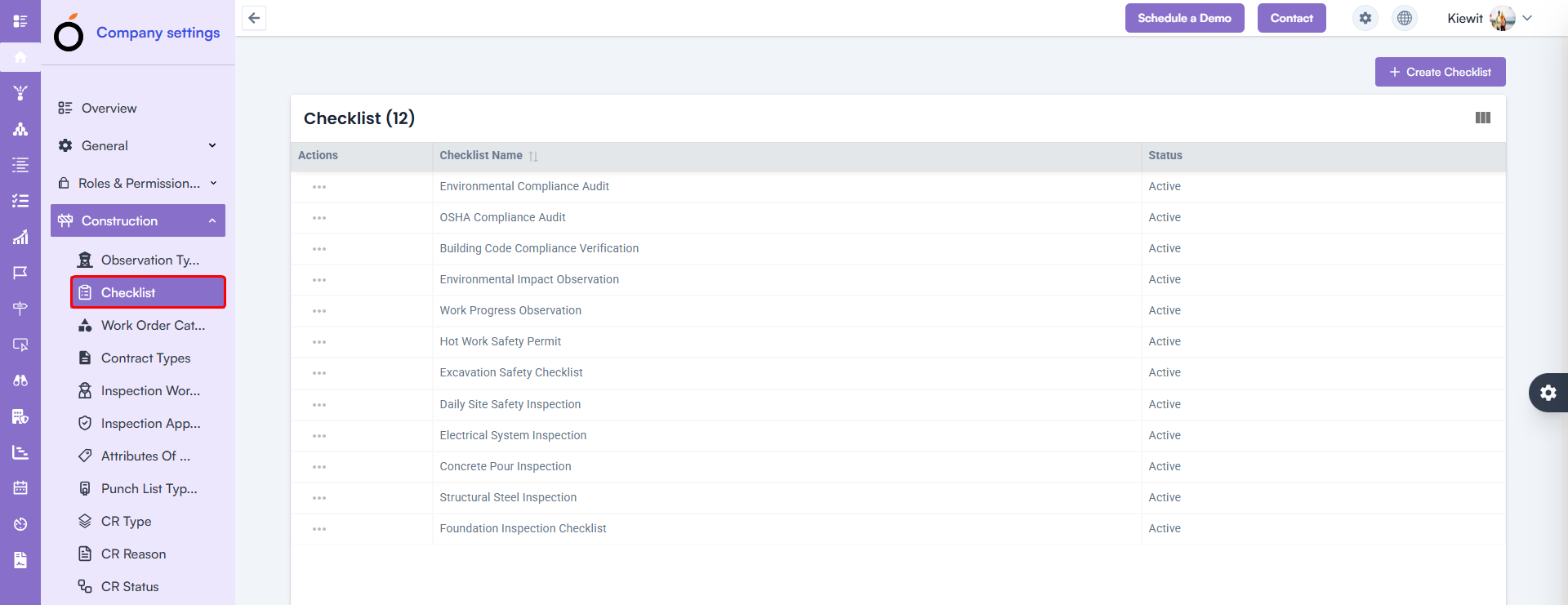
Checklist Creation with Line Items (Enhancement)

You can now create complete checklists with greater detail and flexibility.

What’s New

  • Add Checklist Name
  • Add Multiple Checklist Items
  • Include Sequence Numbers
  • Add Descriptions
  • Add all line items directly using + Add Line Item

Benefit: Faster checklist creation, richer detail, and a more structured QA/QC workflow.

Checklist Creation with Line Items

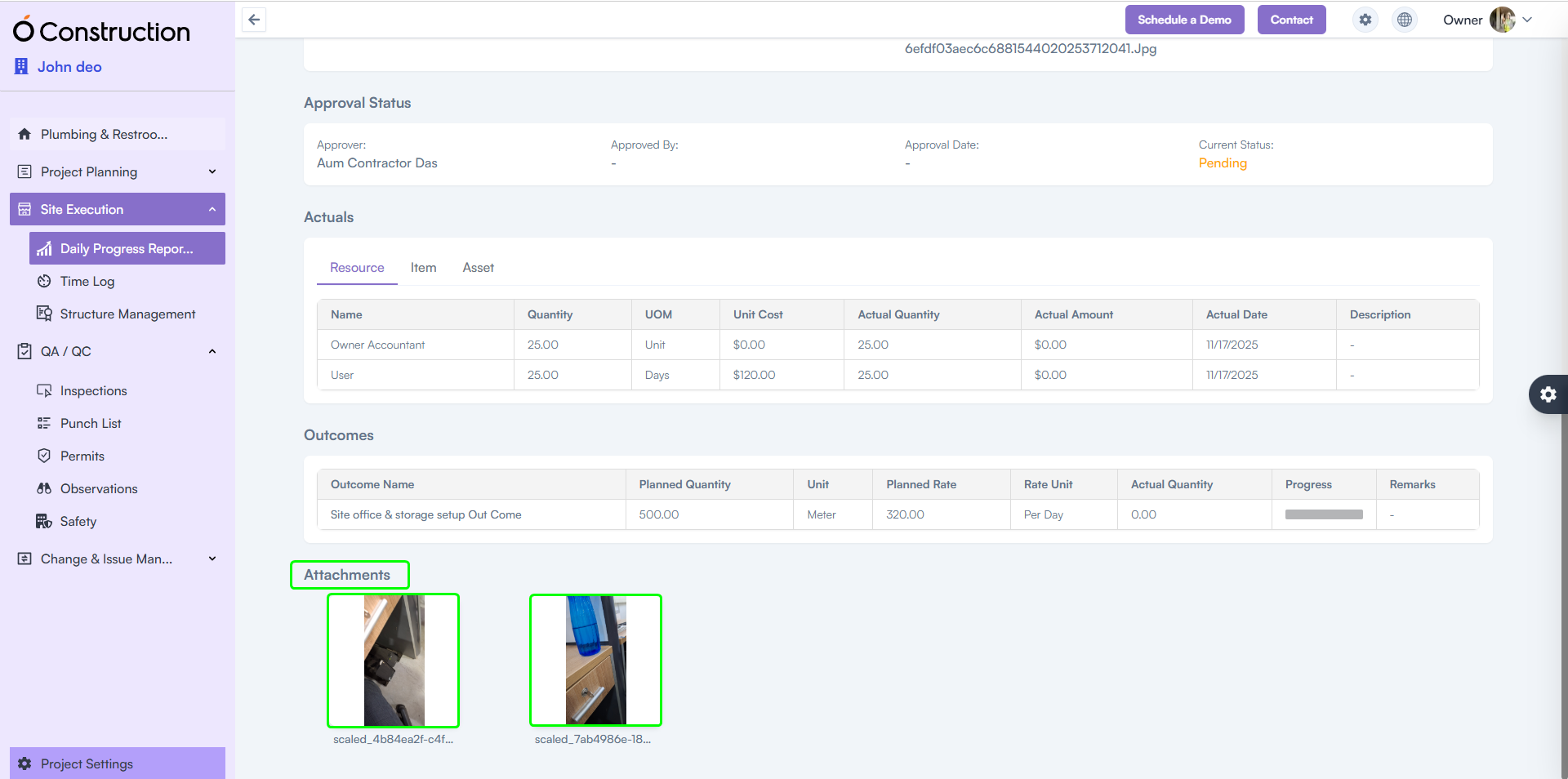
2) DPR Attachments Visible in Frontend (Enhancement)

Attachments uploaded via the mobile app are now perfectly displayed on the web.

Benefit: Smooth, consistent DPR review across devices — ensuring supervisors always see the latest photos, documents, and field evidence.
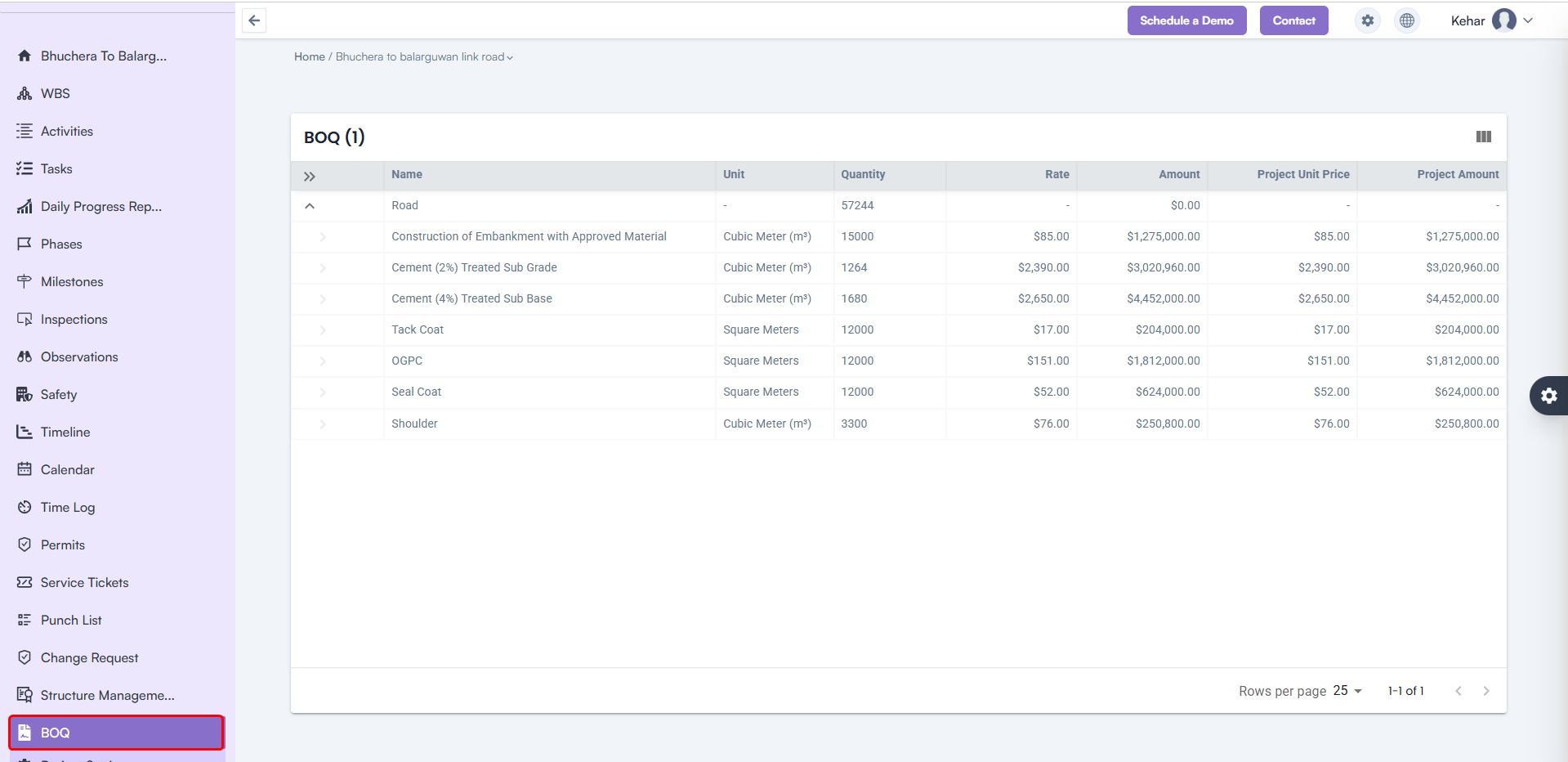
DPR Attachments Visible in Frontend

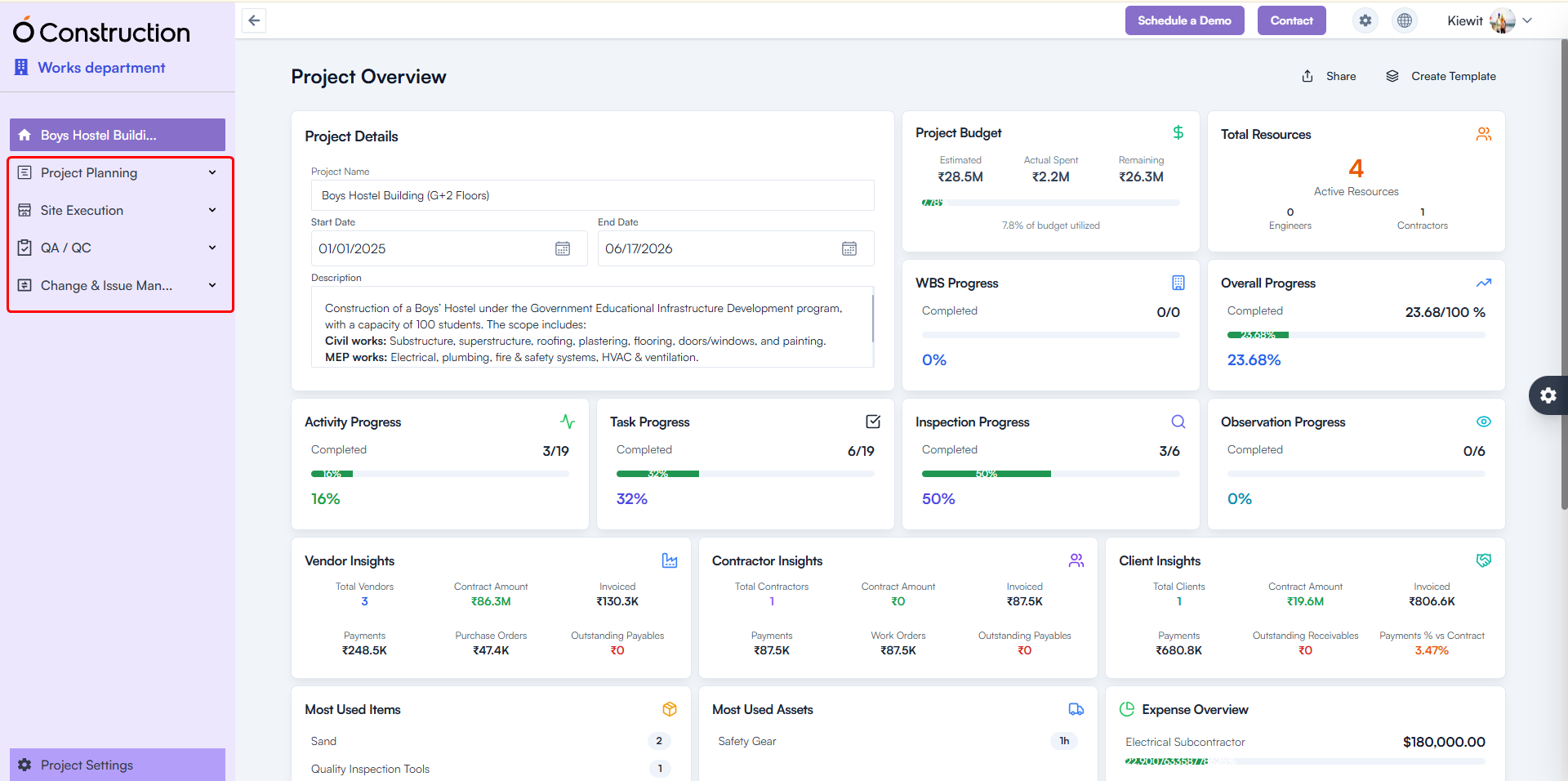
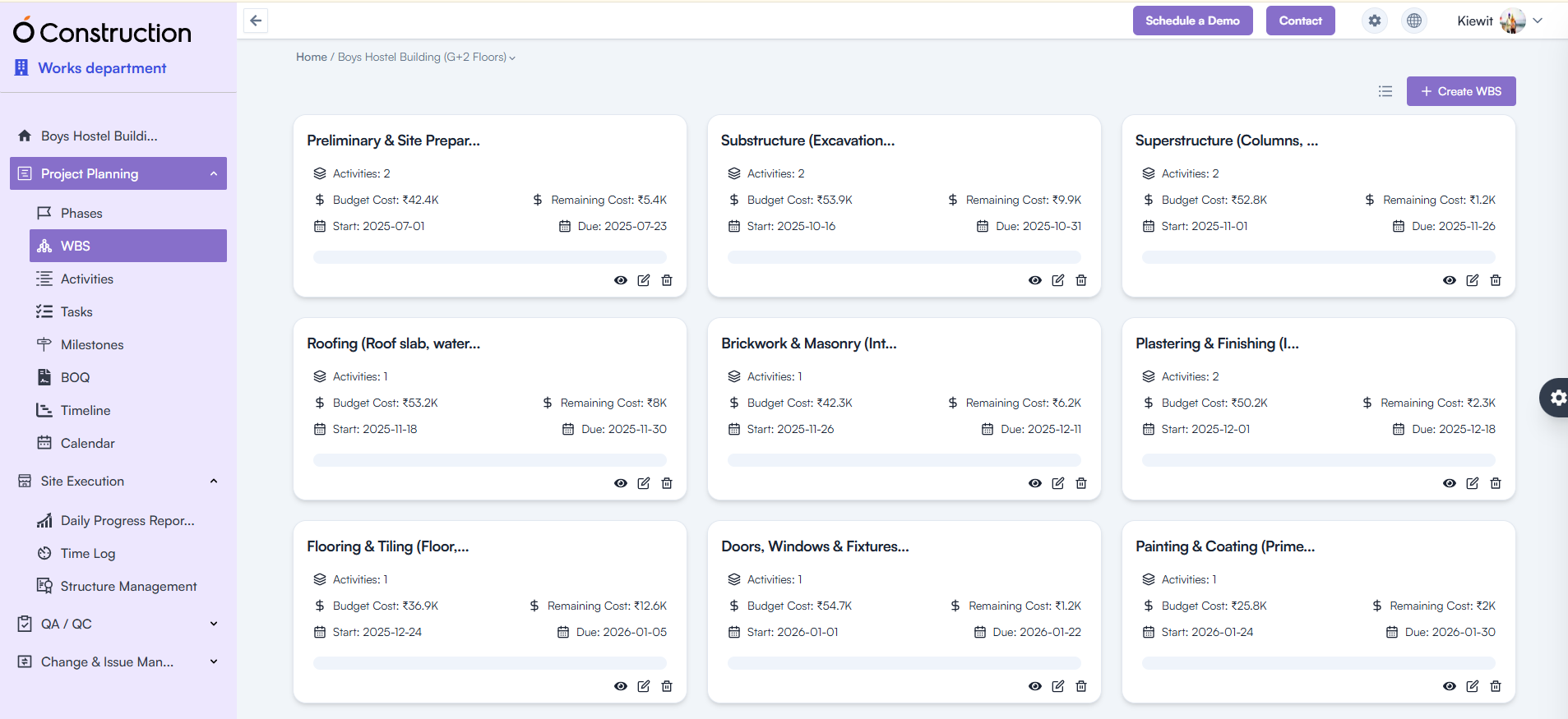
3) Menu Collapse – Improved Grouping for Project Modules (Usability Improvement)

The Project Module menu has been reorganized into clear functional groups for faster navigation.

New Groupings Include:

Project Planning

  • Phases
  • WBS
  • Activities
  • Tasks
  • Milestones
  • BOQ
  • Timeline
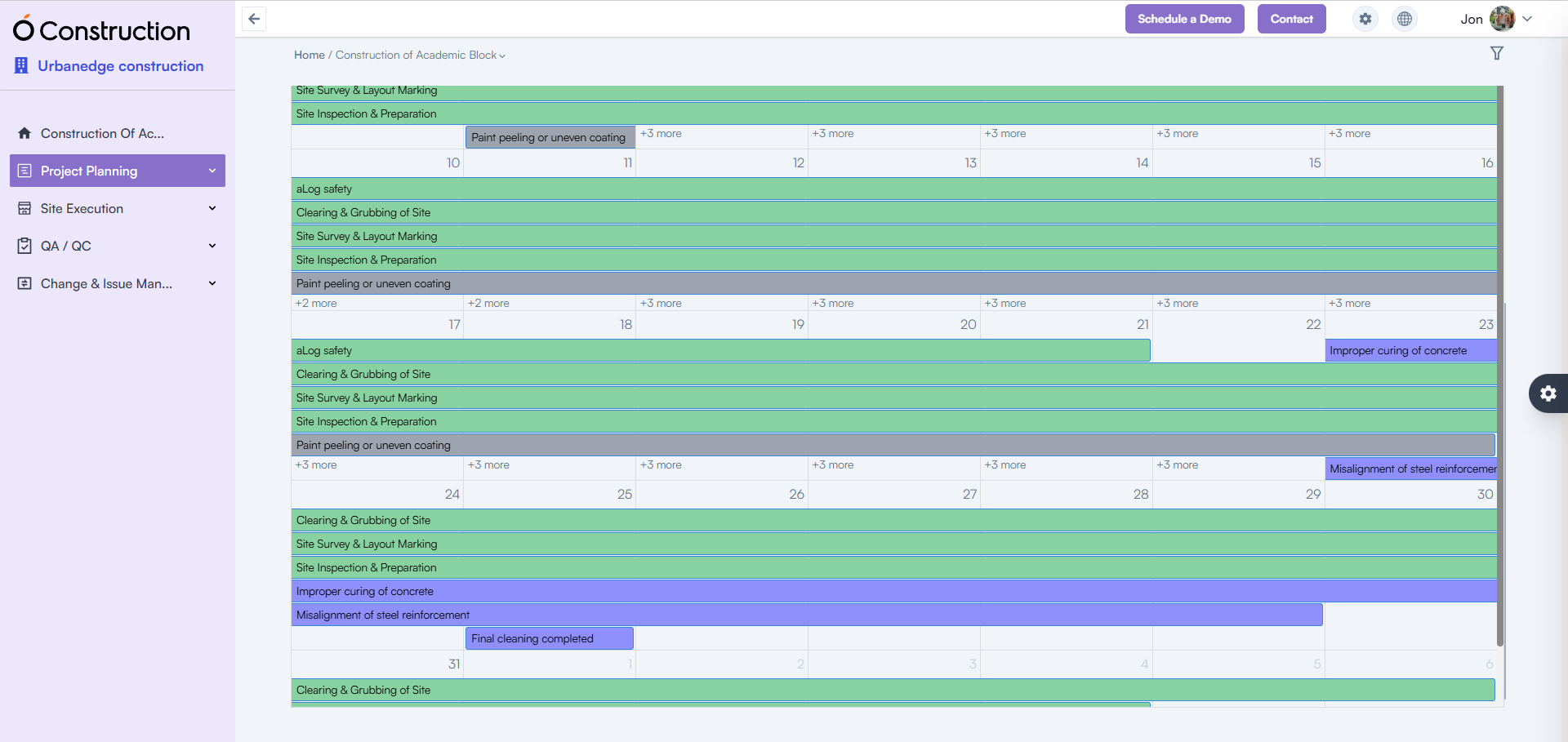
  • Calendar

Site Execution

  • Daily Progress Report
  • Time Log
  • Structure Management

QA/QC

  • Inspections
  • Punch List
  • Permits
  • Observations
  • Safety

Change & Issue Management

  • Change Request
  • Service Tickets

Benefit: Cleaner structure, reduced scrolling, and quicker module access.

Menu Collapse – Improved Grouping

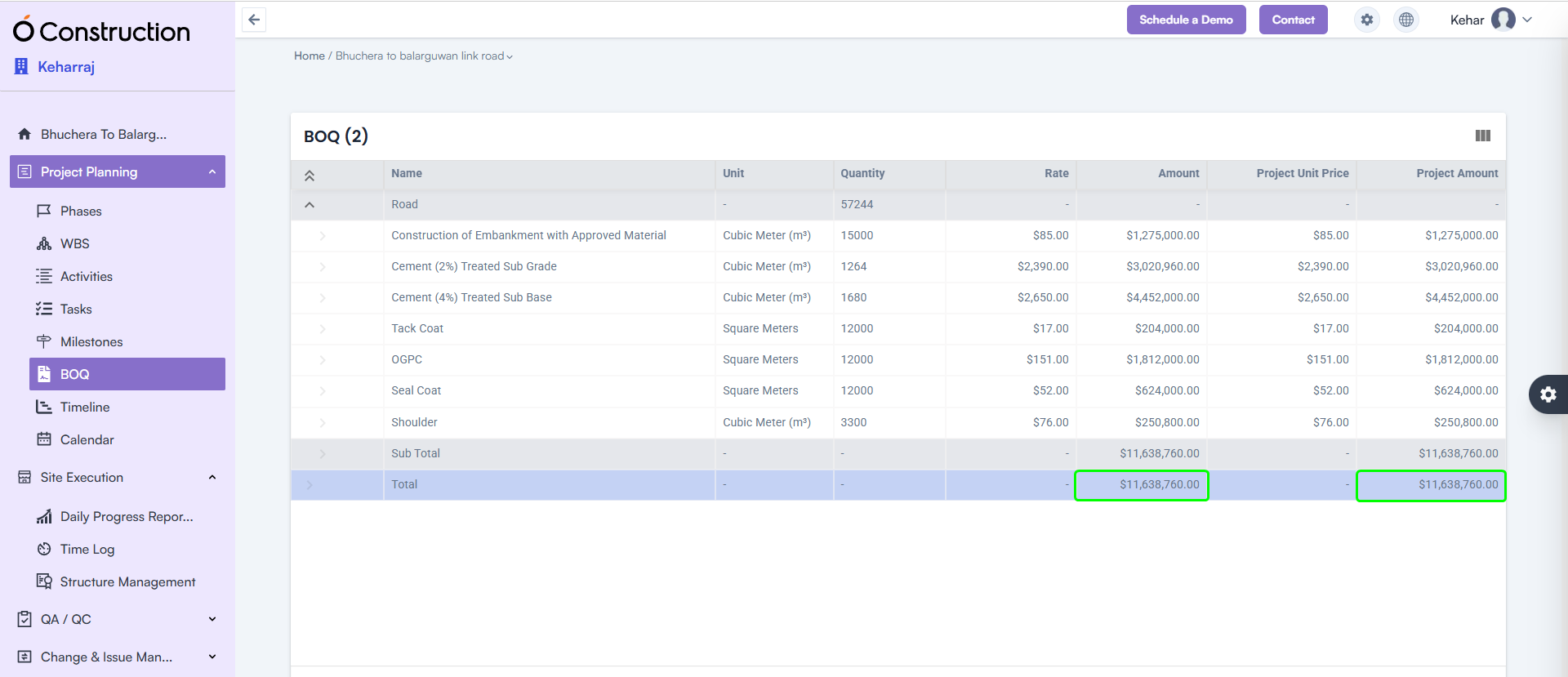
4) BOQ Subtotal & Total Highlight (Enhancement)

The BOQ listing page now clearly displays Subtotal and Total Amount at the bottom of the table.

Benefit: Instantly review cost structure with improved visibility for decision-making.

BOQ Subtotal & Total Highlight

5) Mobile App – DPR File Upload Slowness Resolved (Bug Fix)

The Mobile DPR module has been optimized for faster uploads.

  • File upload speed significantly improved
  • Updated version available on Google Play Store

Benefit: Quick, seamless field reporting even on low-network sites.

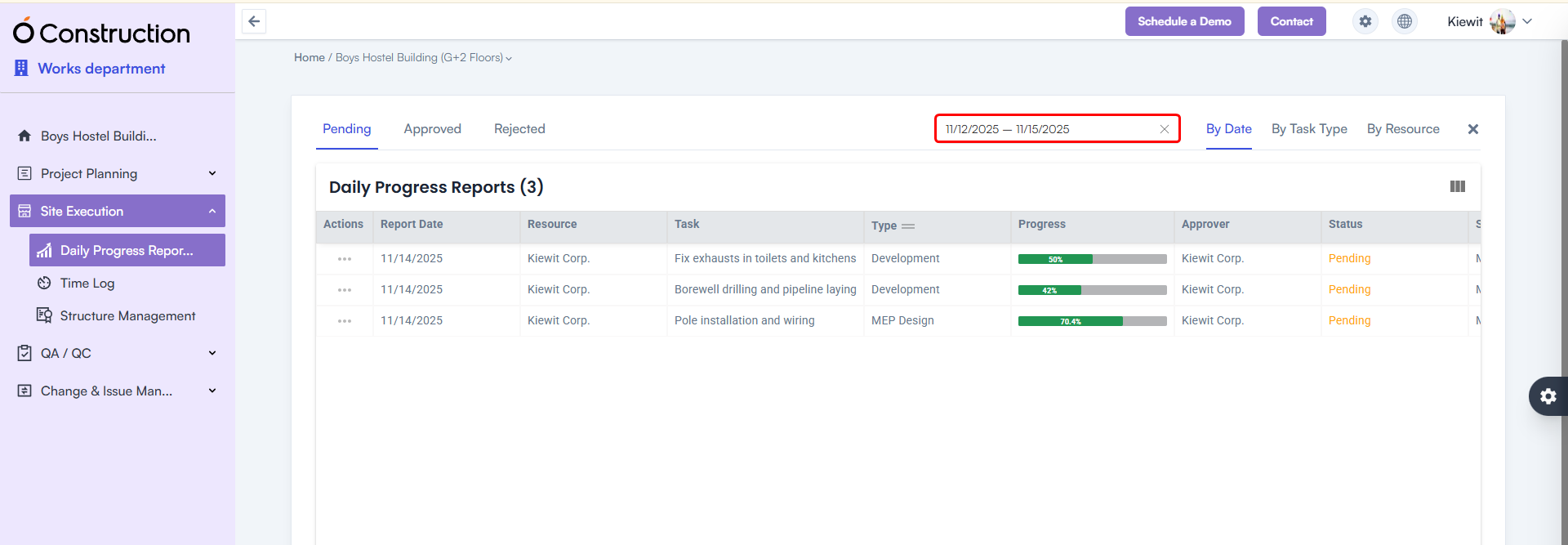
6) DPR Date Range Filter Added (Enhancement)

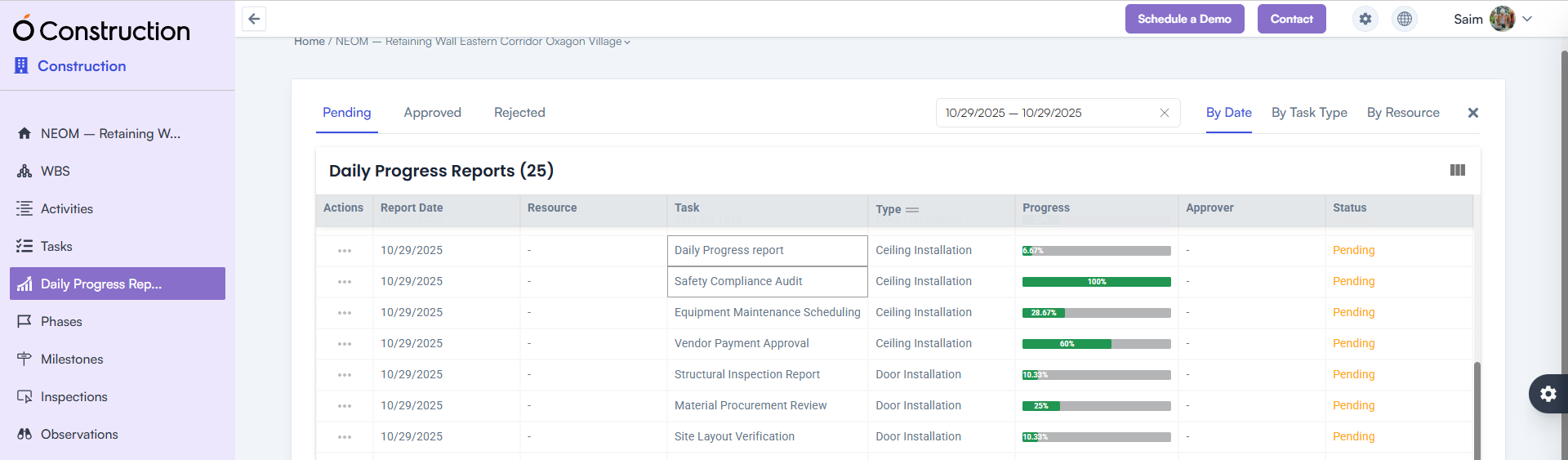
A Date Range Calendar Filter is now available in the DPR listing page.

Benefit: Easily filter DPRs between any two dates for reviews, audits, or progress analysis.

DPR Date Range Filter Added

7) WBS / Activity Card Navigation Issue Fixed (Bug Fix)

Previously, clicking Back redirected users to the List View instead of the Card View.

Fix: Navigation now correctly returns to the Card View.
Benefit: A more consistent and intuitive navigation experience.
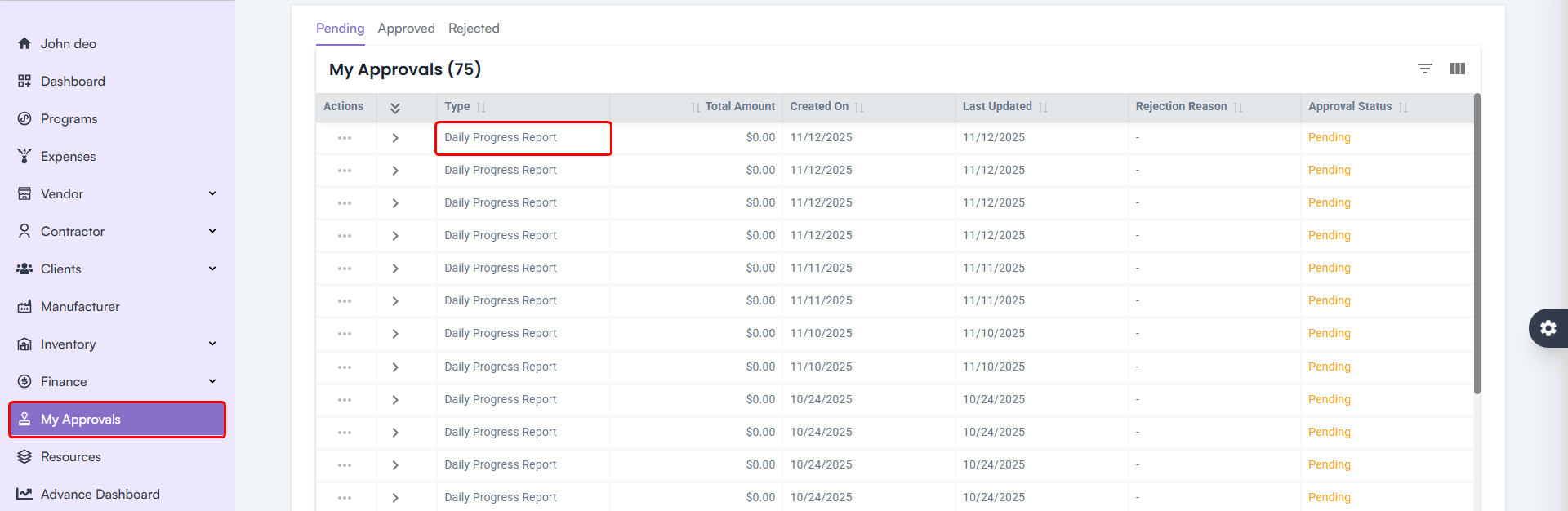
Activity Card Navigation Issue Fixed

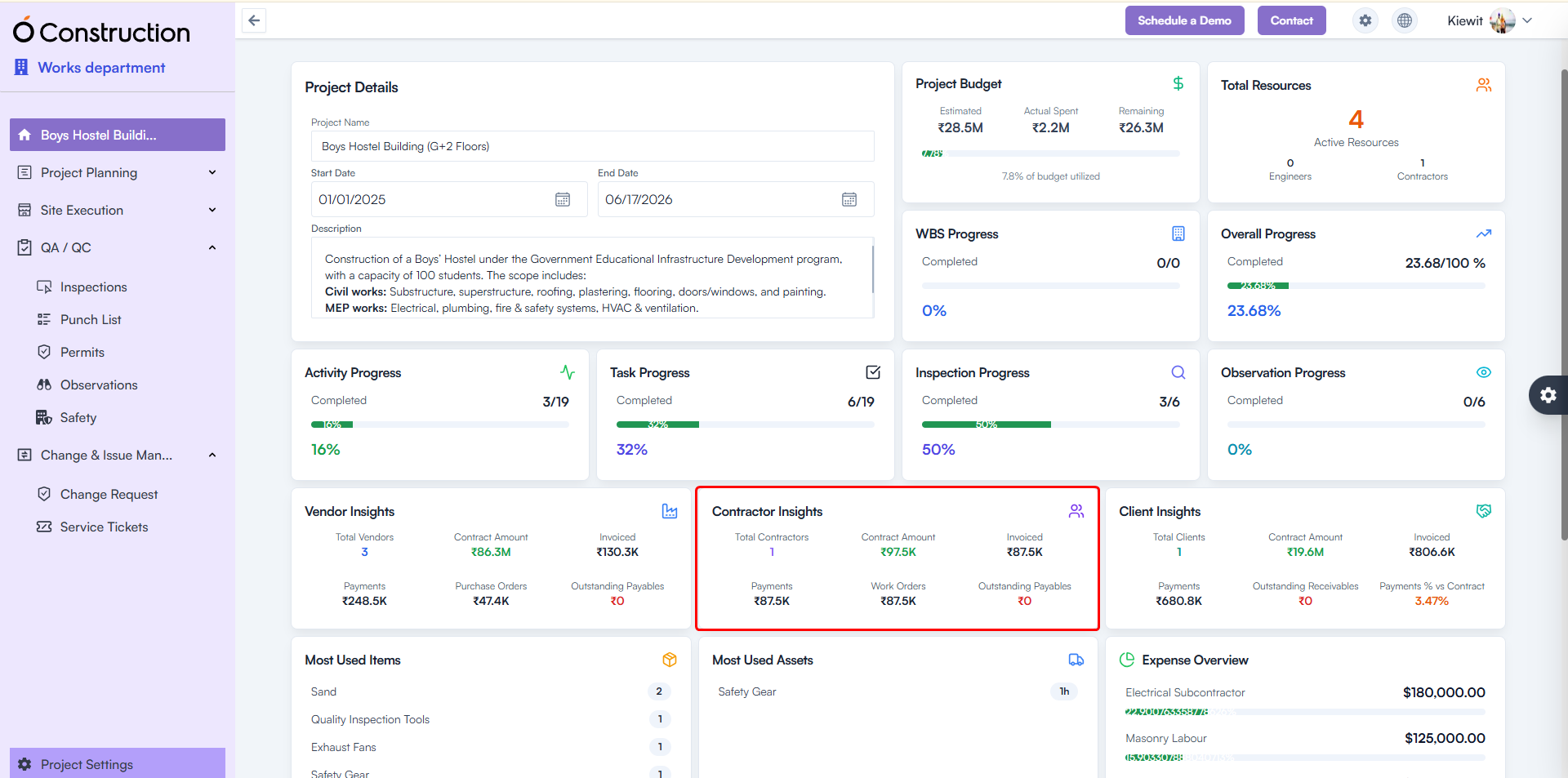
8) Contractor Insights – Incorrect Metrics Fixed (Bug Fix)

Contractor Insights was showing blank or zero results.

Fix: API inconsistencies resolved; correct metrics now display.
Benefit: Accurate contractor performance tracking for better vendor decisions.

Contractor Insights – Incorrect Metrics Fixed

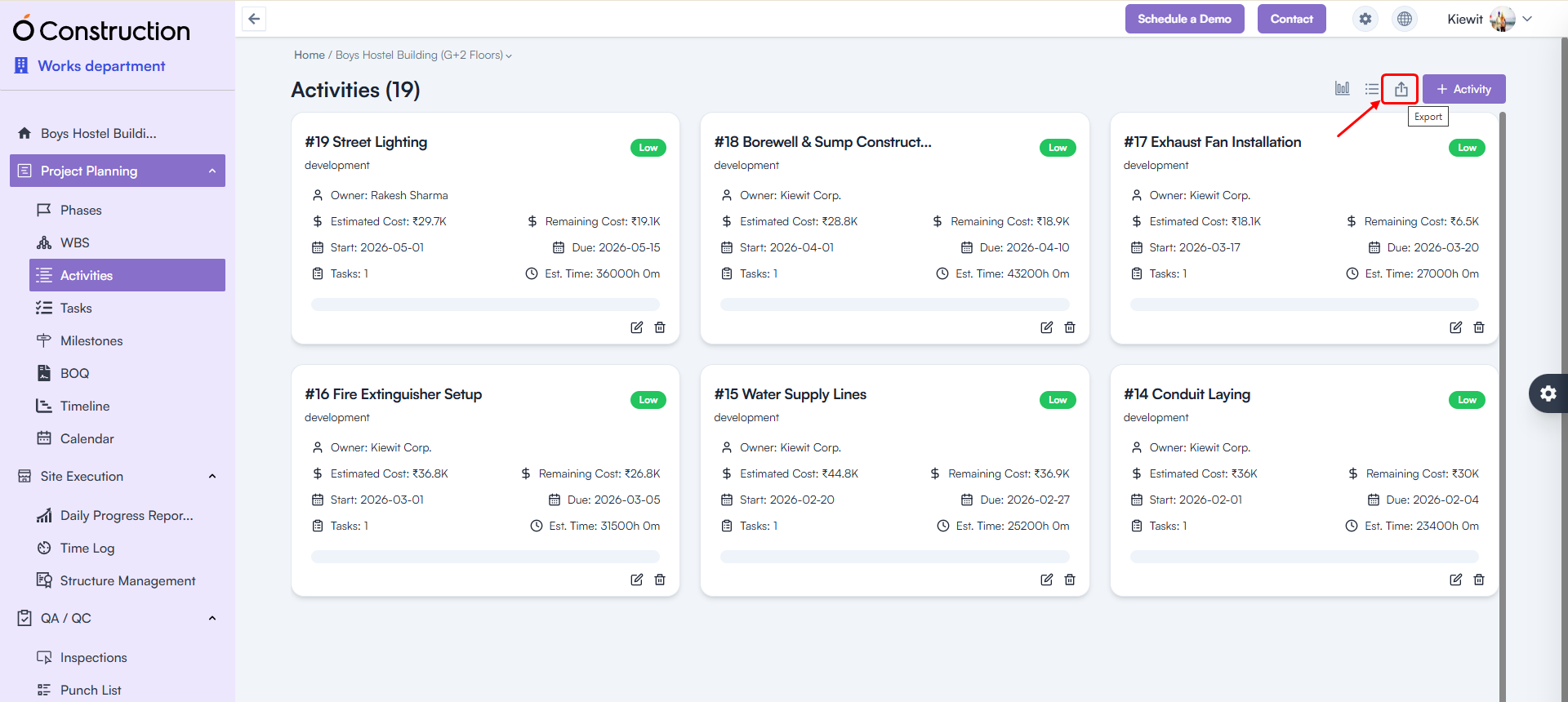
9) Export Issues (500 Error) Fixed (Bug Fix)

Exporting the following modules no longer triggers errors:

  • Phases
  • Activities
  • Tasks
  • Milestones

Benefit: Reliable, error-free data export for reporting and compliance needs.

Export Issues

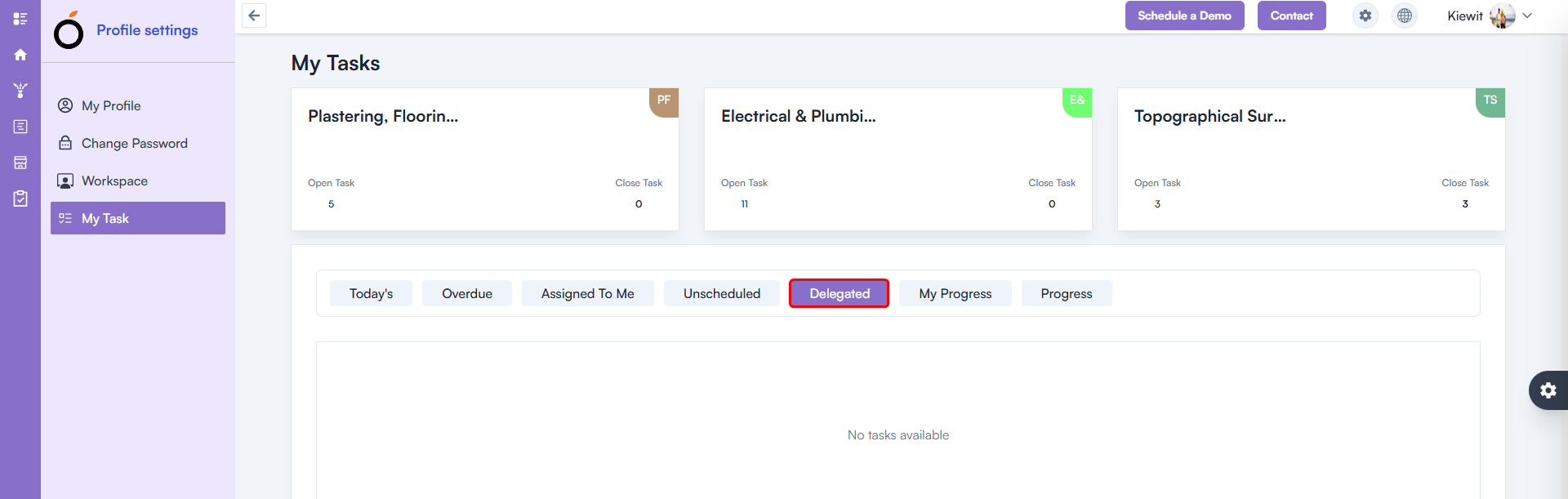
10) Delegated Task – 500 Error Fixed (Bug Fix)

A 500 error occurred in My Tasks → Delegated Task.

Fix: Issue fully resolved.
Benefit: Smooth task tracking and delegation workflows.

Delegated Task – 500 Error Fixed

11) Calendar – 500 Error Fixed (Bug Fix)

The Calendar List View previously returned a 500 internal server error.

Fix: Functionality restored and fully stable.
Benefit: Accurate schedule visibility for planning and daily execution.

Calendar – 500 Error Fixed

Conclusion

Every enhancement in these OConstruction Release Notes reflects our mission to improve system stability, on-site productivity, and overall user satisfaction.

From detailed checklists and advanced DPR features to critical BOQ, contractor insights, and navigation fixes — this release ensures faster workflows, stronger compliance tracking, and powerful construction management capabilities.

Stay tuned for more OConstruction Release Notes as we continue to optimize, innovate, and support construction teams worldwide.

OConstruction Release Notes: Latest in November

Keeping your construction projects efficient, transparent, and error-free is always our top priority at OConstruction.

Our latest OConstruction Release Notes highlight powerful project management updates, bug fixes, and feature enhancements designed to make your construction workflows smoother than ever.

From resolving invoice and vendor issues to introducing advanced BOQ and DPR functionalities, this release delivers measurable improvements in performance, usability, and project tracking.

Let’s explore what’s new in the OConstruction October–November 2025 Release.

Release Update – 10/11: Major Feature Enhancements

Our November 2025 OConstruction release introduces major feature updates and construction software improvements, designed to enhance productivity and streamline on-site project management.

BOQ (Bill of Quantities) View

  • New Feature: Added a comprehensive BOQ View inside the Project Module.
  • Benefit: Gain detailed insights into material quantities, project cost structures, and financial transparency for every project phase.

BOQ (Bill of Quantities) View

Daily Progress Report (DPR) Module

  • New Feature: Fully functional Daily Progress Report (DPR) module for both web and mobile platforms.
  • Benefit: Track on-site progress, log activities, and monitor daily updates to keep your team aligned.

Daily Progress Report (DPR) Module

DPR Approval Workflow

  • Enhancement: Introduced a dedicated DPR approval process for validation and accountability.
  • Benefit: Ensures that only approved reports are finalized, improving data reliability and oversight.

DPR Approval Workflow

Checklist Module Fix

  • Issue Fixed: Checklist creation errors are now resolved.
  • Benefit: Teams can create and manage safety or inspection checklists smoothly without disruptions.

Checklist Module Fix

Client Module Enhancements

  • Issue Fixed: Addressed the invoice-related issues within the Client Module.
  • Impact: Billing processes are now more accurate and efficient, reducing errors during client transactions.

Client Module Enhancements

UI and User Experience Improvements

  • Enhancement: Improved layouts and alignments across Tasks, Activities, and WBS Level sections.
  • Benefit: Cleaner design, easier navigation, and more consistent user experience throughout the platform.

UI and User Experience Improvements

Conclusion

Each update in the OConstruction Release Notes reflects our commitment to improving system stability, productivity, and user satisfaction.

From BOQ and DPR module enhancements to vendor and invoice fixes, these improvements ensure your project management is faster, more precise, and fully optimized for on-site and back-office collaboration.

Stay tuned for future OConstruction Release Notes as we continue to innovate and redefine how construction teams plan, execute, and deliver success.

OConstruction Release Notes: Latest Updates and Enhancements

Keeping your projects running smoothly is our top priority at OConstruction. Our latest release notes highlight productivity improvements, performance upgrades, and critical bug fixes across modules. Each update focuses on enhancing user experience, boosting efficiency, and ensuring reliable project workflows.

Here’s a detailed look at the latest OConstruction updates and enhancements that make construction project management more seamless than ever.

Release Update – 22/10: Cross-Tenant & Vendor Fixes

This release improves vendor management and cross-tenant workflows to ensure smoother collaboration and reliable system performance.
Vendor Item Management

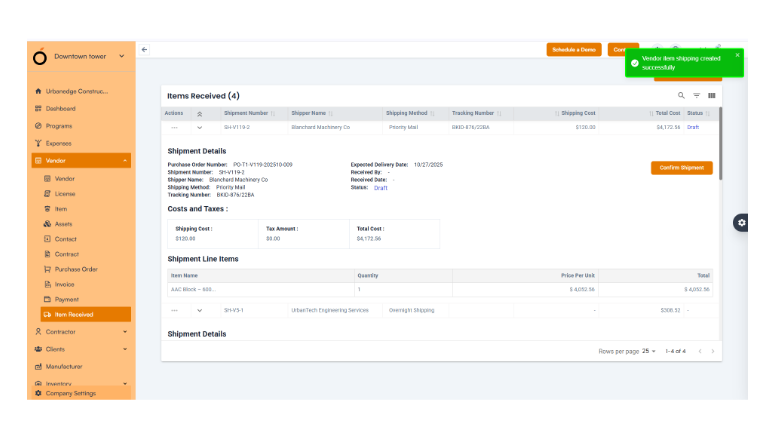
  • Accurate notifications: The incorrect toast messages for Vendor Item Received entries have been fixed.


  • Users now receive clear and accurate feedback, improving confidence during vendor operations.

Cross-Tenant User Invitations

  • Verification issues resolved: Invite users from one tenant to another with different roles, without conflicts.
  • This supports multi-tenant project structures and enhances team collaboration across vendors, auditors, and clients.

OConstruction-Release

Release Update – 21/10: Production Fixes

This update focuses on stabilizing production environments, ensuring error-free billing, and improving overall project visibility.

Invoice Management

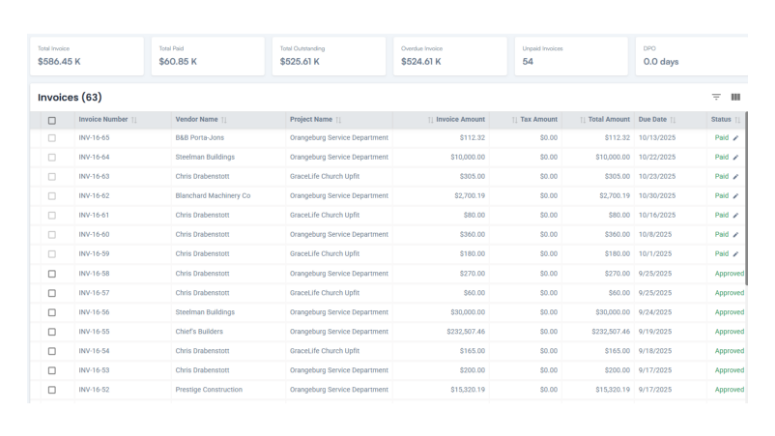
  • Invoice creation errors fixed: You can now create invoices even when the PO balance is adjusted, ensuring accurate billing and financial integrity.


Project Card View

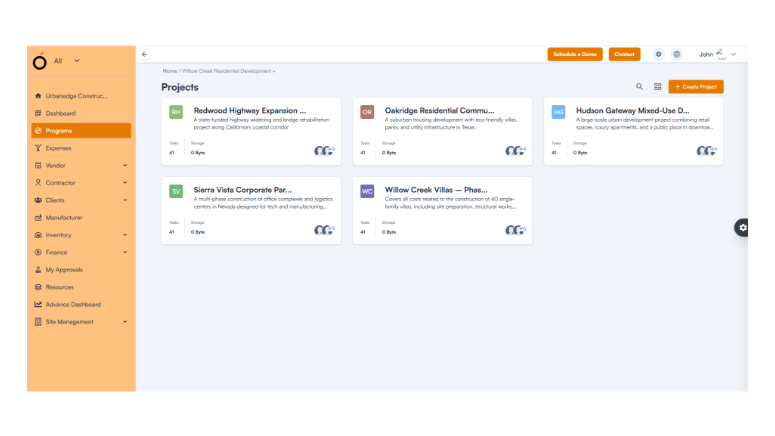
  • Relevant project display: Users now see only projects they belong to, making navigation simpler and more relevant.

Vendor Contracts and POs

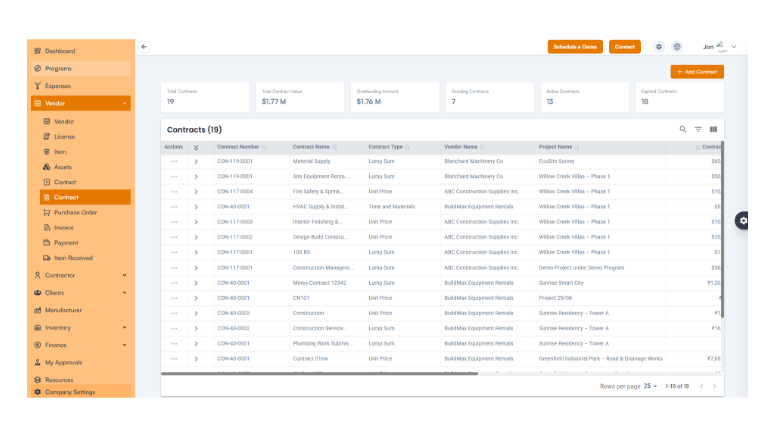
  • Accurate information: Vendor contracts and purchase orders display the correct details, improving procurement visibility.

Activity and Task Management

  • Duplicate entry bug resolved and 500 errors removed for smoother task creation and listing.

Project Search

  • New search feature added: Users can now quickly locate projects from the Project Card view.

Punch List Management

  • Creation issues fixed: Punch lists now function flawlessly, ensuring complete task tracking.

Release Update – 02/09: Module Enhancements

This update brings major improvements to the Dependencies & Actuals, Client Management, Custom Fields, and License & Certification modules.

Client Operations

  • Accurate project timelines: Effective Start and End Dates now reflect correctly.

License & Certification

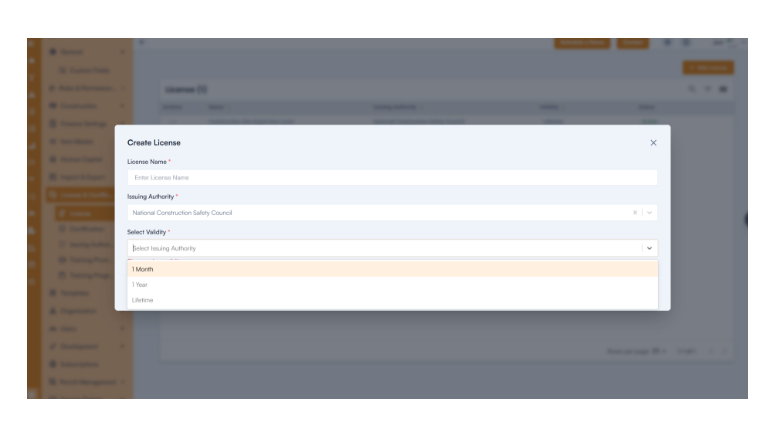
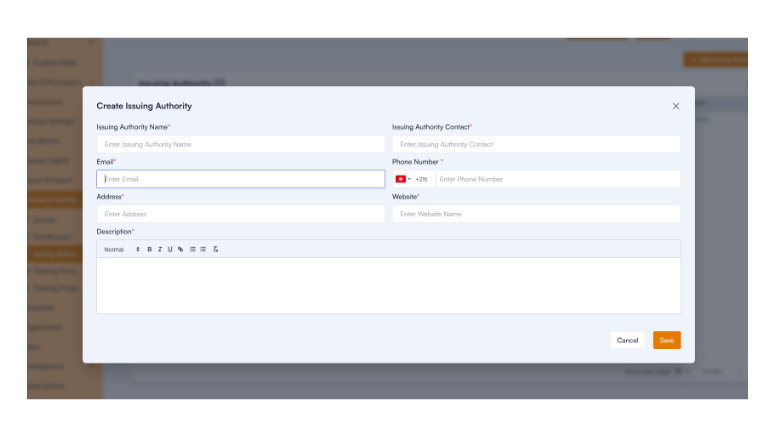
  • Full functionality restored: Users can now create certifications, issuing authorities, and training programs seamlessly.

Release Update – 01/09: WBS & Budget Fixes

Budgeting Improvements

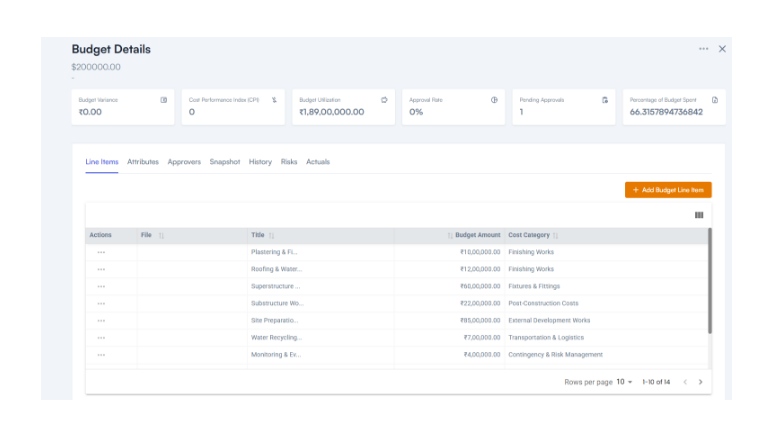
  • Budget control: Line item totals are capped at the allocated budget to prevent overspending.

  • File access fixed: Budget files download correctly.
  • Consistent formats: Warning prompts, currency symbols, and dashboards now display properly.

Release Update – 28/08: Bug Fixes and Improvements

This update enhances usability across Shifts, Item Management, and Asset Management modules.

Shifts Module

  • Entire input fields are now clickable for faster data entry.
  • Mandatory field validation ensures complete, error-free records.
  • Standardized time formats improve clarity.

Item & Industry Management

  • Only active industries are shown in dropdowns for better accuracy.
  • Link multiple categories to a single industry.
  • Item hierarchies now display correctly, improving workflow visibility.

Asset Management

  • Accurate card names and field labels improve usability.
  • Enhanced navigation helps users find details faster.

Change Management

  • We now accept decimal values for cost and time estimates.
  • Toast messages now display accurate feedback.

Vendor & Procurement

  • Fixed default currency issues.
  • Tax rules are enforced consistently.
  • Item names now display correctly in edit mode.

Release Update – 30/07: Introducing New Features

We’ve added powerful new modules to make construction management more efficient and compliant.

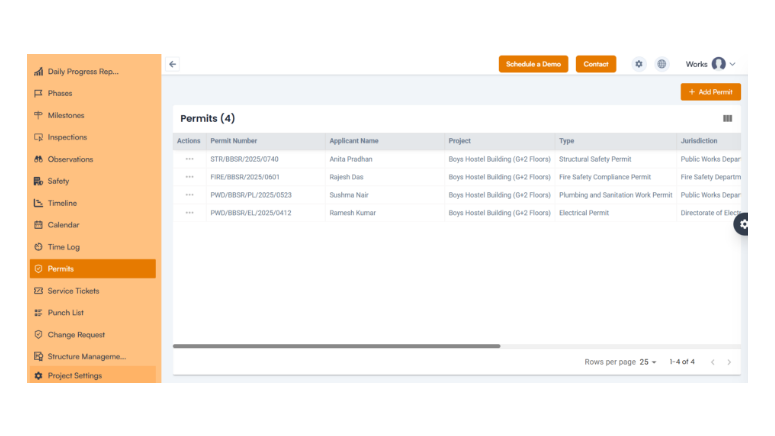
  • Permit Management

Manage and track permits from request to approval—all within the system—to prevent delays and maintain compliance.
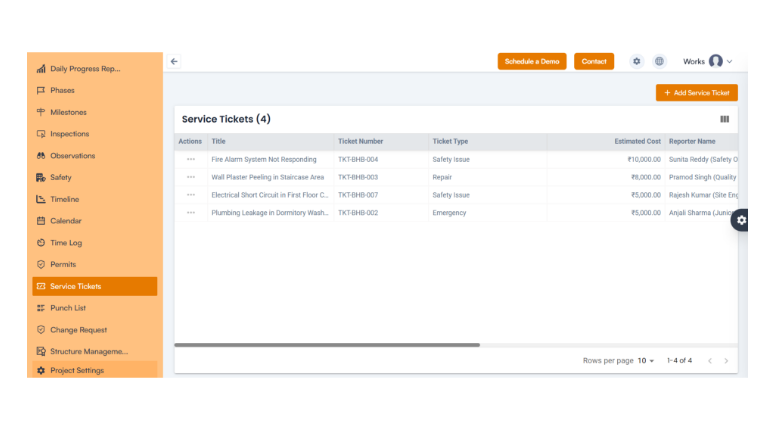
  • Service Management:

Track vendor services, maintenance requests, and operational tasks with complete visibility.

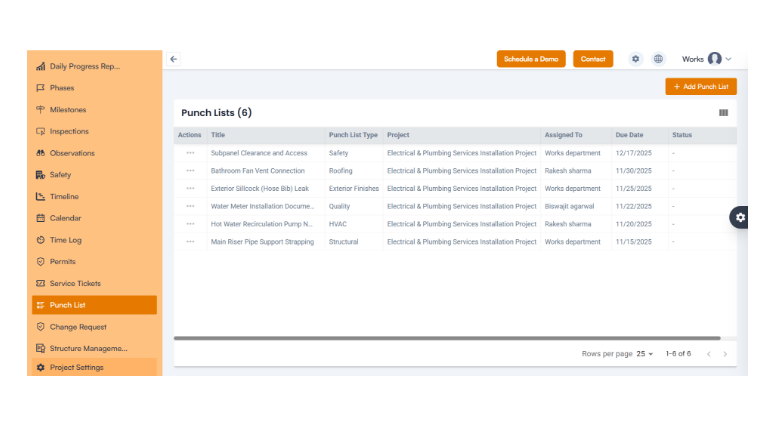
  • Punch List:

Record, assign, and monitor incomplete tasks and complete all project deliverables before closure.
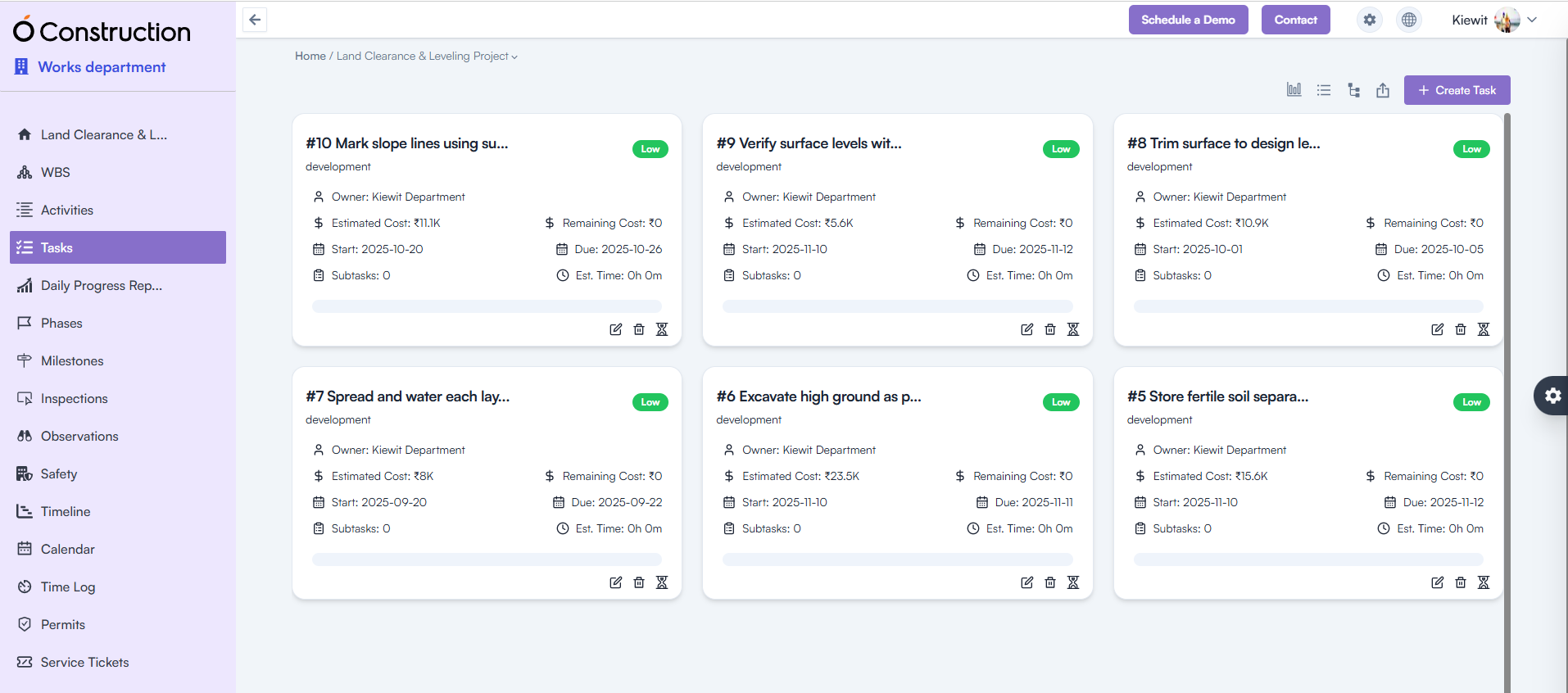
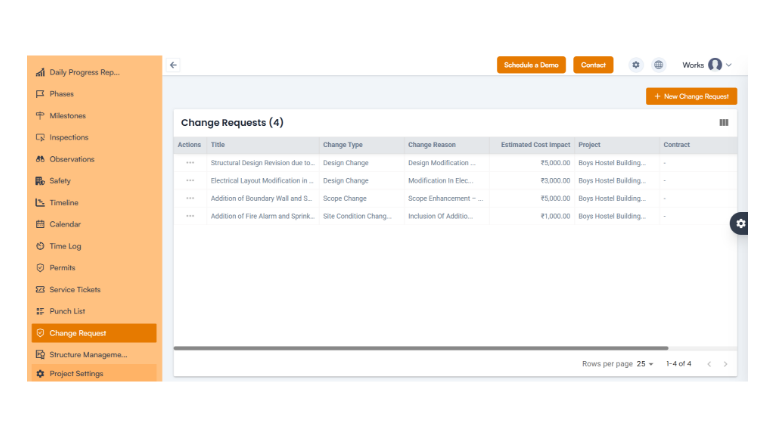
  • Change Request

Easily manage change submissions, approvals, and tracking to stay on schedule while adapting to modifications.
  • Subscription by Feature: Preview future plan-based features through the Moon Plan, allowing proactive planning for upgrades.

Conclusion

At OConstruction, we are continuously improving our platform to deliver a smoother, faster, and more reliable construction project management experience. These updates strengthen operational efficiency, enhance collaboration, and ensure precision across all modules.
Stay tuned for upcoming OConstruction release notes and discover how we’re redefining construction project management—one update at a time.

Category: Construction Academy

Subcategory: Budgeting and Planning

Subcategory: Construction Phase

Subcategory: Design Coordination

Subcategory: Estimation Techniques

Subcategory: Initiation and Feasibility

Subcategory: Introduction

Subcategory: Personal Management

Subcategory: Project Close-Out

Subcategory: Project Scheduling

Subcategory: Project Teams

Subcategory: Proposal Management

Subcategory: Total Quality Management

Subcategory: Tracking and Control

Subcategory: Work Breakdown

Category: Help Desk

Subcategory: Client

Subcategory: Construction 101

Subcategory: Contractor Management

Subcategory: Expense

Subcategory: Finance Budget

Subcategory: Inventory Management

Subcategory: My Approvals

Subcategory: Site Management

Subcategory: Vendor Management