Construction projects still face an average 20% cost overrun and project delays exceeding 30%. These figures translate into millions lost, strained client relations, and exhausted teams. For modern builders, contractors, EPC companies, and site engineers, these challenges matter because every wasted hour and extra Rupee hits the bottom line. In this blog on Top Construction Project Management Trends Shaping 2025, you’ll learn how data-driven workflows, automation, and integrated platforms overcome these pain points.
We’ll explore game-changing trends, practical frameworks, and real-world tips—while showing how OConstruction emerges as your most modern, reliable construction tech partner.
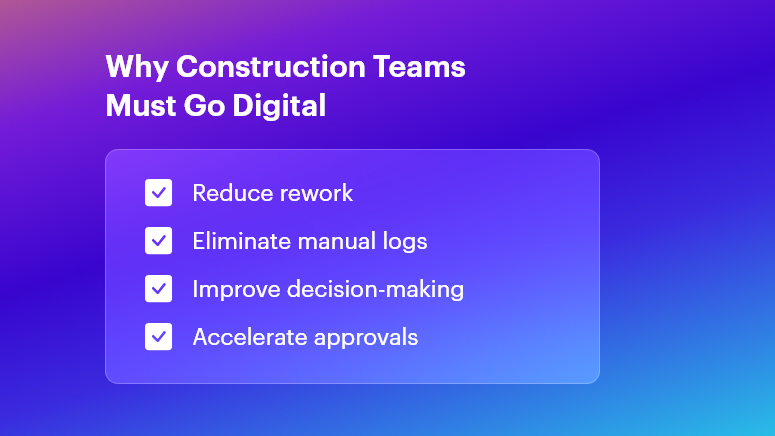
Why This Matters in Construction (Business Need & Impact)
In real estate, infrastructure, roads, and commercial or residential builds, the stakes are high. Cost overruns often arise from inaccurate BOQs and material wastage. Rework due to miscommunication can burn up to 15% of budgets.
Meanwhile, delayed Daily Progress Reports (DPRs) or fragmented site logs disrupt decision-making. Traditional Excel sheets, scattered WhatsApp messages, and manual logs simply can’t keep pace.
- Material Wastage & Rework: Without digital BOM tracking, teams frequently over-order cement or steel, leading to stock pile-ups and spoilage.
- Delayed DPRs & Inaccurate BOQs: Handwritten logs and late submissions cause back-office teams to scramble, delaying invoices and payments.
- Disconnected Tools & Miscommunication: Multiple software solutions or paper ledgers create silos—resulting in blind spots on labor deployment, equipment usage, and cost variances.
Therefore, modern digital workflows become essential to boost speed, accuracy, and accountability. When OConstruction’s real-time field-to-office sync is in place, project managers and QS teams gain live updates on resource usage, DPR status, and budget health. This unified approach transforms scattered data into actionable insights—eliminating delays and overruns.
Best Practices, Frameworks & Actionable Tips
To excel in 2025, adopt these implementation-ready strategies. Each point shows how OConstruction solves the core challenge:
Integrated Project Planning & Schedule Tracking
- Define Milestones Digitally: Use OConstruction’s Gantt-style scheduler to set clear tasks, responsibilities, and deadlines. This visual roadmap minimizes scope creep.
- Automate Schedule Alerts: Set real-time notifications for critical path tasks. When a concrete pour or material delivery is delayed, stakeholders receive instant alerts — keeping everyone aligned.
- Conduct Weekly Progress Reviews: Leverage the platform’s dashboards for at-a-glance status checks. Stakeholders join video calls with up-to-date data, not outdated spreadsheets.
BOQ & Estimate Management Best Practices
- Standardize BOQ Templates: Create central BOQ templates in OConstruction to enforce consistency across projects. This prevents manual entry errors and version conflicts.
- Link BOQs to Vendor Rates: Integrate vendor catalogs so that material rates auto-populate during estimation. Teams avoid rate mismatches and lost discount opportunities.
- Track Revisions Transparently: Every BOQ change is logged with timestamps and user IDs. Auditors and managers trace who modified quantities or rates — and why.
DPR Automation & Daily Logs
- Digital Field Entry: Field engineers fill digital DPR forms on mobile—capturing quantities, photos, and observations. This replaces delayed paper logs.
- Auto-Generated Reports: Once submitted, DPRs convert into formatted PDF reports, ready for client reviews. No more manual compilation at day’s end.
- Integrated Photo Documentation: Embed geotagged images directly within DPRs to verify completed work and reduce disputes.
Material & Inventory Management
- Real-Time Stock Levels: Monitor site inventory — cement, bricks, steel — via barcode scanning. Automatic stock alerts prevent sudden shortages and downtime.
- Purchase Order Workflows: Route purchase requisitions through approval hierarchies in OConstruction. Procurement teams approve, reject, or revise orders in minutes.
- Vendor Performance Tracking: Score suppliers on delivery punctuality, quality, and pricing. Use this data to negotiate better terms and bulk discounts.
Cost Control & Budget Monitoring
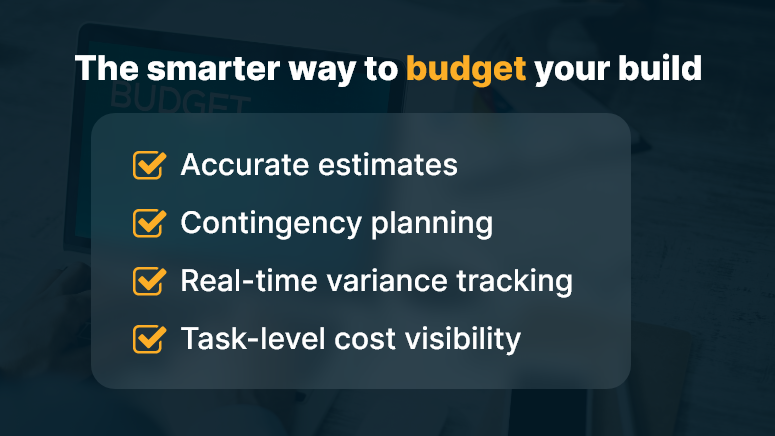
- Live Cost Vs. Budget Dashboards: Track actual spend against planned budgets. Visual flags highlight cost overruns at the activity level.
- Variance Analysis Reports: Generate variance reports that compare estimated vs. actual costs. Then drill down on root causes—labor inefficiencies or rate escalations.
- Automated Financial Alerts: Notify project accountants when monthly spending crosses pre-set thresholds. Early warnings enable proactive corrective actions.
Multi-Site Coordination & Communication
- Centralized Task Management: Consolidate tasks for multiple sites under one dashboard. Allocate resources from a shared pool to optimize utilization.
- Role-Based Access Control: Limit sensitive cost data to managers while granting field crews only the info they need. This secures data and simplifies user training.
- Unified Messaging Hub: Replace fragmented chat apps with OConstruction’s built-in communication channels, linked to specific tasks or site locations.
Avoiding Common Mistakes
- Manual Data Entry Reliance: Eliminate this by using mobile forms and barcode scans.
- Ignoring Document Versioning: Always use a centralized repository with audit trails.
- Underestimating Training Needs: Allocate time for user onboarding and peer learning sessions when rolling out new tools.
All these best practices are powered by OConstruction’s features for BOQ & Estimate Management, DPR Automation, Schedule Tracking, Inventory Handling, and Cost Control.
By unifying your workflows, you’ll reduce human errors, accelerate approvals, and gain real-time visibility across every site.
Construction Success Story: Mini Case Study
For example, a highway infrastructure firm, adopted OConstruction’s DPR Automation & BOQ Management to overcome delayed daily logs and inaccurate material estimates.
Within three months, they achieved 35% faster DPR completion, 15% reduction in material wastage, and 20% lower rework costs. Here’s the transformation:
- Before: Field engineers submitted handwritten DPRs with missing photos. BOQs were manually emailed, causing rate mismatches and delayed purchase orders.
- After: Field crews filled DPRs on mobile; reports auto-generated and routed to managers. BOQs auto-populated vendor rates and revisions logged.
- Result: Project managers accessed live dashboards, resolved issues on the spot, and closed weekly meetings 50% faster.
Key Takeaways & Closing
- Embrace Digital Workflows: Manual logs and Excel sheets no longer suffice in 2025’s fast-paced projects.
- Automate Key Processes: DPRs, BOQs, and inventory scans deliver data accuracy and speed.
- Centralize Communication: A unified platform reduces miscommunication and ensures accountability.
- Monitor Costs Live: Early alerts on budget variances prevent overruns before they escalate.
- Scale Across Sites: Role-based access and shared dashboards streamline multi-site coordination.
By adopting the Top Construction Project Management Trends Shaping 2025 and leveraging OConstruction as your tech partner, project teams can immediately boost productivity and profitability. Embrace the future — digitize your workflows, automate reports, and gain real-time insights.
FAQs
1. What are the Top Construction Project Management Trends Shaping 2025?
The key 2025 trends include automation of DPRs, digital BOQ management, real-time cost monitoring, integrated scheduling, and multi-site coordination—all made easier with unified platforms like OConstruction.
2. How does OConstruction address the Top Construction Project Management Trends Shaping 2025?
OConstruction offers BOQ & Estimate Management, DPR Automation, live cost dashboards, and inventory tracking — all syncing in real time to support the digital-first workflows defined by 2025 trends.
3. Why is digital BOQ management crucial for the Top Construction Project Management Trends Shaping 2025?
Digital BOQs reduce human error, standardize templates, auto-populate vendor rates, and speed up approvals — helping prevent cost overruns and improving accuracy across large-scale projects.
4. Can OConstruction improve DPR accuracy in line with the 2025 trends?
Yes. Mobile DPR forms with photo attachments, geotagging, and auto-generated daily logs minimize manual errors and align with 2025’s shift toward instant, data-driven progress reporting.
5. How do real-time cost dashboards support the Top Construction Project Management Trends Shaping 2025?
Real-time dashboards instantly highlight cost deviations, enabling quick corrective actions before budgets exceed limits — an essential practice for navigating 2025’s tighter project margins.
6. Is multi-site coordination part of the Top Construction Project Management Trends Shaping 2025?
Absolutely. OConstruction’s centralized task boards, role-based access, and collaboration tools help teams manage schedules, resources, and communication seamlessly across multiple project sites.
7. Where can I learn more about implementing these trends?
You can explore OConstruction’s BOQ & Estimate Management, DPR Automation, and Features Overview pages, or check out the latest blog for deeper insights into adopting 2025-ready construction practices.