Top Construction Project Management Trends Shaping 2025 for OConstruction

Construction projects still face an average 20% cost overrun and project delays exceeding 30%. These figures translate into millions lost, strained client relations, and exhausted teams. For modern builders, contractors, EPC companies, and site engineers, these challenges matter because every wasted hour and extra Rupee hits the bottom line. In this blog on Top Construction Project Management Trends Shaping 2025, you’ll learn how data-driven workflows, automation, and integrated platforms overcome these pain points.

We’ll explore game-changing trends, practical frameworks, and real-world tips—while showing how OConstruction emerges as your most modern, reliable construction tech partner.
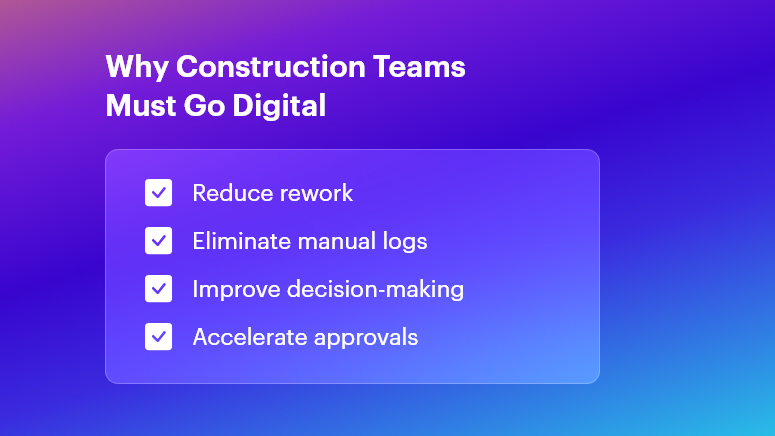
Why Construction Teams Must Go Digital

Why This Matters in Construction (Business Need & Impact)

In real estate, infrastructure, roads, and commercial or residential builds, the stakes are high. Cost overruns often arise from inaccurate BOQs and material wastage. Rework due to miscommunication can burn up to 15% of budgets.

Meanwhile, delayed Daily Progress Reports (DPRs) or fragmented site logs disrupt decision-making. Traditional Excel sheets, scattered WhatsApp messages, and manual logs simply can’t keep pace.

  • Material Wastage & Rework: Without digital BOM tracking, teams frequently over-order cement or steel, leading to stock pile-ups and spoilage.
  • Delayed DPRs & Inaccurate BOQs: Handwritten logs and late submissions cause back-office teams to scramble, delaying invoices and payments.
  • Disconnected Tools & Miscommunication: Multiple software solutions or paper ledgers create silos—resulting in blind spots on labor deployment, equipment usage, and cost variances.

Therefore, modern digital workflows become essential to boost speed, accuracy, and accountability. When OConstruction’s real-time field-to-office sync is in place, project managers and QS teams gain live updates on resource usage, DPR status, and budget health. This unified approach transforms scattered data into actionable insights—eliminating delays and overruns.

Best Practices, Frameworks & Actionable Tips

To excel in 2025, adopt these implementation-ready strategies. Each point shows how OConstruction solves the core challenge:

Integrated Project Planning & Schedule Tracking

  • Define Milestones Digitally: Use OConstruction’s Gantt-style scheduler to set clear tasks, responsibilities, and deadlines. This visual roadmap minimizes scope creep.
  • Automate Schedule Alerts: Set real-time notifications for critical path tasks. When a concrete pour or material delivery is delayed, stakeholders receive instant alerts — keeping everyone aligned.
  • Conduct Weekly Progress Reviews: Leverage the platform’s dashboards for at-a-glance status checks. Stakeholders join video calls with up-to-date data, not outdated spreadsheets.

BOQ & Estimate Management Best Practices

  • Standardize BOQ Templates: Create central BOQ templates in OConstruction to enforce consistency across projects. This prevents manual entry errors and version conflicts.
  • Link BOQs to Vendor Rates: Integrate vendor catalogs so that material rates auto-populate during estimation. Teams avoid rate mismatches and lost discount opportunities.
  • Track Revisions Transparently: Every BOQ change is logged with timestamps and user IDs. Auditors and managers trace who modified quantities or rates — and why.

DPR Automation & Daily Logs

  • Digital Field Entry: Field engineers fill digital DPR forms on mobile—capturing quantities, photos, and observations. This replaces delayed paper logs.
  • Auto-Generated Reports: Once submitted, DPRs convert into formatted PDF reports, ready for client reviews. No more manual compilation at day’s end.
  • Integrated Photo Documentation: Embed geotagged images directly within DPRs to verify completed work and reduce disputes.

Material & Inventory Management

  • Real-Time Stock Levels: Monitor site inventory — cement, bricks, steel — via barcode scanning. Automatic stock alerts prevent sudden shortages and downtime.
  • Purchase Order Workflows: Route purchase requisitions through approval hierarchies in OConstruction. Procurement teams approve, reject, or revise orders in minutes.
  • Vendor Performance Tracking: Score suppliers on delivery punctuality, quality, and pricing. Use this data to negotiate better terms and bulk discounts.

Cost Control & Budget Monitoring

  • Live Cost Vs. Budget Dashboards: Track actual spend against planned budgets. Visual flags highlight cost overruns at the activity level.
  • Variance Analysis Reports: Generate variance reports that compare estimated vs. actual costs. Then drill down on root causes—labor inefficiencies or rate escalations.
  • Automated Financial Alerts: Notify project accountants when monthly spending crosses pre-set thresholds. Early warnings enable proactive corrective actions.

Multi-Site Coordination & Communication

  • Centralized Task Management: Consolidate tasks for multiple sites under one dashboard. Allocate resources from a shared pool to optimize utilization.
  • Role-Based Access Control: Limit sensitive cost data to managers while granting field crews only the info they need. This secures data and simplifies user training.
  • Unified Messaging Hub: Replace fragmented chat apps with OConstruction’s built-in communication channels, linked to specific tasks or site locations.

Avoiding Common Mistakes

  • Manual Data Entry Reliance: Eliminate this by using mobile forms and barcode scans.
  • Ignoring Document Versioning: Always use a centralized repository with audit trails.
  • Underestimating Training Needs: Allocate time for user onboarding and peer learning sessions when rolling out new tools.

All these best practices are powered by OConstruction’s features for BOQ & Estimate Management, DPR Automation, Schedule Tracking, Inventory Handling, and Cost Control.

By unifying your workflows, you’ll reduce human errors, accelerate approvals, and gain real-time visibility across every site.

Construction Success Story: Mini Case Study

For example, a highway infrastructure firm, adopted OConstruction’s DPR Automation & BOQ Management to overcome delayed daily logs and inaccurate material estimates.

Within three months, they achieved 35% faster DPR completion, 15% reduction in material wastage, and 20% lower rework costs. Here’s the transformation:

  • Before: Field engineers submitted handwritten DPRs with missing photos. BOQs were manually emailed, causing rate mismatches and delayed purchase orders.
  • After: Field crews filled DPRs on mobile; reports auto-generated and routed to managers. BOQs auto-populated vendor rates and revisions logged.
  • Result: Project managers accessed live dashboards, resolved issues on the spot, and closed weekly meetings 50% faster.

Key Takeaways & Closing

  • Embrace Digital Workflows: Manual logs and Excel sheets no longer suffice in 2025’s fast-paced projects.
  • Automate Key Processes: DPRs, BOQs, and inventory scans deliver data accuracy and speed.
  • Centralize Communication: A unified platform reduces miscommunication and ensures accountability.
  • Monitor Costs Live: Early alerts on budget variances prevent overruns before they escalate.
  • Scale Across Sites: Role-based access and shared dashboards streamline multi-site coordination.

By adopting the Top Construction Project Management Trends Shaping 2025 and leveraging OConstruction as your tech partner, project teams can immediately boost productivity and profitability. Embrace the future — digitize your workflows, automate reports, and gain real-time insights.

FAQs

1. What are the Top Construction Project Management Trends Shaping 2025?

The key 2025 trends include automation of DPRs, digital BOQ management, real-time cost monitoring, integrated scheduling, and multi-site coordination—all made easier with unified platforms like OConstruction.

2. How does OConstruction address the Top Construction Project Management Trends Shaping 2025?

OConstruction offers BOQ & Estimate Management, DPR Automation, live cost dashboards, and inventory tracking — all syncing in real time to support the digital-first workflows defined by 2025 trends.

3. Why is digital BOQ management crucial for the Top Construction Project Management Trends Shaping 2025?

Digital BOQs reduce human error, standardize templates, auto-populate vendor rates, and speed up approvals — helping prevent cost overruns and improving accuracy across large-scale projects.

4. Can OConstruction improve DPR accuracy in line with the 2025 trends?

Yes. Mobile DPR forms with photo attachments, geotagging, and auto-generated daily logs minimize manual errors and align with 2025’s shift toward instant, data-driven progress reporting.

5. How do real-time cost dashboards support the Top Construction Project Management Trends Shaping 2025?

Real-time dashboards instantly highlight cost deviations, enabling quick corrective actions before budgets exceed limits — an essential practice for navigating 2025’s tighter project margins.

6. Is multi-site coordination part of the Top Construction Project Management Trends Shaping 2025?

Absolutely. OConstruction’s centralized task boards, role-based access, and collaboration tools help teams manage schedules, resources, and communication seamlessly across multiple project sites.

7. Where can I learn more about implementing these trends?

You can explore OConstruction’s BOQ & Estimate Management, DPR Automation, and Features Overview pages, or check out the latest blog for deeper insights into adopting 2025-ready construction practices.
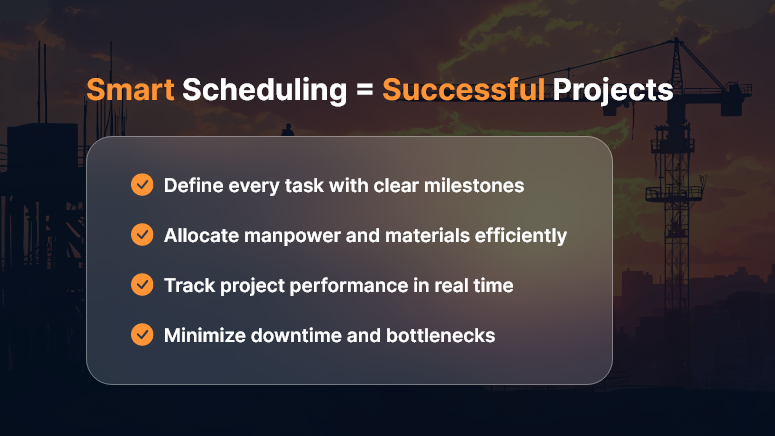
Building Construction Scheduling: Optimize Project Timelines to Reduce Costs and Delays

In construction, time is money — quite literally. A small delay in concrete curing or material delivery can cascade into weeks of lost productivity and inflated costs. That’s where building construction scheduling comes in — your blueprint for keeping projects on track, within budget, and aligned with client expectations.

But scheduling isn’t just about dates on a calendar. It’s about creating a dynamic, data-driven plan that adapts to real-world changes while maintaining overall control.

What is Building Construction Scheduling?

Building construction scheduling is the process of defining, sequencing, and managing all project activities to ensure timely completion. It involves identifying critical tasks, dependencies, milestones, and resource allocation to maintain a balanced workflow.

Think of it as the project’s GPS — showing you where you’re headed, predicting potential bottlenecks, and helping you make informed course corrections before delays hit.

Building-Construction-Scheduling

The Real Cost of Poor Scheduling

When construction schedules go wrong, the impact is immediate and costly:

  • Budget overruns from idle labor and equipment rentals
  • Missed deadlines leading to penalties or strained client relations
  • Resource conflicts that slow progress across sites
  • Safety issues from rushed work or overlapping tasks

A solid construction schedule isn’t just good project management — it’s a profit-protection strategy.

Key Elements of Effective Construction Scheduling

To optimize your project timeline, your schedule should include these core elements:

1. Work Breakdown Structure (WBS)

Break your project into manageable chunks — foundation, framing, electrical, plumbing, finishing, etc. Each task should have clear ownership and deliverables.

2. Task Dependencies

Understand what needs to happen first. Pouring the slab comes before framing; inspection before drywall. Mapping dependencies prevents rework and chaos.

3. Resource Allocation

Assign the right people, machinery, and materials to each phase. This ensures optimal productivity without overloading teams.

4. Critical Path Method (CPM)

Identify the longest sequence of dependent tasks that determine the total project duration. Monitoring this critical path helps you predict and prevent delays before they snowball.

5. Real-Time Tracking

Use modern scheduling tools to update progress instantly, manage changes, and communicate across stakeholders. Real-time visibility ensures every decision is data-backed.

Top Techniques for Better Construction Scheduling

1. Leverage Technology

Ditch spreadsheets. Modern construction scheduling software provides interactive Gantt charts, resource tracking, and progress dashboards that make updates seamless and transparent.

2. Prioritize Communication

Scheduling is only effective when everyone follows it. Use collaboration platforms to align contractors, subcontractors, and suppliers on one timeline.

3. Build in Buffers

Unpredictable weather, material delays, or inspection hold-ups happen. Adding buffer time to critical tasks ensures flexibility without panic.

4. Monitor and Adjust

Regularly review progress vs. the baseline schedule. If the foundation stage slips, adjust downstream activities early — don’t wait for the project to derail.

5. Track Performance Metrics

Monitor schedule variance, earned value, and resource utilization to maintain performance visibility throughout the project lifecycle.

Benefits of Optimized Construction Scheduling

When done right, building construction scheduling delivers measurable business results:

  • Reduced project costs through efficient resource use
  • Fewer delays and disputes due to clear timelines and accountability
  • Improved client satisfaction from predictable delivery
  • Better cash flow management with milestone-based billing
  • Increased safety and productivity from structured workflows

A well-structured schedule isn’t just a document — it’s a strategic asset that drives profitability and trust.

Best Tools for Construction Scheduling

To make scheduling easier and smarter, consider tools like:

  • OConstruction Scheduler – purpose-built for project managers to plan, track, and optimize timelines in real time.
  • Primavera P6 – great for large infrastructure projects.
  • Microsoft Project – classic Gantt-based scheduling with resource tracking.
  • Orangescrum – flexible task and time management for agile teams.

Choose a platform that matches your project complexity and collaboration needs.

Common Mistakes to Avoid

Even experienced project managers fall into these traps:

  • Ignoring task dependencies or changing them without impact analysis
  • Failing to update schedules after every phase change
  • Over-committing resources to multiple overlapping tasks
  • Underestimating risk factors like weather or approval delays
  • Neglecting to communicate changes with all stakeholders

Avoid these, and you’ll already be ahead of most competitors.

Conclusion: Schedule Smart, Build Smarter

In today’s competitive environment, construction scheduling is no longer optional — it’s essential. A well-defined, actively managed schedule keeps your projects on time, on budget, and on scope.

Invest in robust scheduling tools, empower your teams with real-time visibility, and turn project planning into a strategic advantage. Because in construction, the best builders aren’t just those who build fast — they’re the ones who build on time, every time.

Key Takeaways

  • Plan early: Start scheduling during the design phase.
  • Stay flexible: Adapt to change while protecting milestones.
  • Use technology: Automate tracking and reporting.
  • Monitor progress: Keep everyone accountable.
  • Review lessons: Improve with every project.

FAQs

1. What is the main purpose of construction scheduling?

To ensure that all activities in a construction project are planned, sequenced, and executed on time to avoid delays and cost overruns.

2. What tools are best for construction scheduling?

Tools like OConstruction are popular for managing schedules, dependencies, and progress.

3. How often should a construction schedule be updated?

Ideally weekly, or after every major milestone, to reflect real-time progress and adjustments.

4. What’s the difference between CPM and Gantt charts?

CPM identifies critical tasks affecting total project time, while Gantt charts visualize timelines and dependencies.

5. Can scheduling help reduce project costs?

Yes. Efficient scheduling minimizes idle time, prevents rework, and ensures optimal resource utilization — directly lowering overall costs.

Cut Construction Costs with Smarter Project Management Software

In the construction industry, controlling costs is one of the biggest challenges. Material prices fluctuate, labor overruns happen, and delays on-site can quickly turn into budget disasters. But what if you could reduce these issues with a single tool?

That’s where smart project management software like OConstruction steps in—giving you the visibility, control, and real-time collaboration your construction projects need to stay on time and under budget.

Why Construction Projects Go Over Budget

Before we dive into the solution, let’s look at the most common reasons construction costs spiral out of control:

  • Poor scheduling and miscommunication
  • Inefficient use of labor and equipment
  • Lack of real-time updates on-site
  • Missed deadlines and overtime costs
  • Manual data entry and paperwork delays

All of these are avoidable—with the right tools in place.

How OConstruction Helps You Cut Costs

OConstruction is an all-in-one construction project management software designed specifically to reduce waste, improve accountability, and maximize your project ROI.

Here’s how it helps:

1. Real-Time Budget Tracking

Monitor project costs as they happen. Get instant updates on labor, materials, and subcontractor expenses so you can take immediate action before the budget slips.

2. Smarter Scheduling

Assign tasks, set dependencies, and track milestones all in one place. With automated notifications and calendar views, your team stays aligned-and your timelines stay on track.

3. Field-to-Office Communication

Whether your teams are on-site or in the office, OConstruction keeps everyone connected. Say goodbye to delayed updates or missed approvals that lead to costly errors.

4. Document & Resource Management

No more lost files or outdated spreadsheets. Store drawings, contracts, purchase orders, and daily logs in the cloud-accessible anytime from any device.

5. Subcontractor Coordination

Easily assign and monitor subcontractor tasks, track deliverables, and hold vendors accountable with shared timelines and clear scopes of work.

Real-World Benefits You Can Expect

  • Faster Project Completion
  • Lower Labor Costs
  • Fewer Cost Overruns
  •  Improved Resource Allocation
  • Less Administrative Overhead

Contractors using smart software report savings of up to 20% in overall project costs, simply by improving communication, planning, and tracking.

Start Saving Today with OConstruction.

If you’re still managing construction projects with spreadsheets, whiteboards, and endless WhatsApp groups—it’s time for an upgrade.

OConstruction gives you the tools to run your projects smarter, faster, and more profitably. From the first estimate to final handover, everything stays organized, visible, and efficient.

Start your journey to cost-effective construction today. Visit OConstruction.io

Final Thoughts

Cutting construction costs isn’t just about buying cheaper materials or hiring less labor. It’s about improving how you manage your projects—from planning to execution. With OConstruction, you’re not just saving money—you’re building smarter.

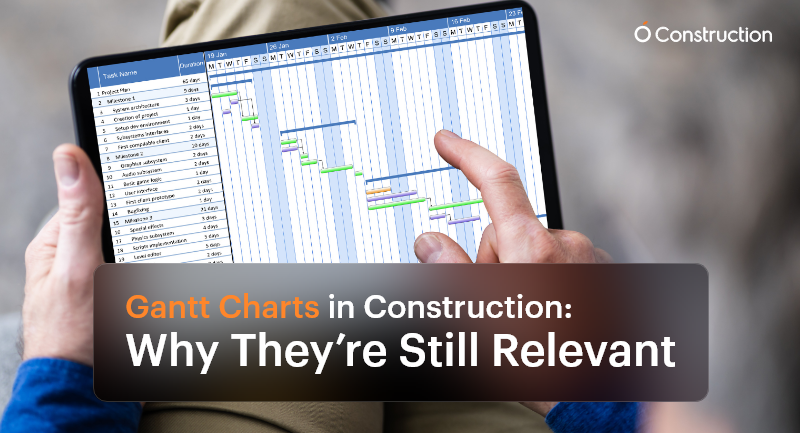
Gantt Charts in Construction: Why They’re Still Relevant

Despite the surge of advanced AI-driven scheduling tools and live dashboards, Gantt charts in construction remain a cornerstone of project management. Why? Because construction is more intricate, deadline-driven, and team-dependent than ever before.

Every team needs a visual and reliable roadmap that brings clarity to the chaos, from project managers and subcontractors to site supervisors and procurement officers. This is where Gantt charts continue to shine.

Why Gantt Charts Still Matter in Construction

Construction is not just about bricks and concrete—it’s about precision planning, coordination, and communication. A single scheduling misstep can cause ripple effects that delay inspections, exceed budgets, or stall final delivery.
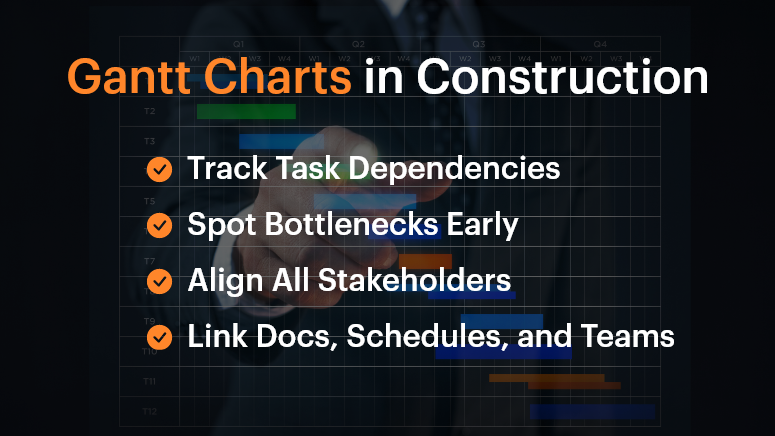
Here’s how Gantt charts in construction offer critical value:

Gantt Charts in Construction

1. Track Dependencies Across Subcontractors

In a construction project, workstreams are tightly connected. Plumbing must be completed before walls are closed. Electrical systems may need to be coordinated with HVAC layouts.

Gantt charts help teams visualize and manage these dependencies—if Task A is delayed, you immediately see how Task B is affected. This preemptive visibility is vital for planning contingencies.

2. Identify Project Bottlenecks Early

As the chart progresses, you can pinpoint lagging tasks before they become full-blown roadblocks. For example, a delayed steel delivery in the foundation phase will affect structural framing and roofing. Gantt charts enable you to identify those early warning signs and make adjustments in real-time.

3. Keep All Stakeholders Aligned

When different teams—from architects to subcontractors—work off the same chart, everyone understands what’s happening and when. This unified view reduces miscommunication and avoids scope creep.

Who Benefits Most from Gantt Charts?

Project Managers

They oversee everything from timelines to team coordination. Gantt charts help them:

  • Visualize overlapping tasks
  • Track milestones
  • Adjust schedules on the fly

Site Supervisors

Working in the field, they need clear, day-to-day task breakdowns. Gantt charts:

  • Show what needs to happen today, tomorrow, or next week
  • Improve coordination between field teams

Procurement Teams

Timing material delivery is critical. Gantt charts let them:

  • Schedule deliveries aligned with task progress
  • Avoid storage or material wastage

Real-World Example: Coordinating Complex Trades

Imagine a multi-story commercial project with concurrent plumbing, HVAC, and electrical work. Gantt charts allow managers to sequence tasks precisely so that the plumbing team completes their install before HVAC ducts are installed, avoiding rework or clashes.

Without this planning, teams step on each other’s toes, leading to delays, friction, and budget overshoots.

Best Practices for Using Gantt Charts in Construction

DOs:

  • Use Dependencies Wisely: Link tasks based on logical, real-world sequences. If one activity slips, the dependent tasks should automatically adjust.
  • Break Down Phases: Don’t lump the entire project into a single line. Divide it into logical segments: design, permitting, site prep, foundation, structure, MEP, interiors, inspections, and handover.
  • Update Frequently: Treat your Gantt chart as a live document. Weekly or daily updates ensure it reflects the real-time site status, not just the plan.

DON’T:

  • Overcomplicate It: Don’t try to document every micro-task. Focus on deliverables and milestones to keep things clean and readable.
  • Use Static Formats: Avoid spreadsheets or printed charts. They become outdated quickly. Use digital, interactive platforms.
  • Work in Isolation: Don’t keep the chart limited to a few managers. Make sure it’s accessible and collaborative for the entire team.

What OConstruction’s Gantt Chart Feature Brings to the Table

OConstruction amplifies the power of Gantt charts with purpose-built features for modern construction workflows:

  • Drag-and-Drop Scheduling: Adjust tasks easily to reflect real-world changes on site.
  • Color-Coded Status: Visual cues show task health—green for done, yellow for pending, red for delays.
  • Real-Time Syncing: Updates from field engineers or subcontractors automatically update the chart.
  • Forecasting: Identify tasks at risk of delay with trend analysis and alert mechanisms.
  • Integrated Documents: Link each task with blueprints, contracts, or RFIs for quick reference.

A Simple Framework to Build Gantt Charts

Here’s how to get started:

  • List Major Phases: Design, site clearance, structural work, MEP, finishing, and handover.
  • Break Into Tasks: Under each phase, define key deliverables (e.g., concrete pour, steel delivery, plumbing inspection).
  • Assign Durations and Owners: Estimate how long each task takes and who’s responsible.
  • Map Dependencies: Connect the tasks that rely on one another.
  • Collaborate: Share with teams and adjust based on their feedback.
  • Publish and Track: Keep the chart open and updated throughout the build.

Customer Story

Build Rite Constructions, a mid-size commercial builder, implemented OConstruction’s Gantt chart feature across five simultaneous projects. The result?

  • 28% reduction in schedule overruns
  • Improved vendor coordination
  • Fewer site clashes between trades
  • Real-time timeline visibility for both on-site teams and HQ

Their secret? They used Gantt charts not just for planning, but for active coordination and adjustment.

Final Thoughts

Gantt charts in construction aren’t just old-school charts—they’re dynamic tools that drive clarity and performance. In today’s fast-moving, multi-stakeholder projects, they provide the structure teams need to stay on track.

With modern tools like OConstruction, Gantt charts become a live, interactive command center for your entire project.

Don’t manage construction chaos. Plan around it—with a Gantt chart that evolves as your project does.

FAQs

Q1. Why are Gantt charts still relevant in modern construction projects?
Because construction involves multiple dependencies, trades, and deadlines, Gantt charts provide a clear visual roadmap that keeps teams aligned, prevents delays, and ensures milestones are met.

Q2. Who benefits most from using Gantt charts in construction?
Project managers, site supervisors, and procurement teams all gain clarity. Gantt charts help managers track milestones, field teams see day-to-day priorities, and procurement plan material deliveries on time.

Q3. How do Gantt charts help with task dependencies?
They make dependencies visible—so if one task slips (like plumbing installation), you immediately see how it impacts the next (like HVAC or electrical work), allowing you to plan contingencies early.

Q4. Can Gantt charts prevent delays and bottlenecks?
Yes. By highlighting lagging tasks in real-time, Gantt charts allow managers to act before issues snowball into schedule overruns.

Q5. What’s the biggest mistake teams make with Gantt charts?
Overcomplicating them. Trying to track every micro-task makes charts unreadable. The focus should be on phases, deliverables, and milestones.

Q6. Why are digital Gantt charts better than spreadsheets or paper charts?
Printed or static charts become outdated quickly. Digital Gantt charts update in real time, are accessible to all stakeholders, and integrate directly with project data.

5 Signs You Need Construction Project Management Software

Ten years ago, managing construction projects with spreadsheets, phone calls, and sticky notes might have been enough. But today’s job sites are faster, more dynamic, and more demanding. If you’re still juggling WhatsApp messages, handwritten notes, and scattered documents, your project workflow is likely disjointed and inefficient. This is where construction project management software like OConstruction steps in. It brings planning, scheduling, communication, cost tracking, and document control into one digital platform—accessible from both the field and the office. If you’ve been wondering whether your team needs a more modern solution, these five warning signs are your answer.

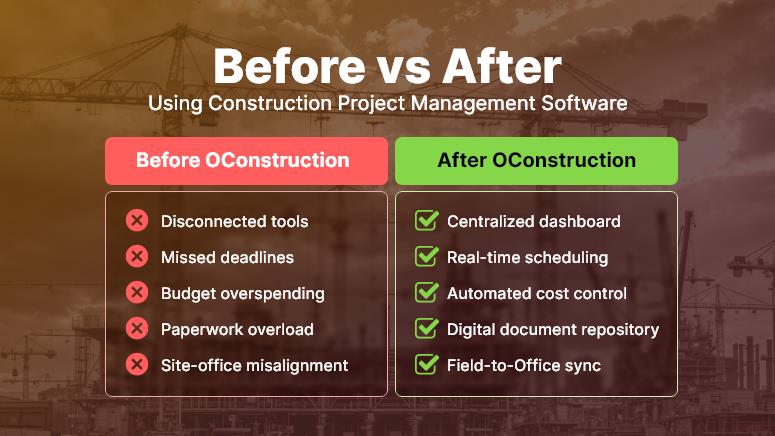
Before vs After Using Construction Project Management Software

Sign #1: You’re Constantly Behind Schedule

Why construction scheduling tools are non-negotiable

If deadlines feel more like flexible suggestions than fixed targets, it’s a red flag. Construction delays not only damage your client relationships — they also eat into profits, extend crew hours, and jeopardize future bids.

With construction scheduling software, you can:

  • Visualize project timelines using Gantt charts and task boards, helping you spot task dependencies and scheduling conflicts in real time.
  • Assign clear responsibilities with deadlines, supported by automated alerts so your team always knows what’s due and when.
  • Identify bottlenecks early and reallocate crews or resources to high-priority tasks before delays snowball.

A tool like OConstruction shifts your workflow from reactive fire-fighting to proactive project control—keeping builds on time and stress levels low.

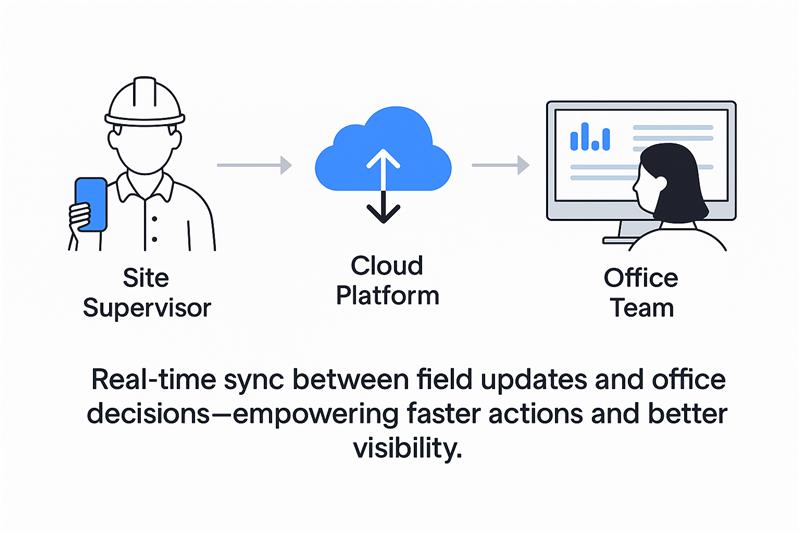
Sign #2: Your Field and Office Teams Are Always Out of Sync

Your Field and Office Teams Are Always Out of Sync

Why site management software improves communication

Site supervisors often rely on delayed emails or phone calls for updates, while head office waits for manual reports from the field. This disconnect leads to miscommunication, duplication of work, and costly rework.

Using site management software like OConstruction, you can:

  • Bridge the gap between the field and the office with real-time updates accessible from mobile and desktop.
  • Share annotated site photos, blueprints, and task notes, ensuring everyone has the latest information.
  • Use mobile checklists and real-time approvals, so site managers can log progress instantly, not days later.

When both your field crew and office team are aligned, project momentum builds naturally — and client satisfaction soars.

Sign #3: You Can’t Track Where the Budget Is Going

Why construction cost tracking software is a must

It’s common for managers to lose visibility into where money is spent — especially when juggling multiple sites, teams, and vendors. If your answer to “What’s the burn rate?” is vague, it’s time to upgrade.

With smart construction cost management tools, you can:

  • Track materials, labor hours, and equipment used across projects in a centralized platform.
  • Compare estimates to actuals to spot budget deviations quickly and prevent cost overruns.
  • Generate instant financial reports to keep clients and stakeholders in the loop.

OConstruction’s budgeting tools deliver real-time insights so you can take control of costs before they spiral.

Sign #4: You’re Drowning in Paperwork and Losing Documents

Why document management matters in construction software

Permits, contracts, change orders, site plans — these are the lifeblood of any build. But storing them across local drives, inboxes, and printed folders is a recipe for disaster.

With an integrated document management system like OConstruction, you can:

  • Digitally store and tag project documents so they’re easy to find, search, and share.
  • Set permission-based access, ensuring the right teams see the right files — no more email attachments or USB drives.
  • Track version history and approvals to prevent confusion over outdated plans or unauthorized changes.

Modern document control software isn’t a have—it’s essential for audit trails, collaboration, and avoiding costly mistakes.

Sign #5: You’re Wasting Time on Repetitive Tasks

Why automation in construction software saves your sanity

Construction teams often lose hours each week chasing updates, sending reminders, or recreating project templates. It’s time-consuming and drains valuable energy from critical site work.

With construction project management software like OConstruction, you can:

  • Automate recurring tasks, reminders, and alerts, keeping workflows moving without constant oversight.
  • Leverage pre-built templates for daily reports, safety inspections, and task lists, speeding up planning and execution.
  • Design workflows that trigger the next step as soon as the current one is completed, so your project never stalls.

By automating the busy work, your crew gets more time to focus on quality, safety, and delivery — the things that move your business forward.

Conclusion: Don’t Just Build — Build Smarter

If even one of these signs feels familiar, your construction operations are likely being held back by outdated tools and fragmented systems. From missed deadlines to unclear budgets and unorganized files, the cost of inaction is high.

With construction project management software like construction, you can:

  • Improve team coordination across job sites and offices
  • Gain real-time visibility into schedules, costs, and workloads
  • Ensure all documents and tasks are tracked and accessible
  • Deliver projects on time and budget

Whether you’re managing a residential project, commercial development, or industrial site, switching to the right construction software puts you in control.

Key Takeaways

  • Project delays, team silos, and cost uncertainty are clear signs you need construction software.
  • Tools like OConstruction offer powerful capabilities in scheduling, site collaboration, document management, and budget control.
  • Embracing digital tools helps small and mid-sized construction companies scale efficiently and stay competitive.

FAQs

Q1. What is construction project management software?
It’s a digital platform that helps construction teams manage scheduling, budgets, documents, communication, and compliance in one place.

Q2. How do I know if my business really needs it?
If you face frequent delays, miscommunication, budget overruns, or missing documents, it’s a strong sign you’ve outgrown spreadsheets and need a dedicated solution.

Q3. Is construction project management software only for large companies?
No. In fact, small and mid-sized businesses benefit the most since they need efficient processes to scale without adding more overhead.

Q4. Can OConstruction help my field and office teams work together?
Yes. OConstruction bridges the gap with mobile updates, real-time dashboards, annotated photos, and shared checklists. Everyone stays aligned, no matter where they are.

Q5. How does construction software save time and money?
By automating repetitive tasks, providing budget alerts, and streamlining communication, companies typically save 5–10% of project costs and reduce admin work by 30–40%.

Top 15 Construction Project Management Software

In 2025, the demand for advanced construction project management software is higher than ever. With tighter deadlines, budget pressures, and increased stakeholder expectations, contractors can no longer rely solely on spreadsheets and disconnected tools.

Before diving into the top 15, let’s explore one platform leading this shift: OConstruction.

What Is OConstruction?

OConstruction is a modern, cloud-based construction project management platform built specifically for contractors, project managers, and field teams. It centralizes core functions like scheduling, budgeting, team collaboration, safety tracking, and document control into a single dashboard—accessible anytime, anywhere.

Key Features:

  • Real-time project updates and Gantt chart scheduling
  • RFIs, submittals, and drawing version control
  • Mobile app for on-site reporting and progress tracking
  • Seamless vendor and team collaboration
  • Automated report generation and deadline notifications

Whether you’re managing commercial high-rises or residential remodels, OConstruction ensures transparency, control, and efficiency across all phases of the project.

Why Use OConstruction?

Growing construction businesses seeking a scalable, all-in-one solution

Key Features:

  • Centralized dashboard for project planning, team coordination, and progress tracking
  • Integrated budgeting, task management, and document sharing
  • Real-time communication tools for on-site and office teams
  • User-friendly interface with mobile accessibility

Top 15 Construction Project Management Software in 2025

Below is a curated list of 15 high-impact tools that were selected based on industry relevance, features, user feedback, and market adaptability.

1. OConstruction

OConstruction

(Source: oconstruction.io)

OConstruction is a modern, cloud-based construction management solution developed to simplify the daily work of contractors, site engineers, and construction project managers. Designed with industry complexities in mind, it helps teams manage contracts, vendors, safety protocols, and deadlines from a unified dashboard.

Key Features of OConstruction

  • Vendor and Subcontractor Management: Enables seamless contract tracking, performance evaluation, and deadline management. Real-time data ensures vendors stay aligned and compliant.
  • Site Inspections and Safety Audits: Mobile checklists and photo uploads streamline safety checks, while the system alerts teams of any non-compliance or inspection issues.
  • Contract Lifecycle Management: Centralizes contract terms, due dates, and change orders to prevent scope creep or delays
  • Real-time Reporting and Dashboards: Offers clear, up-to-date visualizations of project status, costs, and team progress.

Pros of OConstruction

  • Intuitive UI for both field and office teams
  • Comprehensive tracking for cost, safety, and vendors
  • Cloud-based accessibility across job sites
  • Excellent customer support and documentation
  • Flexible pricing for SMBs and enterprises

Cons:

  • Limited third-party integration ecosystem
  • Requires onboarding time for full feature adoption

Pricing:

Available in scalable tiers; includes a free trial. View pricing

2. Jonas Construction Software

Jonas Construction Software

( Source: jonasconstruction.com)

Jonas Construction is a comprehensive ERP for construction professionals that combines project management, accounting, and service management into one platform.

Key Features:

  • Advanced job costing and GL accounting
  • Work order and subcontractor tracking
  • Document management

Pros:

  • Designed for mechanical and service contractors
  • High-end financial integrations

Cons:

  • Dated user interface
  • Learning curve for new users

Pricing: Visit their pricing page to get a custom quote.

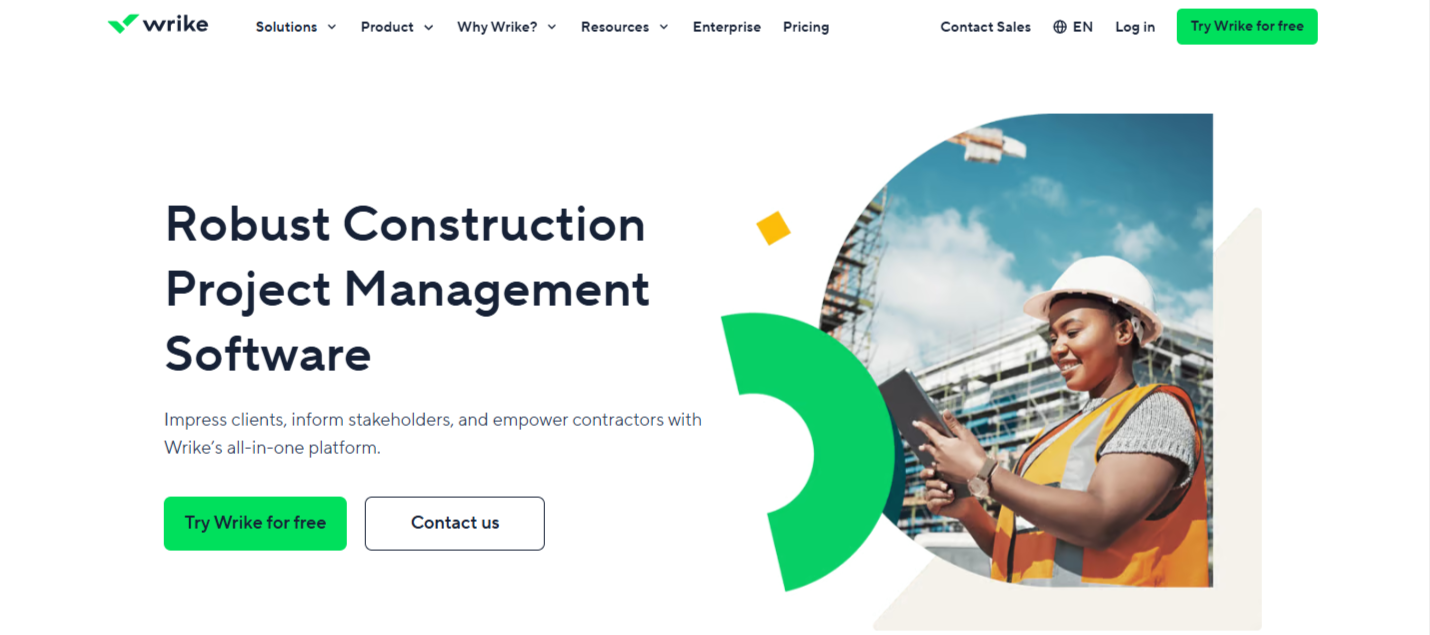
3. Wrike

Wrike

(Source: wrike.com)

A versatile work management platform is increasingly used in construction for resource planning and project coordination.

Key Features:

  • Custom workflows and forms
  • Gantt and Kanban views
  • Budget forecasting and analytics

Pros:

  • Highly customizable
  • Great for cross-functional teams

Cons:

  • Requires manual construction setup
  • It can be overwhelming for first-time users

Pricing: Starts at $9.80/user/month

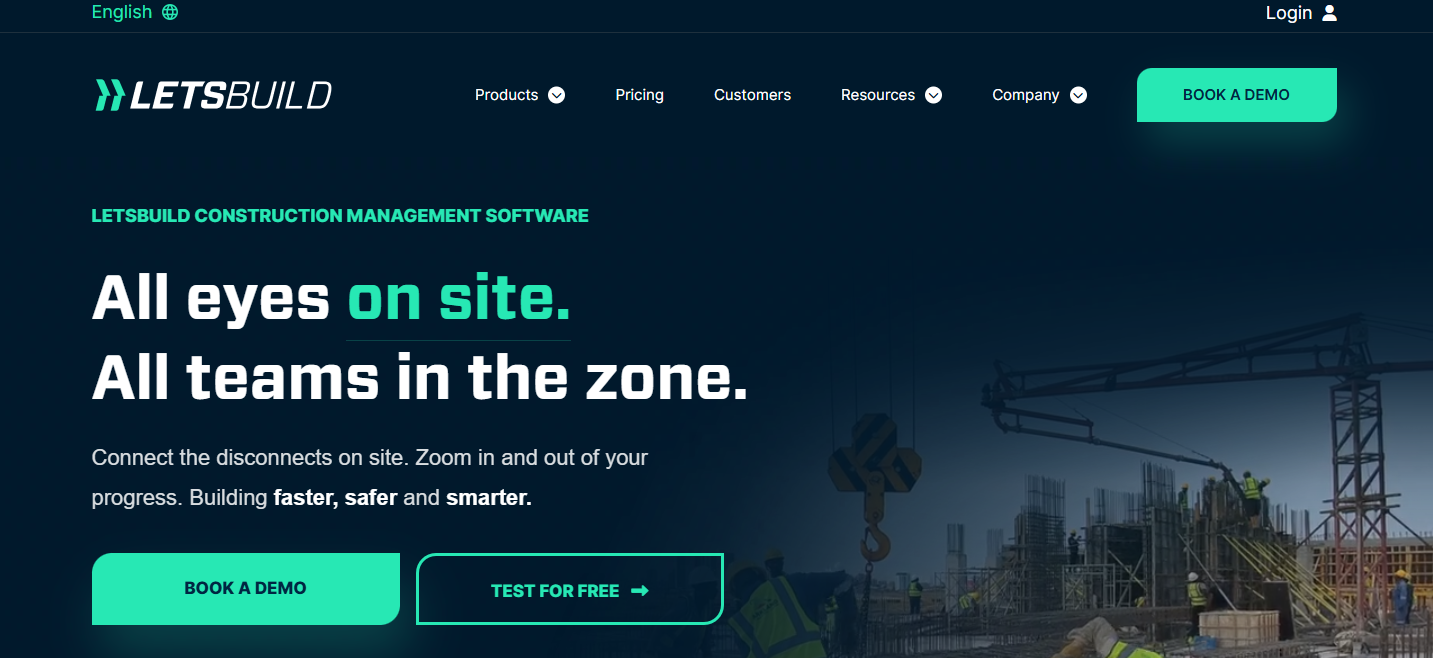
4. LetsBuild

LetsBuild

(Source: letsbuild.com)

Focused on execution phase management, LetsBuild improves site visibility and real-time communication.

Key Features:

  • Progress tracking and daily logs
  • Health and safety workflows
  • Checklists and quality control

Pros:

  • Great for on-site transparency
  • Simplifies compliance tracking

Cons:

  • Limited financial tools
  • Not ideal for the planning phase

Pricing: Visit their pricing page to get a custom quote.

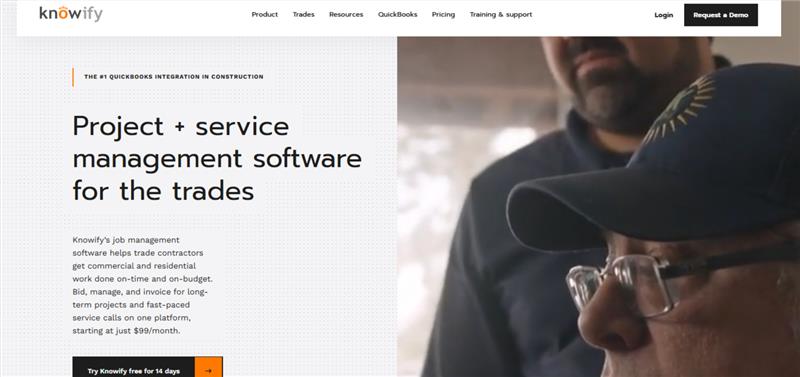
5. Knowify

Knowify

( Source: knowify.com )

Knowify is a lightweight yet powerful tool for managing estimates, bids, time tracking, and invoicing. Perfect for small to mid-sized contractors.

Key Features:

  • Integrated with QuickBooks
  • Contract, invoice, and payment tracking
  • Job costing and project timelines

Pros:

  • Budget-friendly
  • Easy to implement for small teams

Cons:

  • Limited scalability for large firms
  • Basic reporting features

Pricing: Starts at $99/month

6. RedTeam

RedTeam

( Source: redteam.com)

RedTeam supports full project lifecycle management, including preconstruction, budgeting, scheduling, and document control.

Key Features:

  • Daily logs and job site photos
  • Digital contracts and RFIs
  • Budget dashboards

Pros:

  • Enterprise features at a mid-market price
  • Excellent field-to-office collaboration tools

Cons:

  • Lacks flexibility in user customization
  • Limited mobile offline functionality

Pricing: Visit their pricing page to get a custom quote.

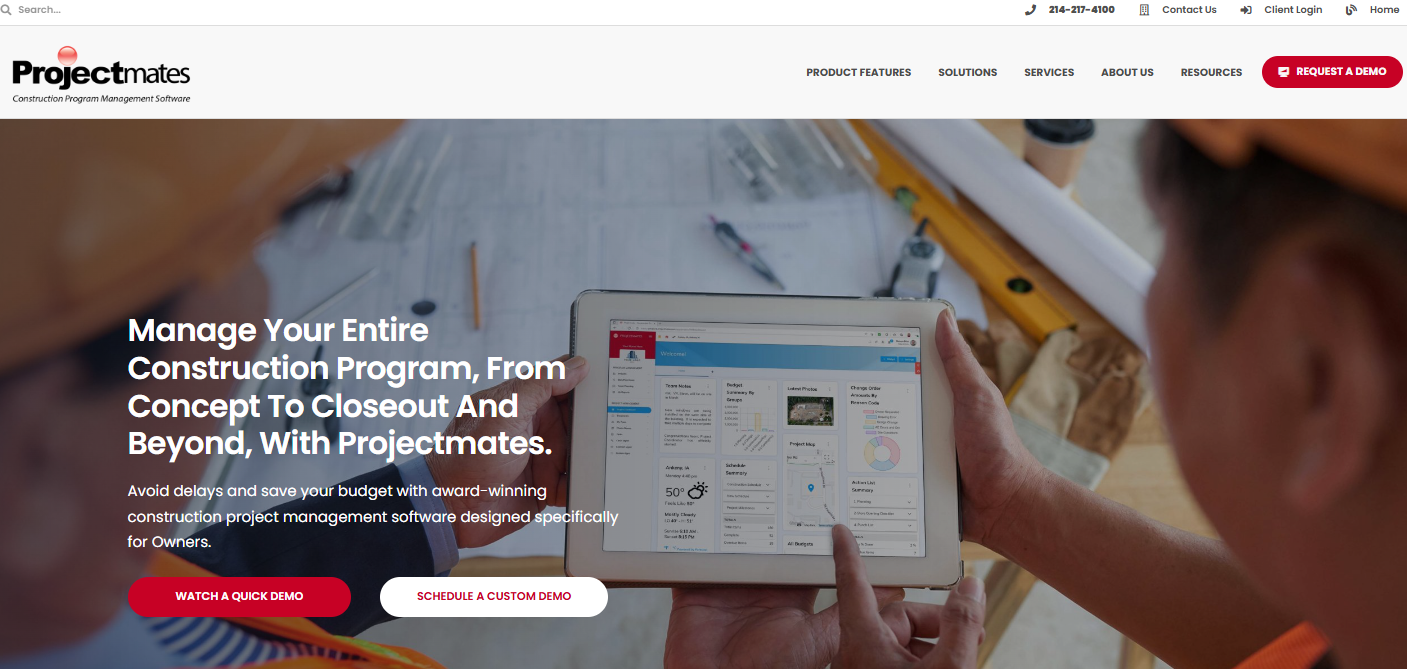
7. Projectmates

Projectmates

 (Source: projectmates.com)

A secure, owner-focused project management software used by capital program managers, educational institutions, and public works departments.

Key Features:

  • Capital planning and facility management
  • Procurement and bid tracking
  • Mobile field updates

Pros:

  • Scalable for multi-project environments
  • Government-grade security

Cons:

  • More suited for owners, not contractors
  • Pricing based on project size

Pricing: Based on project scale

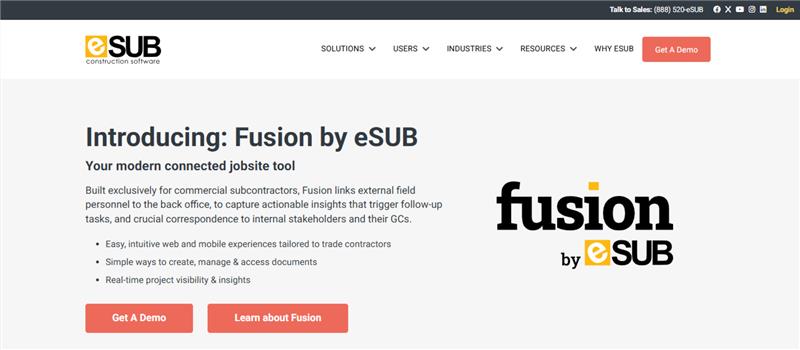
8. eSUB

eSUB

( Source: esub.com)

eSUB was built specifically for subcontractors, focusing on labor tracking, project logs, and daily documentation.

Key Features:

  • RFI, submittal, and daily report management
  • Timecards and issue logs
  • Photo and document storage

Pros:

  • Built for field users
  • Improves job documentation accuracy

Cons:

  • Not optimized for general contractors
  • Limited integrations

Pricing: Starts at $49/user/month

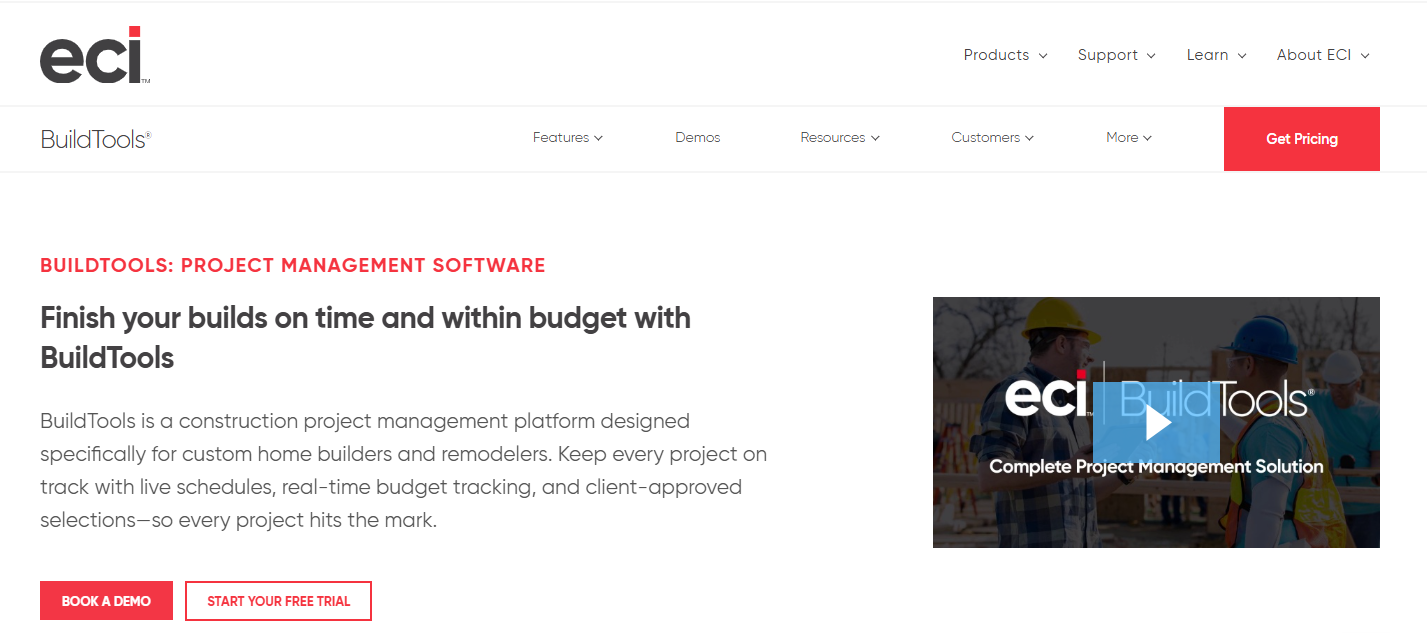
9. BuildTools

BuildTools

( Source: buildtools.com)


BuildTools streamlines residential construction workflows, allowing contractors to communicate with clients and subs, manage budgets, and track progress.

Key Features:

  • Selection schedules
  • Budget change tracking
  • Messaging tools for client updates

Pros:

  • Designed for high-end custom builds
  • Reduces communication gaps with homeowners

Cons:

  • Not ideal for commercial projects
  • Custom pricing can be opaque

Pricing: Visit their pricing page to get a custom quote.

10. Buildxact

Buildxact

( Source: buildxact.com)

Buildxact is an estimating and project management tool for builders and remodelers. Its strength lies in fast quoting and cost control.

Key Features:

  • Quote generator
  • Job costing
  • Client portal

Pros:

  • Simple for new users
  • Includes CRM and communication tool

Cons:

  • Limited multi-user permissions
  • Higher base price for small businesses

Pricing: Starts at $199/month

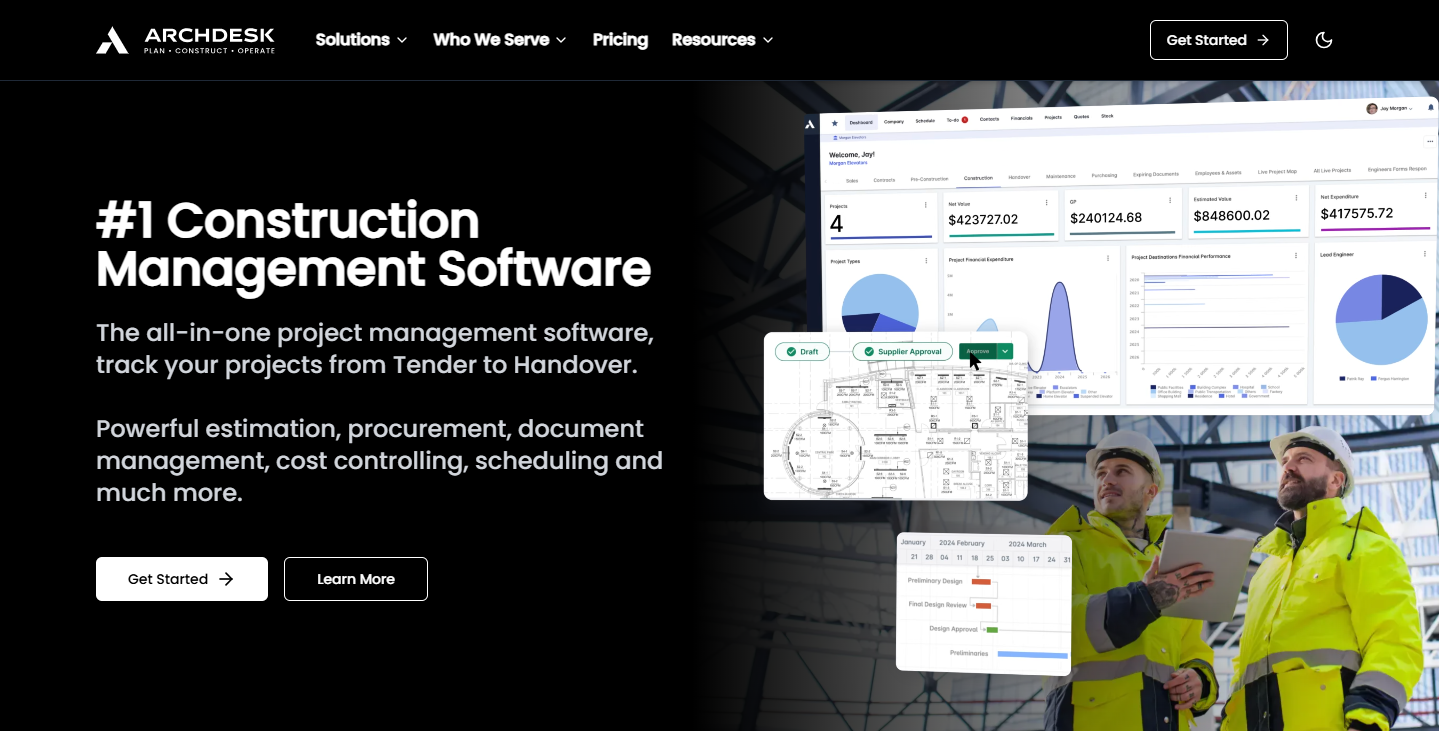
11. Archdesk

Archdesk

( Source: archdesk.com)

An ERP-style solution for larger contractors and manufacturers, Archdesk offers configurable workflows and strong back-office integration.

Key Features:

  • Finance and procurement management
  • Scheduling and timesheets
  • Document approvals

Pros:

  • Modular setup based on company needs
  • Ideal for fit-out and industrial use cases

Cons:

  • Setup can be complex
  • Longer implementation time

Pricing: Visit their pricing page to get a custom quote.

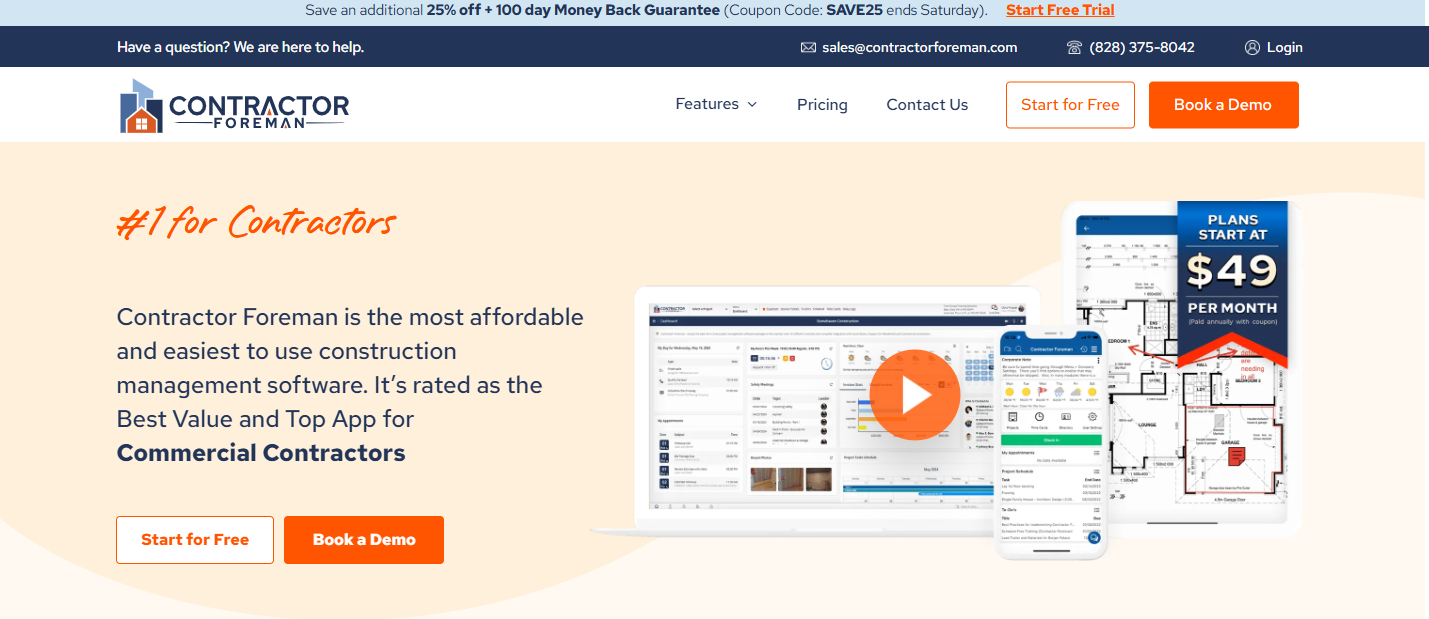
12. Contractor Foreman

Contractor Foreman


( Source: contractorforeman.com)

Contractor Foreman is one of the most affordable all-in-one solutions, offering 35+ modules for project management and safety.

Key Features:

  • Safety audits and forms
  • Job costing and budget controls
  • Gantt chart scheduling

Pros:

  • Excellent mobile support
  • Works well for small and mid-sized contractors

Cons:

  • UI can feel cluttered
  • Limited advanced customization

Pricing: Starts at $49/month

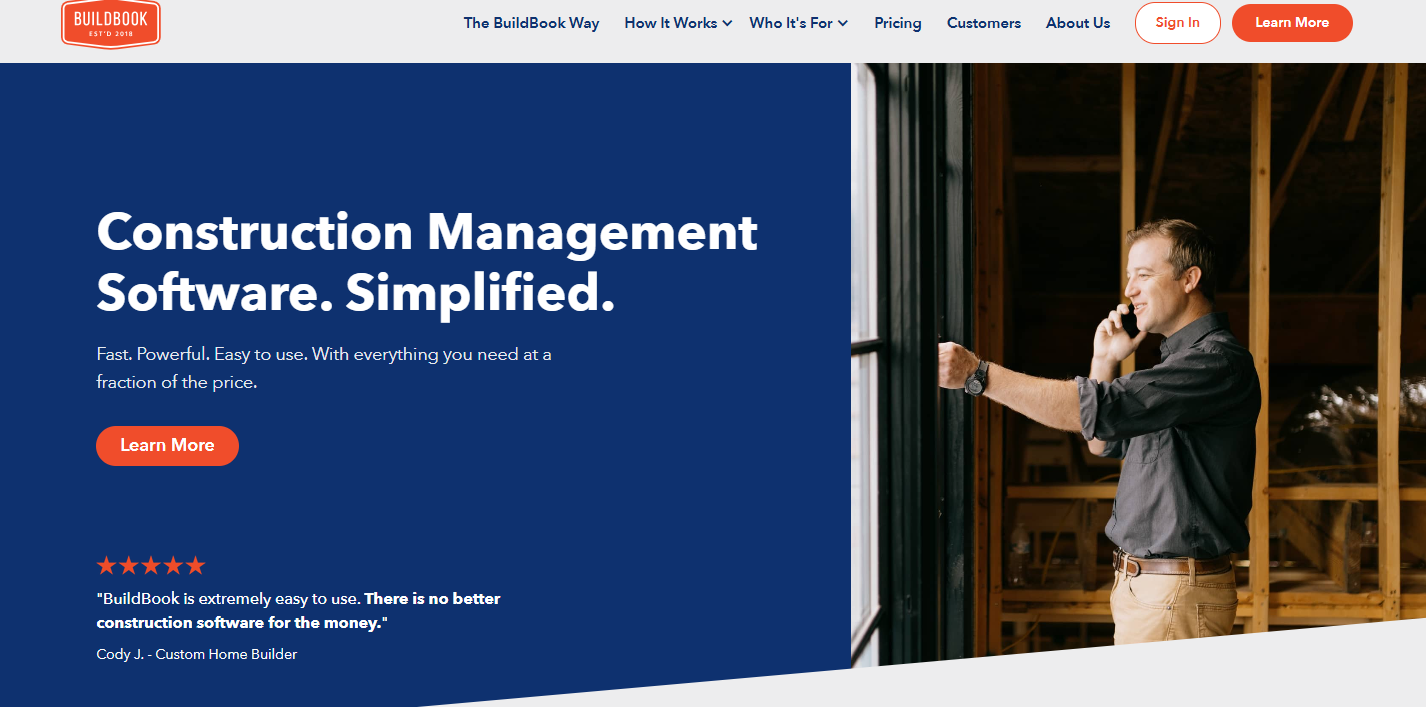
13. BuildBook

BuildBook

( Source: buildbook.co)

BuildBook focuses on improving communication between contractors and clients during custom home builds.

Key Features:

  • Timeline and task tracking
  • Selections and budgeting
  • Messaging interface

Pros:

  • Great for boutique builders
  • Beautiful client-facing interface

Cons:

  • Limited integrations
  • Basic scheduling tools

Pricing: Starts at $79/month

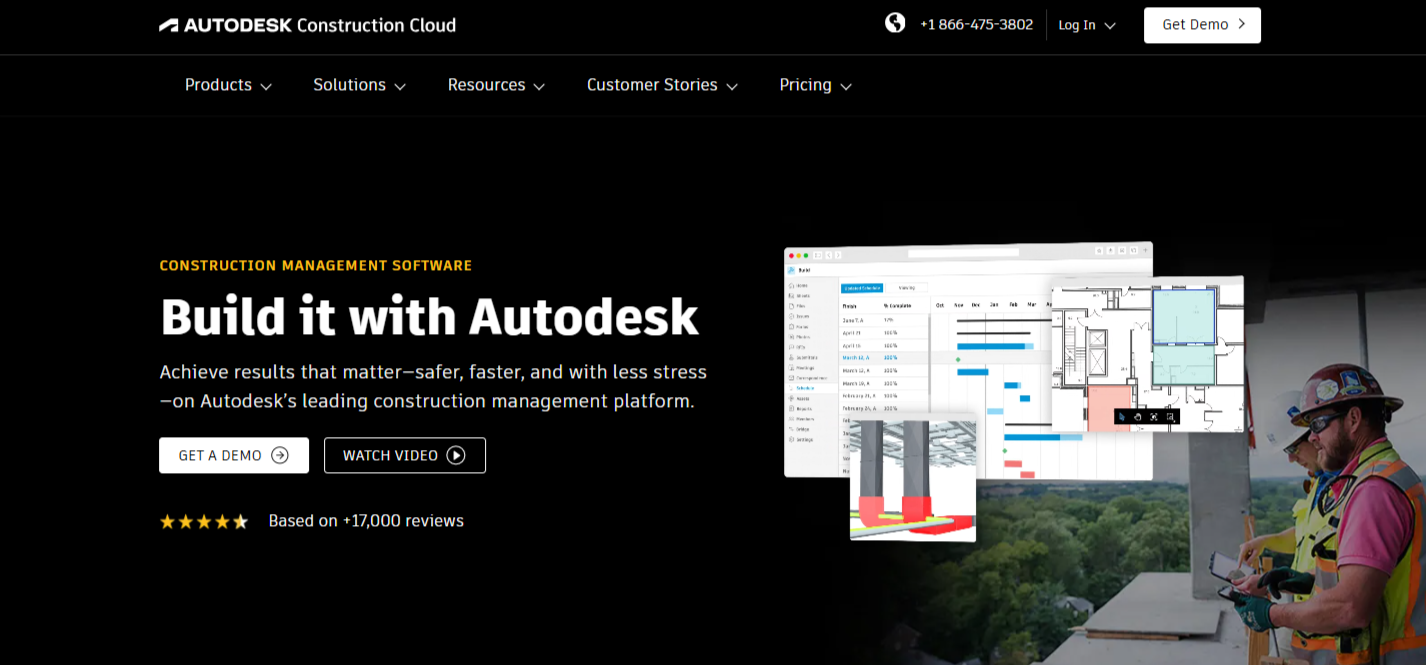
14. Autodesk Construction Cloud

Autodesk Construction Cloud

(Source: construction.autodesk.com)

An integrated suite of tools (including BIM 360 and Build) for end-to-end construction lifecycle management.

Key Features:

  • Document and design management
  • Field execution tools
  • Analytics and cost controls

Pros:

  • Deep feature set and BIM integration
  • Trusted by large firms

Cons:

  • Complex system
  • Higher pricing tier

Pricing: Visit their pricing page to get a custom quote.

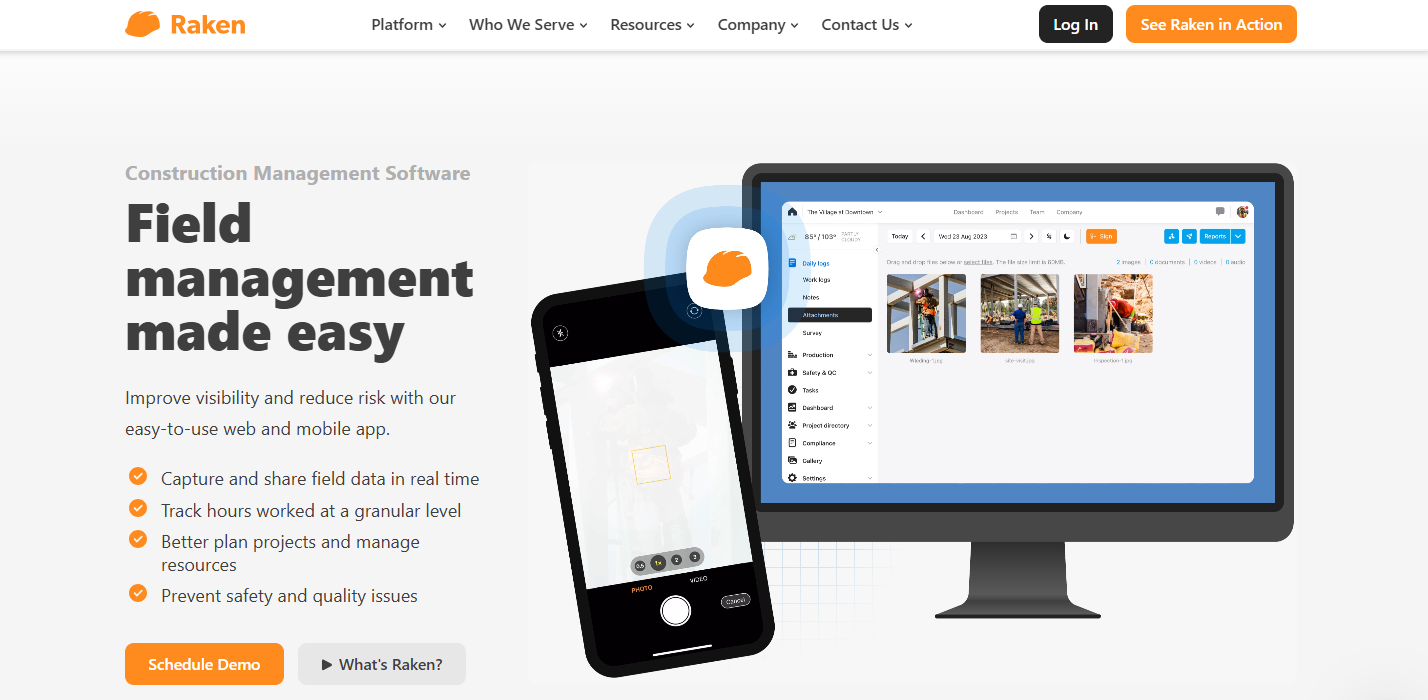
15. Raken

Raken

(Source: rakenapp.com)

Raken is a mobile-first construction reporting app that simplifies daily logs, time tracking, and safety documentation—ideal for field teams needing fast, on-the-go reporting.

Key Features:

  • Daily reports and time tracking
  • Safety management tools
  • Photo and file documentation

Pros:

  • Built for field reporting
  • Very user-friendly mobile app

Cons:

  • Not a full project management suite
  • Limited customization

Pricing: Starts at $18/user/month

Conclusion

Whether you’re looking for high-end ERP systems, subcontractor-focused platforms, or tools built for small remodelers, this list highlights some of the most practical and powerful alternatives to the more commonly known solutions.

Each of these platforms offers unique features and strengths. The key is to choose a tool that aligns with your team’s size, project complexity, and budget.

Interested in an all-in-one, field-ready platform?

Schedule a demo with OConstruction and experience how modern construction management should work—intuitive, secure, and built for real-world results.

Category: Construction Academy

Subcategory: Budgeting and Planning

Subcategory: Construction Phase

Subcategory: Design Coordination

Subcategory: Estimation Techniques

Subcategory: Initiation and Feasibility

Subcategory: Introduction

Subcategory: Personal Management

Subcategory: Project Close-Out

Subcategory: Project Scheduling

Subcategory: Project Teams

Subcategory: Proposal Management

Subcategory: Total Quality Management

Subcategory: Tracking and Control

Subcategory: Work Breakdown

Category: Help Desk

Subcategory: Client

Subcategory: Construction 101

Subcategory: Contractor Management

Subcategory: Expense

Subcategory: Finance Budget

Subcategory: Inventory Management

Subcategory: My Approvals

Subcategory: Site Management

Subcategory: Vendor Management